Want some quick report design advice? Don’t wait until you are finished writing your report to design your report.
Seriously, I have been in the data field for two decades working on research and evaluation projects. The vast majority of projects have waited until the very last minute to do any design work. The excuse, “we’re not done writing the report.”
But designing while you write helps you write better. And it helps make the design better. All you need is to add some dummy text (a.k.a. lorem ipsum).
Here are three ways to use Lorem Ipsum in your next Canva design.
1. Use an integrated Canva App
Inside a Canva Design, on the left menu panel, you’ll find an option for Apps. This menu includes a large range of 3rd party applications already integrated with Canva.
In the App search bar, if you type in “Lorem” you will pull up two Apps, both are simple and useful.
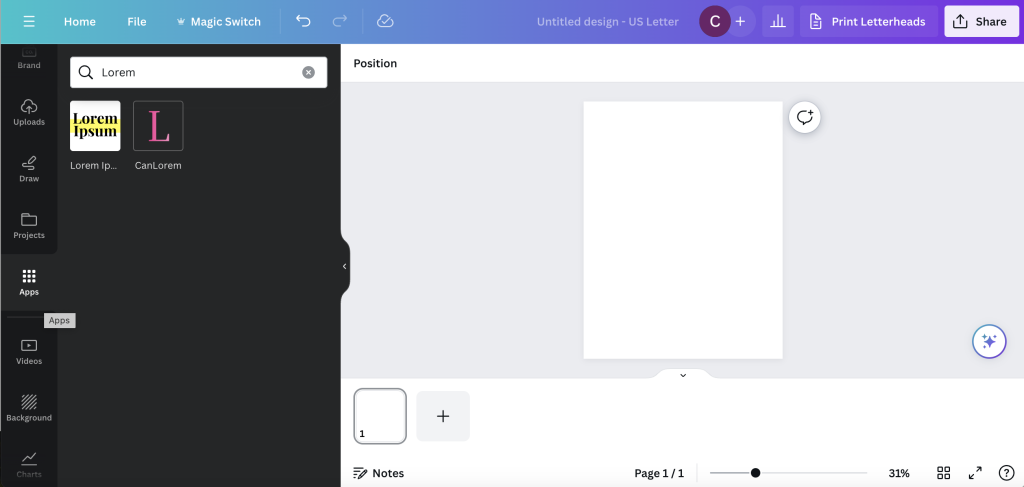
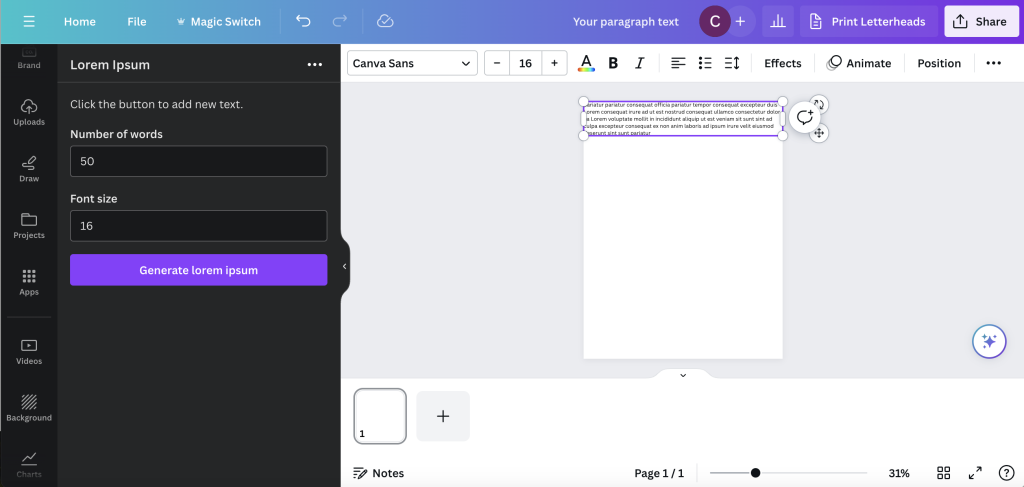
The Lorem Ipsum App
The Lorem Ipsum app gives you two entry fields. You put in the number of words and the font size then click generate lorem ipsum.
The app will then generate random a text box with random lorem ipsum text in a Canva Sans font. You can then do whatever you would like with it. If you don’t like the specific text, hit the button again to generate a new text box.
That’s it. That’s the app. Simple, but useful.
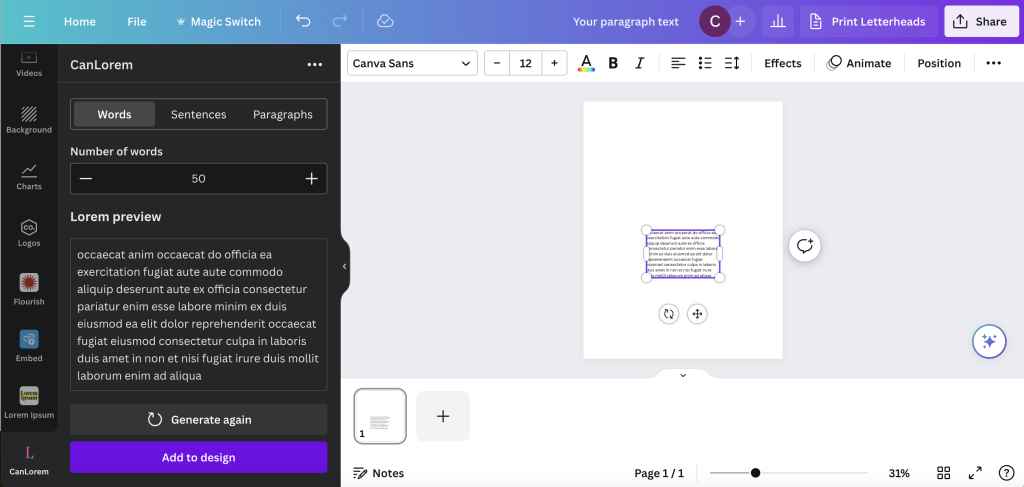
The CanLorem App
The CanLorem app is slightly more sophisticated.
You get three tab options. Words, Sentences, and Paragraphs. You also get to see a preview of your lorem ipsum text before you add to your design and can regenerate if you don’t like the specific random text.
And again, that’s it. Another simple, but useful option.
2. Use a web based Lorem Ipsum tool.
Another option, if you don’t like the integrated apps, is to just use a web based generator.
There are a bunch out there, just hit up Google.
But here is one that I like, it can be found at loremipsum.io.
You have the choice to choose generate by number of words, sentences, or paragraphs. Then just hit the copy button and paste it into Canva.
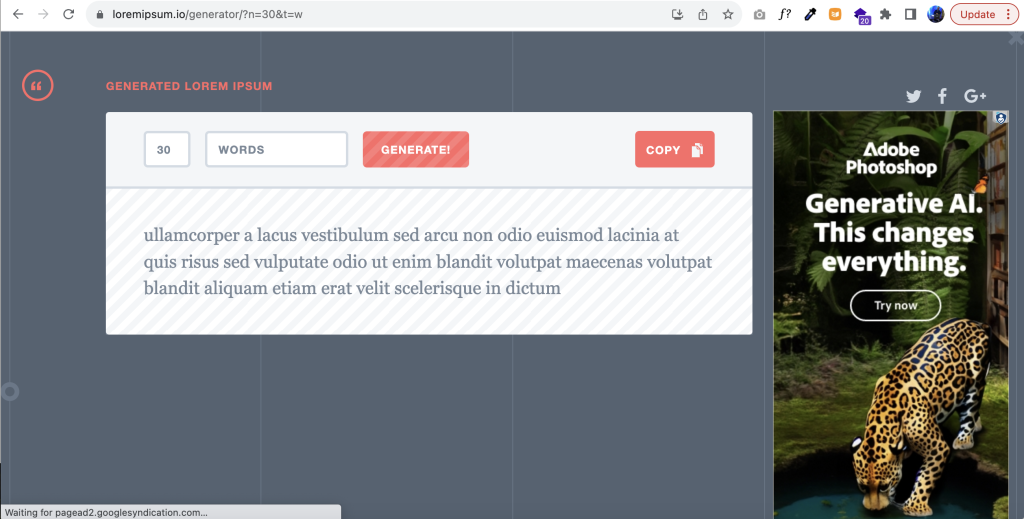
You don’t need to create a text box first. Just right click paste, CTRL “V”, or command “V”, right into your design.
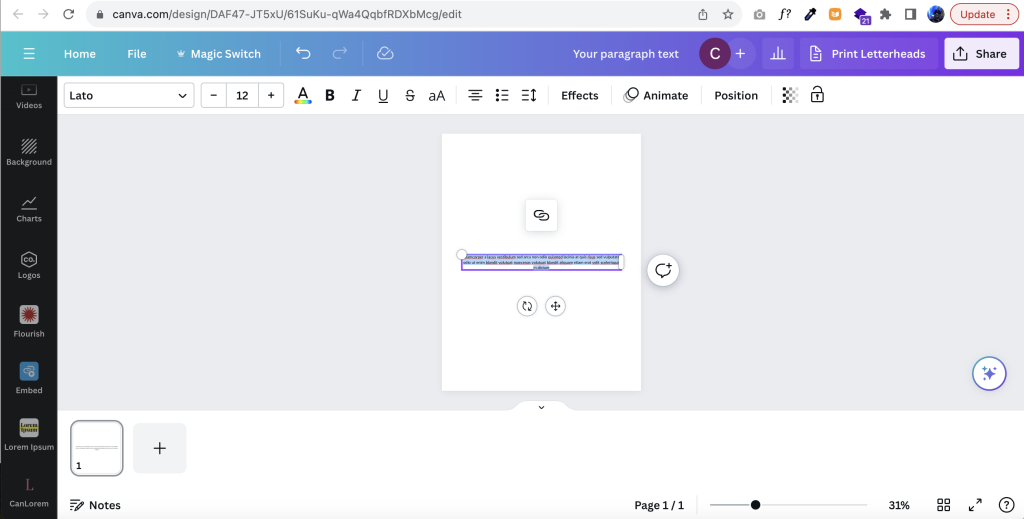
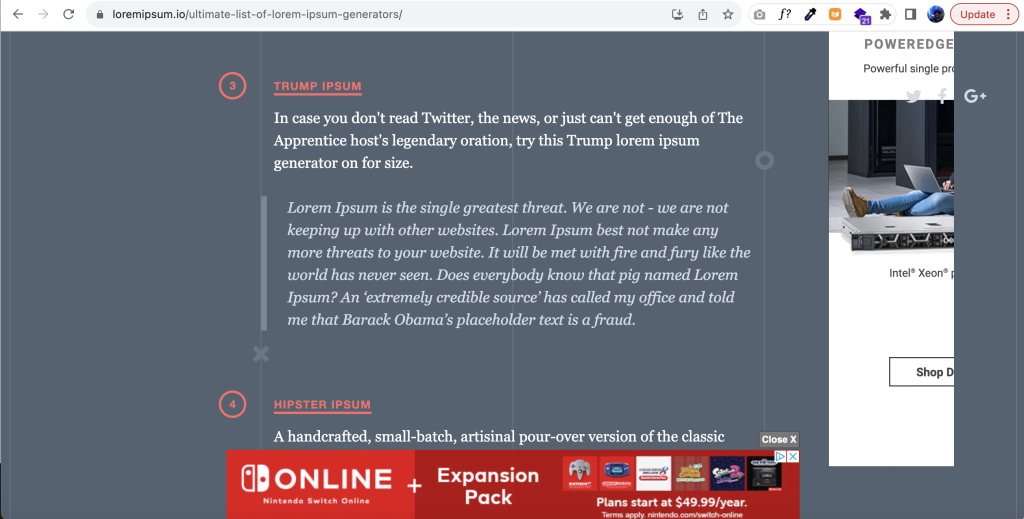
Now, if you are feeling a little more playful, you can choose one of the other Ipsum generators recommended by loremipsum.io.
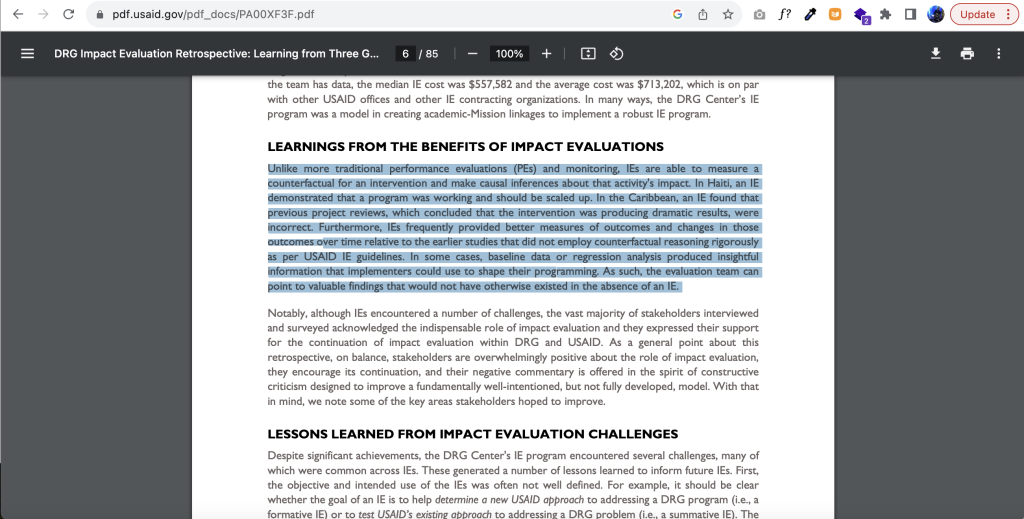
3. Just copy words from an old report or anything else.
Final option, just copy words from an old report.
 English
 Afrikaans
 Shqip
Shqip አማርኛ
አማርኛ العربية
 Հայերեն
 Azərbaycan dili
 Euskara
 Беларуская мова
 বাংলা
বাংলা Bosanski
 Български
 Català
 Cebuano
 Chichewa
 简体中文
简体中文 繁體中文
繁體中文 Corsu
Corsu Hrvatski
 Čeština
 Dansk
Dansk Nederlands
 Esperanto
 Eesti
Eesti Filipino
 Suomi
Suomi Français
 Frysk
Frysk Galego
 ქართული
 Deutsch
 Ελληνικά
 ગુજરાતી
 Kreyol ayisyen
 Harshen Hausa
 Ōlelo Hawaiʻi
 עִבְרִית
 हिन्दी
 Hmong
Hmong Magyar
 Íslenska
 Igbo
Igbo Bahasa Indonesia
 Gaeilge
 Italiano
 日本語
日本語 Basa Jawa
 ಕನ್ನಡ
ಕನ್ನಡ Қазақ тілі
 ភាសាខ្មែរ
 한국어
한국어 كوردی
كوردی Кыргызча
 ພາສາລາວ
 Latin
Latin Latviešu valoda
 Lietuvių kalba
 Lëtzebuergesch
 Македонски јазик
 Malagasy
 Bahasa Melayu
 മലയാളം
 Maltese
 Te Reo Māori
 मराठी
मराठी Монгол
 ဗမာစာ
ဗမာစာ नेपाली
 Norsk bokmål
 پښتو
پښتو فارسی
فارسی Polski
 Português
 ਪੰਜਾਬੀ
 Română
 Русский
 Samoan
 Gàidhlig
 Српски језик
 Sesotho
 Shona
Shona سنڌي
سنڌي සිංහල
සිංහල Slovenčina
 Slovenščina
 Afsoomaali
 Español
 Basa Sunda
 Kiswahili
 Svenska
 Тоҷикӣ
 தமிழ்
தமிழ் తెలుగు
 ไทย
ไทย Türkçe
 Українська
 اردو
اردو O‘zbekcha
 Tiếng Việt
 Cymraeg
 isiXhosa
 יידיש
יידיש Yorùbá
 Zulu
Zulu