• Skip to main content
  • Skip to footer
  • Home

The May 13 Group

the next day for evaluation

  • Get Involved
  • Our Work
  • About Us
You are here: Home / Archives for allblogs

allblogs

Jul 10 2024

Are You a Convener, Catalyst, Conduit, or Funder?

Saying yes to a partnership signals that you’ve assessed whether your organization should have a role in a partnership, and you’re ready to work with other organizations to solve a community need. What role does your organization typically play in a partnership? Do you enjoy bringing everyone together, ensuring that the right partners are involved? […]

The post Are You a Convener, Catalyst, Conduit, or Funder? appeared first on Nicole Clark Consulting.
Written by cplysy · Categorized: nicoleclark

Jul 08 2024

Being a PowerPoint Slide Jockey and the Forever Side Hustle (my Cartoon Q&A with Nick Visscher)

Welcome to episode 001 of my new cartoon Q&A series. I started this video series because the thing that gets me most inspired to draw cartoons is having casual conversations with evaluators, researchers, data designers, and all sorts of creative professionals.

In today’s conversation I chat with Nick Visscher, who is an evaluator and also the creator of the Spotlight Impact Data Design YouTube channel.

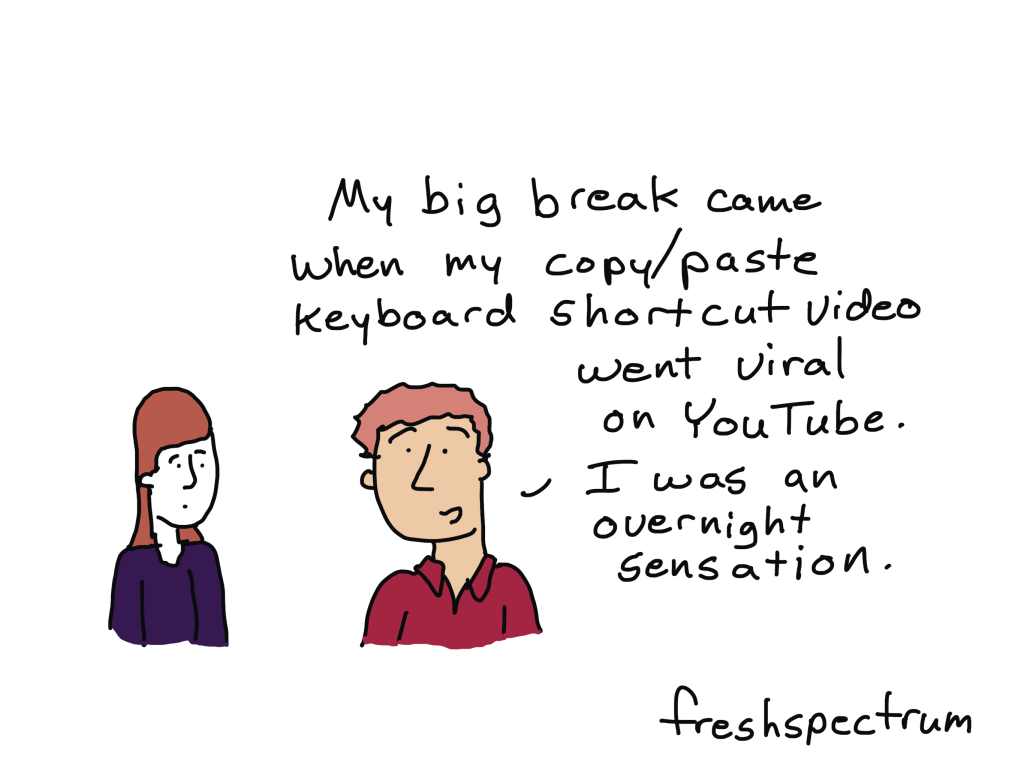
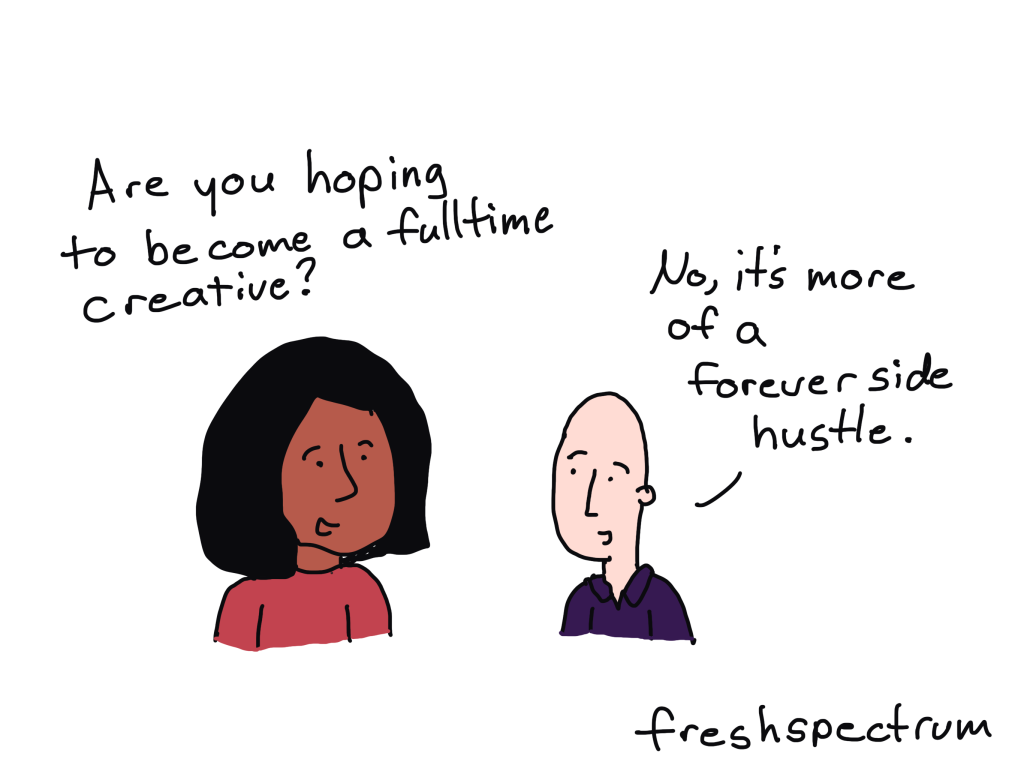
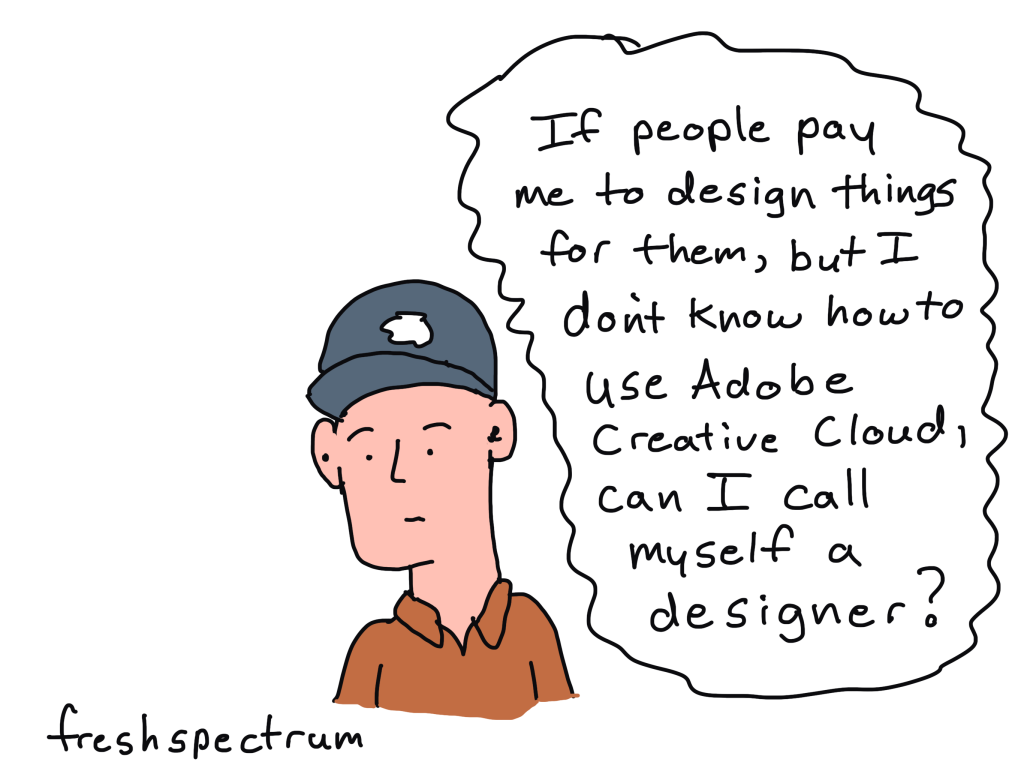
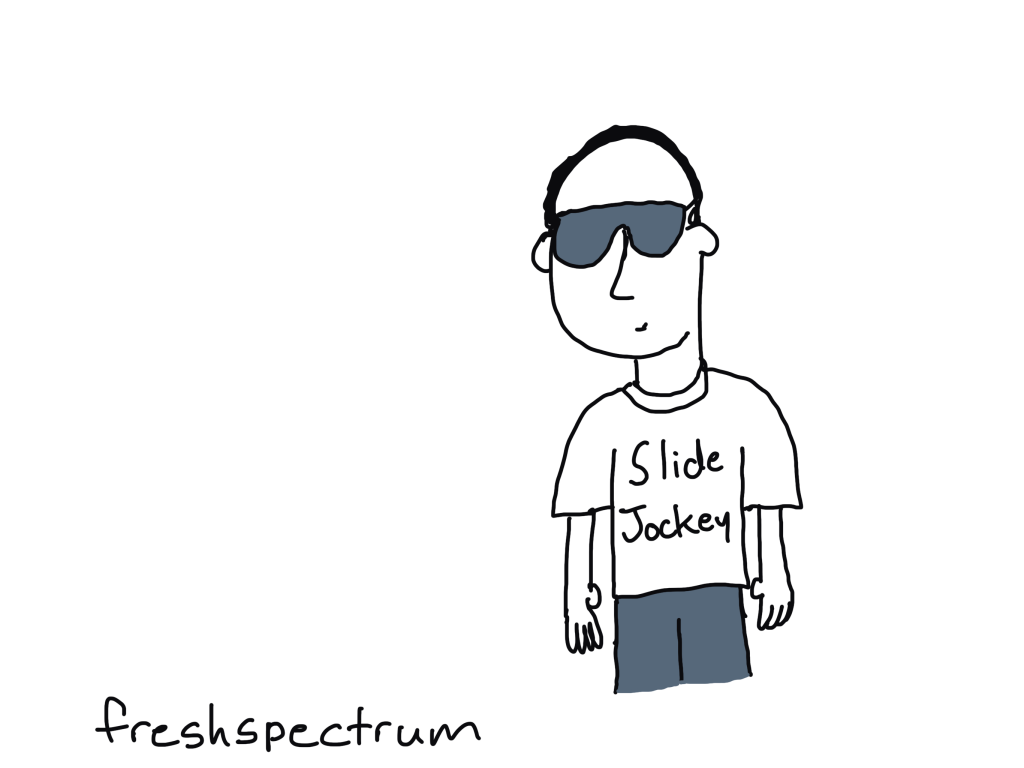
Among other things, we talk about YouTube, data design in PowerPoint, and if it makes sense to just keep your side hustle as a side hustle. It was a fun conversation that inspired a set of 8 new comics, which you’ll see appear throughout the video.

The Comics from the Q&A

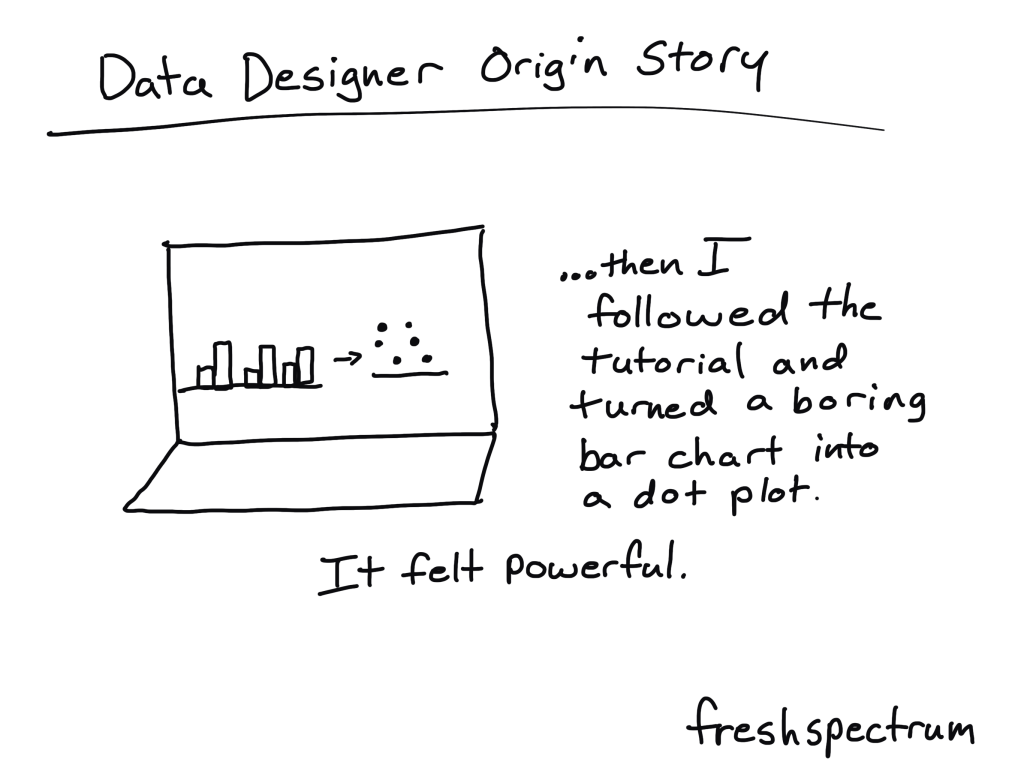
Data Designer Origin Story

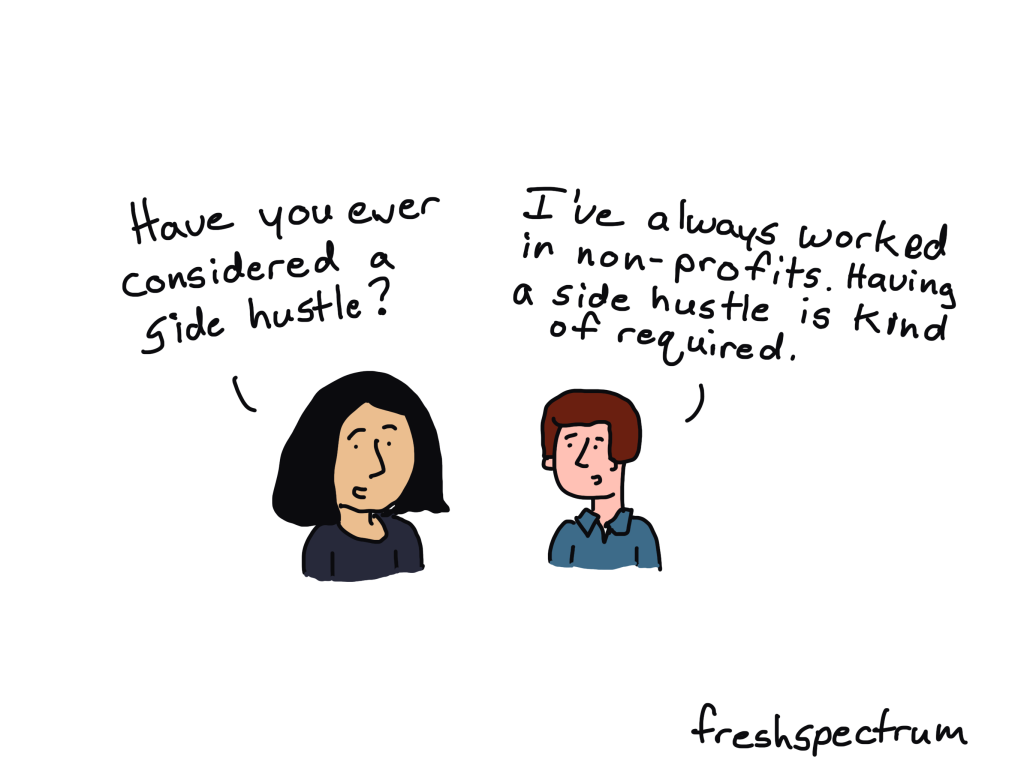
Side Hustle Required

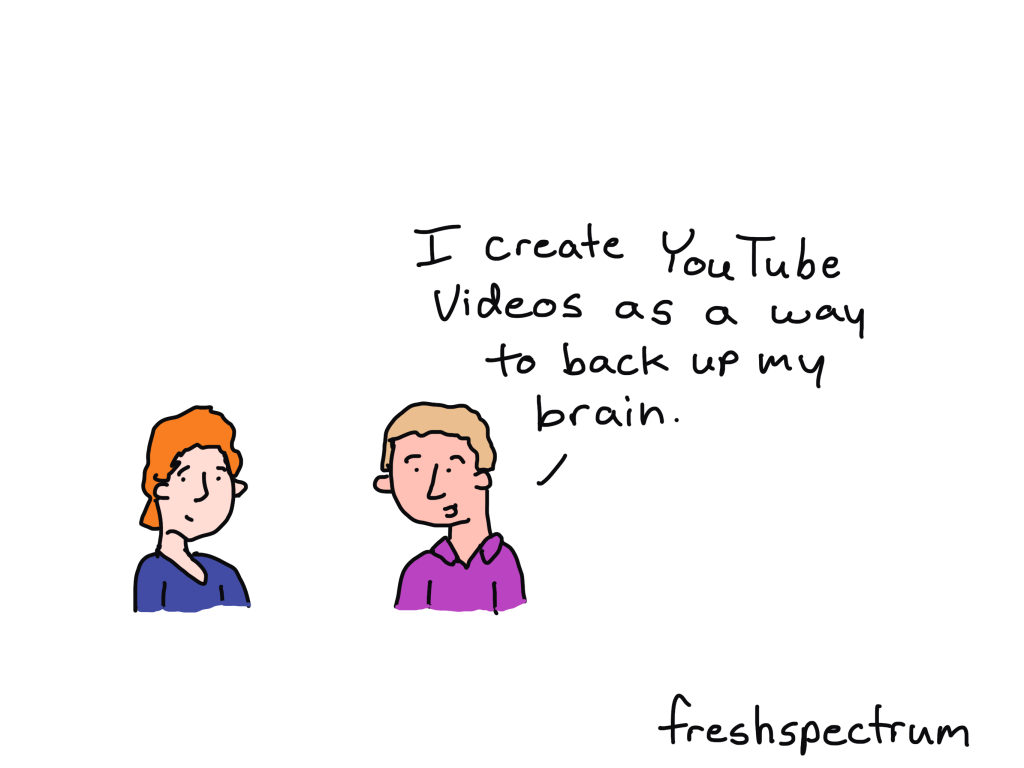
Brain Backup

Copy Paste Big Break

Forever Side Hustle

No Adobe Designer

Slide Jockey

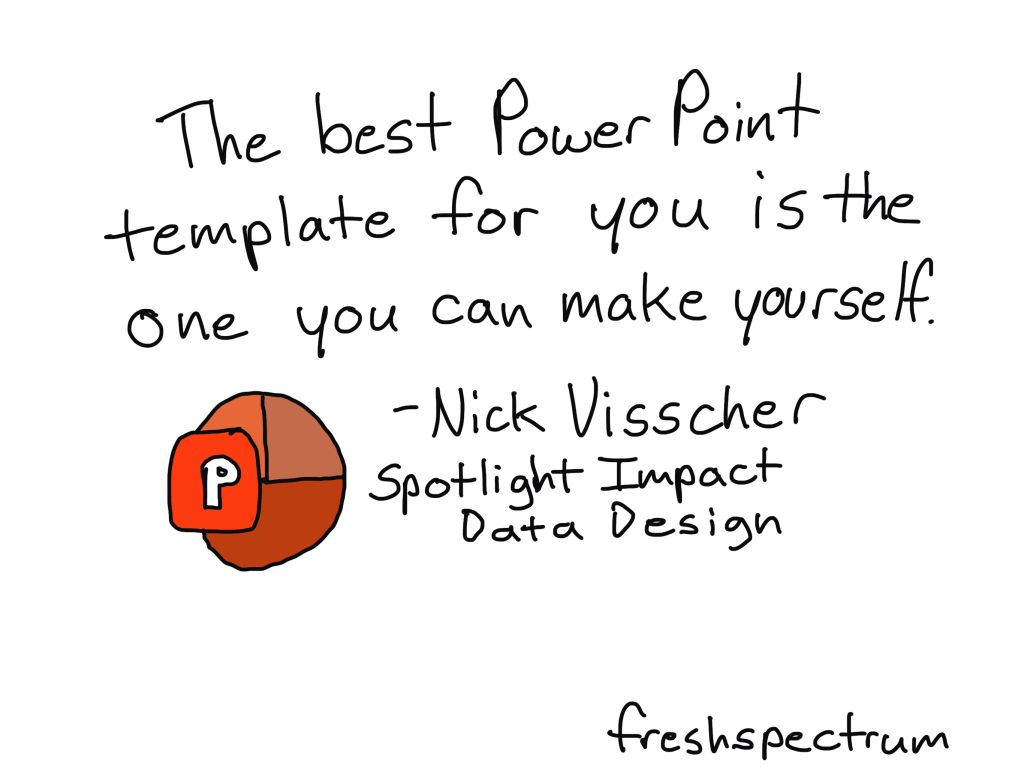
The best PowerPoint template.

What do you think?

This is a new YouTube series concept. What do you think about it?

Written by cplysy · Categorized: freshspectrum

Jul 03 2024

Ask Nicole: Do We Need a MOU for Our Partnership?

Have a question you’d like to be featured? Let me know. As your organization builds partnerships with other organizations, engaging the right partners is crucial to facilitating a process that’s mutually beneficial. The success of these partnerships hinges not just on the shared vision but also on the clarity and structures. One of the most effective ways […]

The post Ask Nicole: Do We Need a MOU for Our Partnership? appeared first on Nicole Clark Consulting.
Written by cplysy · Categorized: nicoleclark

Jul 01 2024

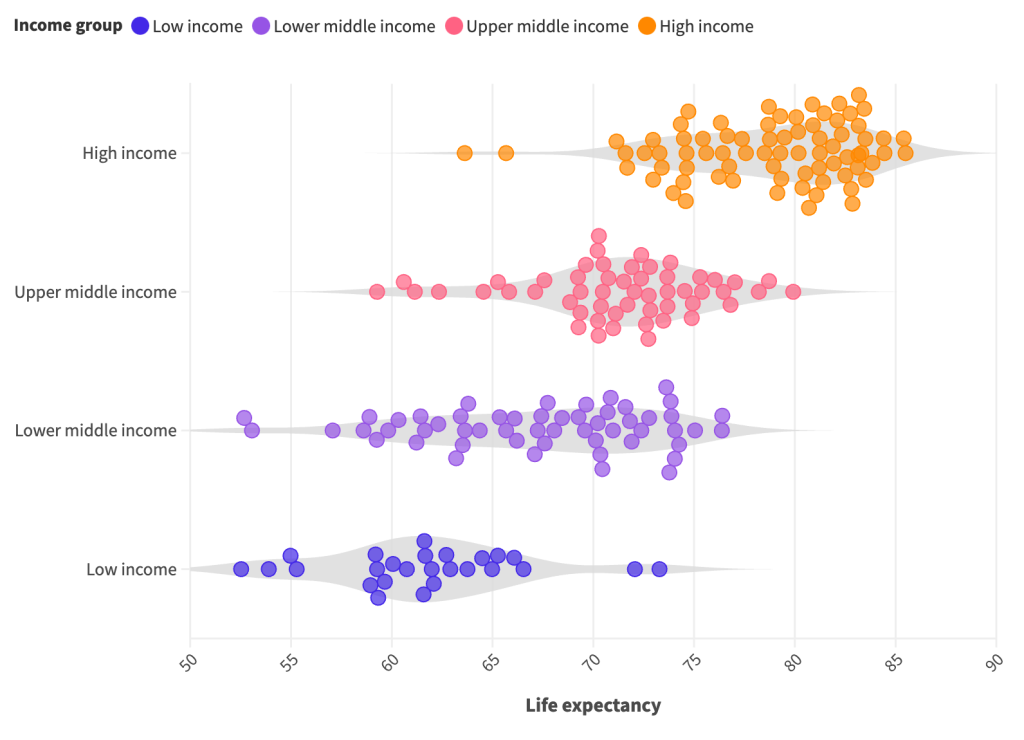
How to create dot plots, violin plots, and beeswarms, the easy way.

In this video I’ll show you step by step how to use a tool called Flourish to create beeswarms, dot plots, and violin plots. While you can create dot plots in Excel, this is definitely my preferred approach. In this short video, you’ll learn why.

This is part of the DiY Data Design recipes series.

Full Transcript

Hey data designer!

Today I’m going to show you how to create a beeswarm, violin plot, or dot plot using a tool
called Flourish.

But first, if you’re wondering, you can create perfectly fine dot plots in Excel. You have to
trick it a little, but it’s do-able.

If you’re interested in that approach I suggest checking out this blog post by Stephanie
Evergreen. stephanieevergreen.com/easy-dot-plots-in-excel/

But for me, I prefer to create a lot of my charts using a tool called Flourish. A couple of years ago Flourish was bought by Canva, and while it is compatible with Canva, it’s also a stand alone chart design tool. One that’s really designed to serve the needs of data journalists, but also works really well for most data designers.

You’ll find the site at Flourish.studio where you can register for a free account.

After that, just go ahead and click new visualization.

Flourish is template based. So instead of asking you for data at the start, it gives you a choice of chart templates.

For the one we’re doing today, we’ll scroll down the page and choose “beeswarm” from the Scatter options.

As a template tool, Flourish preloads a chart with data. This makes it really easy to use because we don’t have to guess how to structure our data in order to get our desired chart design.

You’ll notice a ton of options on the right hand side of the page. I find the Flourish menu to be fairly intuitive with lots of little help menus. But since there are a lot of options, you can get a little lost sometimes when trying change things to meet your preferences.

Anytime I start with a template, one of the first things I do is look at the data. You do this by clicking the Data tab at the top of the page. Not only will you see the data, but you’ll also see how the columns are selected for use in the visualization. So if you want to visualize with your own data, the easiest thing to do is just match the format of your spreadsheet with the data format in the template.

Beeswarms, violin plots, and dot plots are just variations on the same type of chart. On the preview side, if you expand the menu for box, violin, and beeswarm plots, you’ll be able to switch between these different variations. Like here where I changed Auto to No in the beeswarm option. Now my beeswarm is a basic dot plot.

Turning the dot plot into a violin plot is as simple as checking the violin plot box. Or, we can get fancy and make a beeswarm violin plot.

Now that we have our visual, we can download it by going to the export & publish menu. You do NOT have to publish your visual to download your visual. You can simply click the download image button.

With every download you have choices of format between PNG, JPG, and SVG.

You can change the size by changing the number of pixels, if you tweak the width or height you’ll see a preview of the change in the snapshot image. Or if you just want to double the size of your PNG (to make it a bit higher resolution) there is an easy check box for that on the page without requiring you to do the pixel math.

And that’s it. Here is our final visual.

I wanted this video to be as simple as possible, so I just stuck with the default and starter
data from Flourish. But I definitely encourage you to play around with all the different
options.

If you enjoyed this video, please go ahead and like, subscribe, and leave a comment. It
means a lot and I will always read every comment. And if you’re interested in free resources like eBooks and courses, visit my resource library at freshspectrum.com/library

Now…Get out of your head and go create some stuff.

Written by cplysy · Categorized: freshspectrum

Jun 27 2024

New Template: Environmental Scan Template in Excel

This article is rated as:


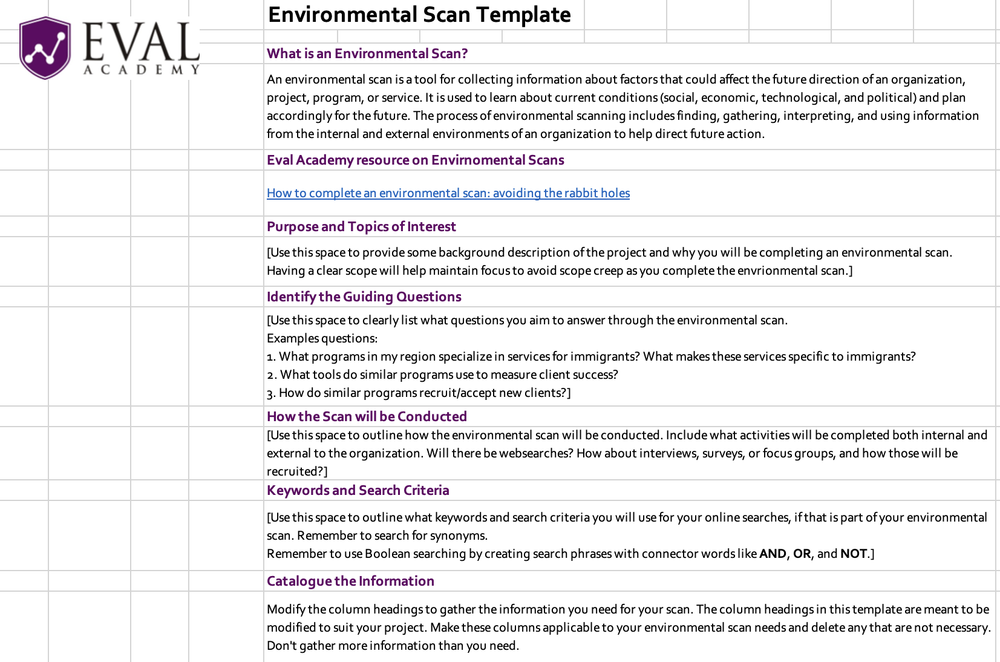
Eval Academy just released a new template, “Environmental Scan Template in Excel”!


Who’s it for?

Whether you’re new to conducting environmental scans or an experienced evaluator, our Excel template is designed to streamline the process of completing an environmental scan and systematically tracking your findings. An environmental scan is a crucial tool for gathering and interpreting information about current social, economic, technological, and political conditions that could impact the future direction of your organization, project, program, or service. Simply download the template to track your environmental scan findings!


What’s the purpose?

The purpose of the template is to facilitate the systematic completion of an environmental scan and the organized tracking of findings. It aims to simplify the process of gathering, interpreting, and documenting information collected through your scan.


What’s included?

Our Excel template includes customizable column headings designed to facilitate the collection of information through an environmental scan. You’re encouraged to adapt these headings to align with the specific requirements of your project. Unnecessary columns can be deleted to streamline the data collection process, ensuring that only essential information is gathered for effective analysis and decision-making.


Learn more: related articles and links

You can learn more about environmental scans on Eval Academy through the following links:

  • How to complete an environmental scan: avoiding the rabbit holes

  • Environmental scan definition

Written by cplysy · Categorized: evalacademy

  • « Go to Previous Page
  • Go to page 1
  • Interim pages omitted …
  • Go to page 42
  • Go to page 43
  • Go to page 44
  • Go to page 45
  • Go to page 46
  • Interim pages omitted …
  • Go to page 310
  • Go to Next Page »

Footer

Follow our Work

The easiest way to stay connected to our work is to join our newsletter. You’ll get updates on projects, learn about new events, and hear stories from those evaluators whom the field continues to actively exclude and erase.

Get Updates

Want to take further action or join a pod? Click here to learn more.

Copyright © 2026 · The May 13 Group · Log in

en English
af Afrikaanssq Shqipam አማርኛar العربيةhy Հայերենaz Azərbaycan dilieu Euskarabe Беларуская моваbn বাংলাbs Bosanskibg Българскиca Catalàceb Cebuanony Chichewazh-CN 简体中文zh-TW 繁體中文co Corsuhr Hrvatskics Čeština‎da Dansknl Nederlandsen Englisheo Esperantoet Eestitl Filipinofi Suomifr Françaisfy Fryskgl Galegoka ქართულიde Deutschel Ελληνικάgu ગુજરાતીht Kreyol ayisyenha Harshen Hausahaw Ōlelo Hawaiʻiiw עִבְרִיתhi हिन्दीhmn Hmonghu Magyaris Íslenskaig Igboid Bahasa Indonesiaga Gaeilgeit Italianoja 日本語jw Basa Jawakn ಕನ್ನಡkk Қазақ тіліkm ភាសាខ្មែរko 한국어ku كوردی‎ky Кыргызчаlo ພາສາລາວla Latinlv Latviešu valodalt Lietuvių kalbalb Lëtzebuergeschmk Македонски јазикmg Malagasyms Bahasa Melayuml മലയാളംmt Maltesemi Te Reo Māorimr मराठीmn Монголmy ဗမာစာne नेपालीno Norsk bokmålps پښتوfa فارسیpl Polskipt Portuguêspa ਪੰਜਾਬੀro Românăru Русскийsm Samoangd Gàidhligsr Српски језикst Sesothosn Shonasd سنڌيsi සිංහලsk Slovenčinasl Slovenščinaso Afsoomaalies Españolsu Basa Sundasw Kiswahilisv Svenskatg Тоҷикӣta தமிழ்te తెలుగుth ไทยtr Türkçeuk Українськаur اردوuz O‘zbekchavi Tiếng Việtcy Cymraegxh isiXhosayi יידישyo Yorùbázu Zulu