• Skip to main content
  • Skip to footer
  • Home

The May 13 Group

the next day for evaluation

  • Get Involved
  • Our Work
  • About Us
You are here: Home / Archives for cplysy

cplysy

Oct 27 2020

Activity Analysis

This simple technique is among the most powerful at eliciting a lot of information. When we look at an existing service, it may be easy to describe what people do to deliver, manage, and receive the service in simple terms. For example, an exchange between a bank teller and a client might be described as simply as a person walking up to a desk, asking for money, inserting their bank card, receiving money from the teller, and leaving.

An Activity Analysis would break this down even further. It would involve tracking the experience of the client. It would denote what the client did from the moment she entered the bank, what she saw, what she smelled or experienced, her feelings or thoughts, and the steps she took toward the desk.

You might ask how long she took, whether she stopped en route to the desk, knew where it was (did she ask for directions?) or did she wait in line and for how long.

We can also track what the teller was doing up to and including the moment of engagement with the client. What tasks was she doing? Where was her focus? What is she thinking or feeling?

This is a micro-method version of A Day in the Life, which is another method that helps us understand what our service clients do and use.

How to do it

Activity Analysis can be done as a group, facilitated by a leader to help organize and manage the activity. It’s a great way to get people talking about all that is going on with the actors, the environment, and the tasks. By opening up the discussion and walking through each step in the journey through the service with each actor, everything that shapes the environmental conditions, and the tasks that are performed, you’ll reveal an enormous amount of data about what actually transpires with even the simplest transaction.

This can be used to seed further questions like:

  • What infrastructure is needed to support the interaction?
  • What would be ideal?
  • How might this interaction look different?
  • What other variables could affect the journey and the outcome?
  • What could be done or introduced to make this better?

Activity analysis is something that can be done in small groups over the course of 20 to 60 minutes, depending on the complexity of the task and the amount of knowledge the participants have of the task or activity.

This simple analysis can reveal information about flows, resources, outcomes, and processes that are in place to support your service and help you see what’s not only in place, but what is possible, too.

This can be a great way to bring people together as well as lead your service design and evaluation efforts. If you want to implement this approach in your organization and need help, reach out to us. We’d welcome hearing from you.
Written by cplysy · Categorized: cameronnorman

Oct 21 2020

Try This: A Simple Way to Get Program Feedback

Try this out and let me know how it goes. One of my favorite things to do is come up with things on the fly, and today’s Try This is one of those moments. I was hired by a client organization early in my consulting business to conduct several focus groups for their program participants, […]

The post Try This: A Simple Way to Get Program Feedback appeared first on Nicole Clark Consulting.

Written by cplysy · Categorized: nicoleclark

Oct 21 2020

Try This: A Simple Way to Get Feedback on Your Program

Try this out and let me know how it goes. One of my favorite things to do is come up with things on the fly, and today’s Try This is one of those moments. I was hired by a client organization early in my consulting business to conduct several focus groups for their program participants, […]

The post Try This: A Simple Way to Get Feedback on Your Program appeared first on Nicole Clark Consulting.

Written by cplysy · Categorized: nicoleclark

Oct 21 2020

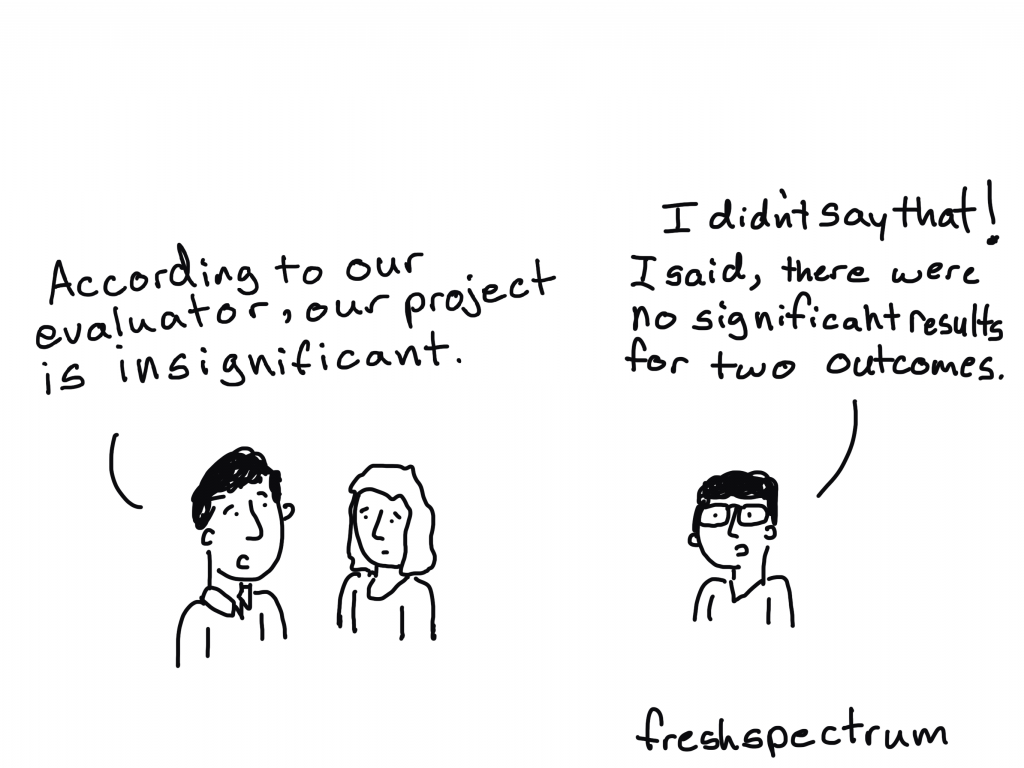
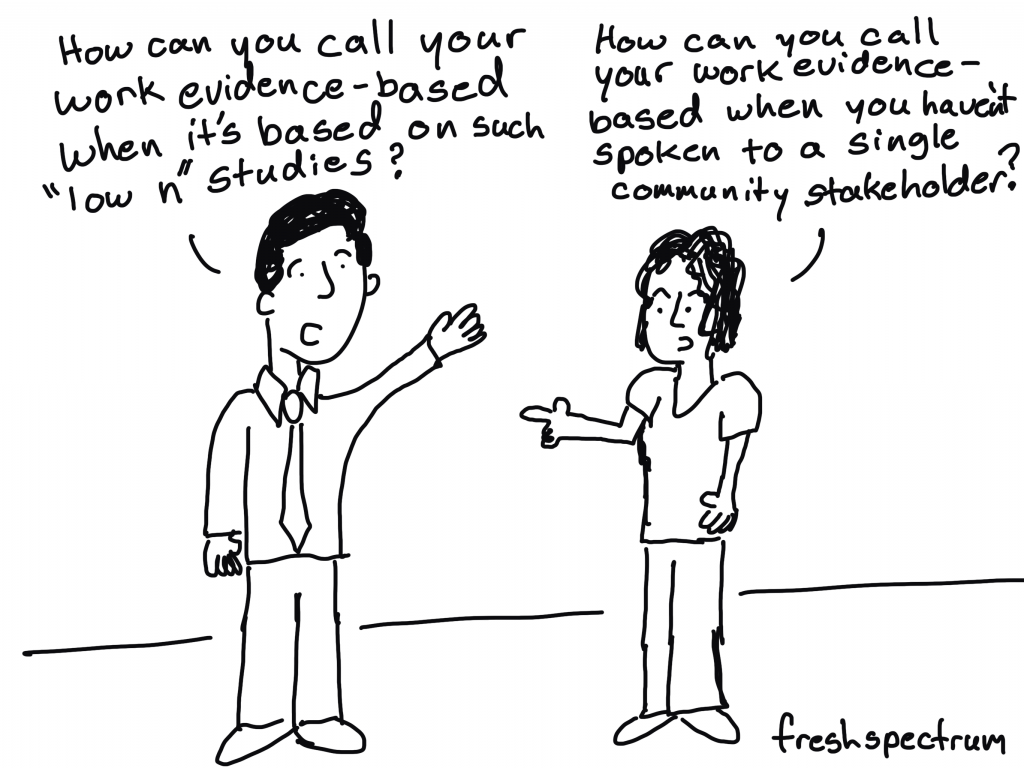
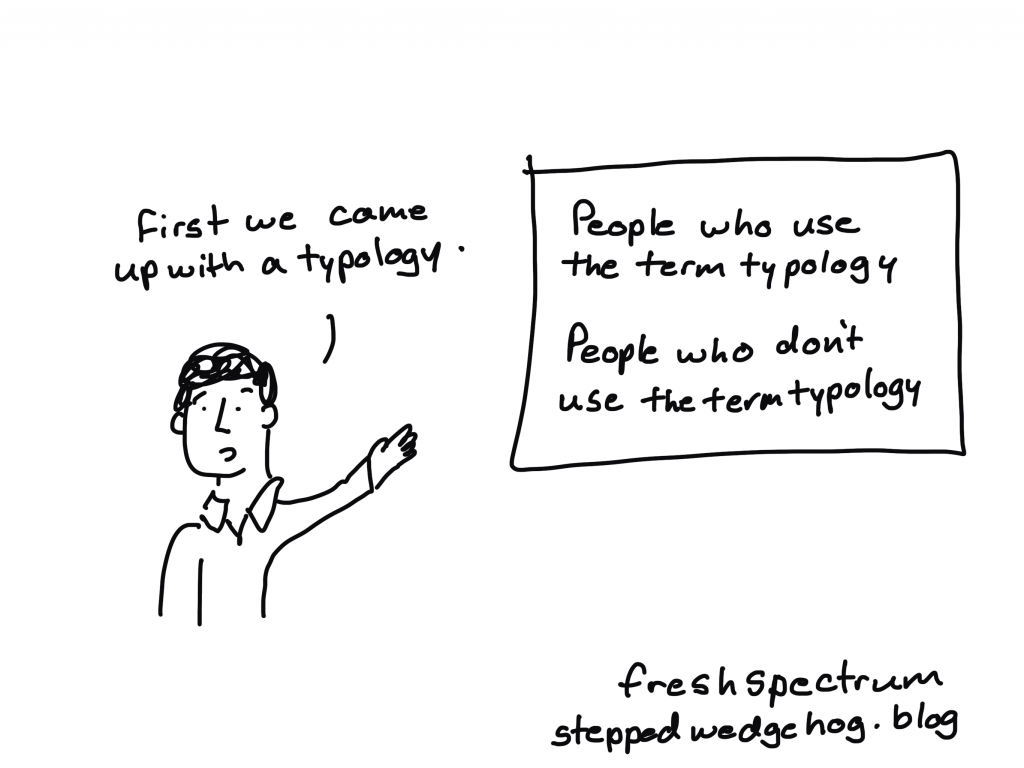
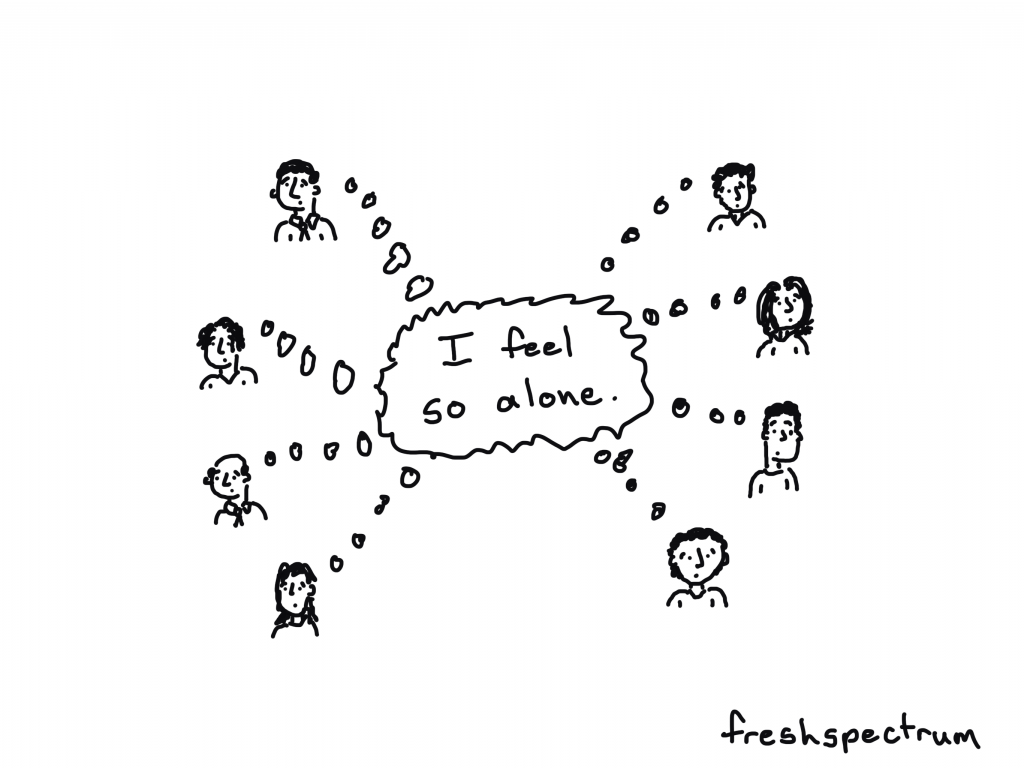
Evaluator Inspired Cartoons

The majority of what I would consider to be my best cartoons have always been the products of simple collaboration.

Here is how it works. I talk to another evaluator and ask them if there is anything they are struggling with or if there are any complicated things they are having a hard time describing to others. And then we talk.

Eventually, through the conversation, cartoon ideas appear.

Inspired by Jindra Cekan and posted to my Patreon feed

Years ago I started using Patreon as a way to fund my cartooning habit. I only have a handful of patrons (it’s gone up and down over the years), but their support has been instrumental in keeping my website alive.

I never really offered anything extra for my supporters. They helped because they valued the work I was already sharing.

But lately I find myself drawing more cartoons. Sometimes for others, sometimes for myself, and then weekly for this newsletter. They haven’t had a proper place to go (some of my cartoons don’t really fit on this blog and even though I use social media, I kind of hate it).

Inspired by Jennifer Puma and Rebecca Casciano of Glass Frog for an upcoming podcast and posted to my Patreon feed.

So I have decided to just start sharing ALL of my cartoons on Patreon. Whether the cartoons are destined for freshspectrum, some other website, a digital campaign, or simply my private collection, I’ll be sharing them.

Inspired by Ann Gillard and posted to my Patreon feed

So what does that mean for you?

Well, for most of you, nothing changes. I still plan to send out weekly newsletters with a handful of cartoons. All of my cartoons will still be creative commons licensed for use in presentations or blog posts. Basically, you’ll see the same number of cartoons you would normally see.

But if you are so inclined as to want to see more cartoons. I suggest becoming one of my patrons.

Inspired by Katherine Dawes and posted to my Patreon feed

By being a Patron, you get the opportunity to directly influence my cartooning. So if there are certain ideas you wish I cartooned, well, here is your chance.

Inspired by Richard Hooper and posted to my Patreon feed

Want an autographed copy of my book?

So I’m running a special offer right now on Patreon. If you become a VIP Patron or above ($15/month), and stay for two months, I’ll mail you an autographed copy of my book.

In addition to that, I’m also running a secret offer that only people who read this newsletter will know about. I’ll be giving away 5 signed copies of my book to a random set of my Patrons who are there on November 1st. Then I’ll have a second drawing, giving away 5 more signed copies on December 1st.

So even $3/month Patrons get a pretty decent shot of getting a copy of my book signed and delivered.

Random cartoon from my private collection posted to my Patreon feed

Join Us!

Become a patron today > https://www.patreon.com/freshspectrum

Written by cplysy · Categorized: freshspectrum

Oct 20 2020

Re-envisioning a University’s Monthly Report: Two Reports with Two Different Purposes

A million years ago, I was invited to be the keynote speaker for the Southeastern Library Assessment Conference in Atlanta, Georgia. As part of that process, we redesigned several of their existing reports and dashboards.

Before

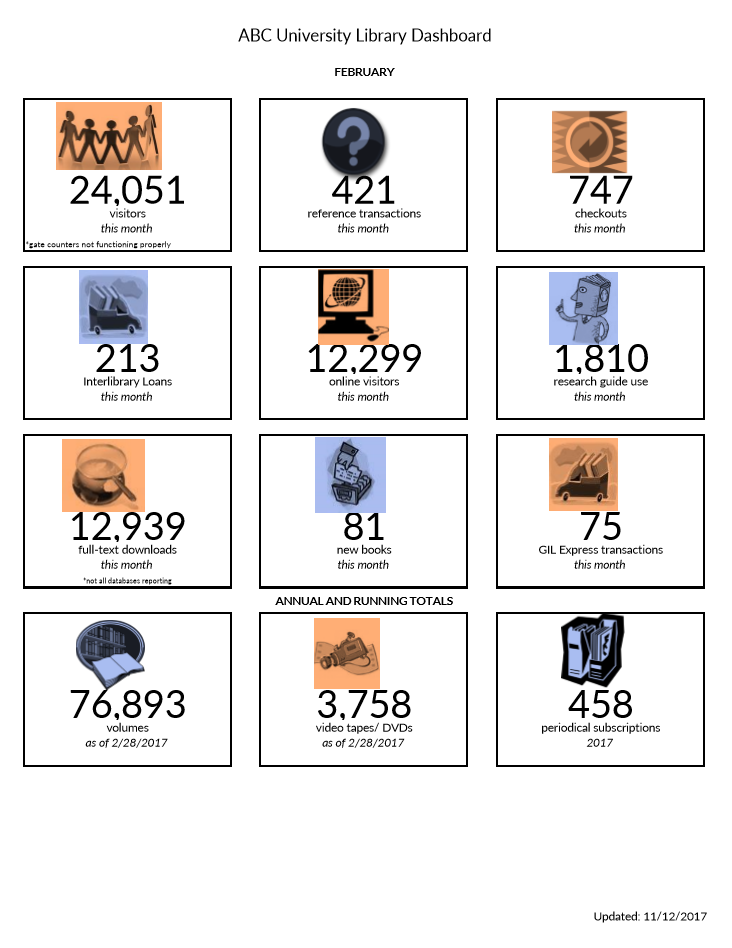
When asked to submit their existing visualizations to be redesigned, one of the conference attendees sent me this dashboard (shown below).

Image of a University Library Dashboard sheet that shows facts about the library.

The attendee was responsible for monitoring key statistics
about the university’s library.

The dashboard included information about the number of
visitors, transactions, checkouts, and interlibrary loans.

These twelve metrics and their associated icons were intended to provide an at-a-glance overview about the library during a given month.

What’s Working Well: Length, Icons, and Text Size Hierarchy

A few things were already working well for this dashboard:

  • The most notable accomplishment was that it already fit on one page! I typically see “dashboards” that drone on for way too many pages. I’m not an old school dashboard designer. I don’t believe that dashboards have to fit on a single page or screen. But sometimes the multi-page dashboards also contain so much narrative text that they’re more of a report than a dashboard.
  • The icons were also working well. Michelle Borkin and her team found that icons make graphs more memorable, so I add or keep icons whenever I can.
  • Finally, the dashboard already incorporated a text size hierarchy of sorts. A hierarchy means that the most important information should be large, dark, and bold so that it grabs our attention. The twelve big numbers are already stood out, which was a plus.

What Needs Editing: Clutter, Alignment, and Context

There are a couple easy edits:

  • We’re going to do the usual decluttering for
    this dashboard. That’s a given, right? We’ll simply remove the borders that
    outline each of the twelve data points.
  • We also need to adjust the alignment. The numbers and words are centered within their boxes. Yet
    the icons aren’t quite centered over them. Intentional alignment makes our visualizations
    look polished.
  • The biggest edit needed is context. The dashboard
    currently shows February’s numbers. For example, 24,051 people visited the
    university’s library during February alone. I have no idea if that’s a huge
    number or a tiny number. A single number on its own doesn’t tell us much. We
    need more context. We need to be able to compare that number to something. There are a few comparisons
    we could make. For example, we could compare that number to the prior month
    (January vs. February). Or, we could compare that number to our goal
    (February’s actual number compared to February’s goal).  

After: Monitor Patterns Over Time

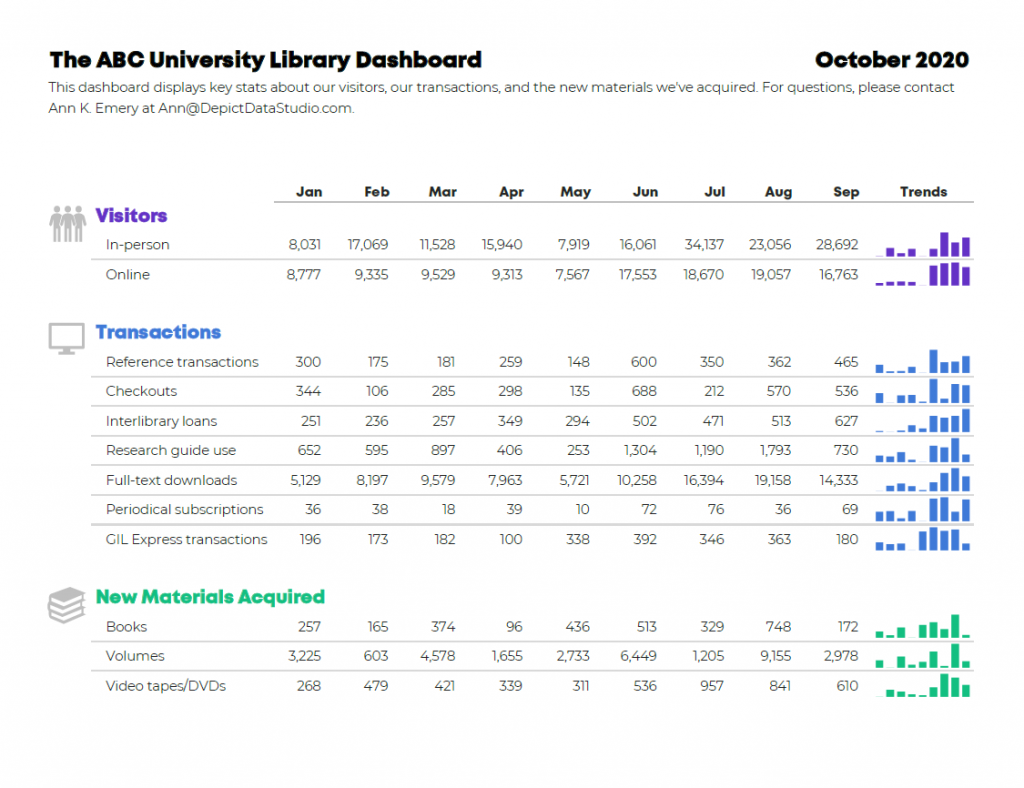
Here’s the first idea for this university’s monthly
dashboard.

These are made-up numbers, but hopefully you still
understand the gist of the makeover.

I:

  • gave viewers the opportunity to monitor patterns over time. Each month has its own column. Now, we can compare the current month to past months, which adds much-needed context.
  • added graphs, which I created with Microsoft Excel’s spark columns.
  • decluttered the dashboard by removing unnecessary outlines. I chose to keep the single horizontal line beneath the months, but that line is gray, not black.
  • color-coded by category. I grouped the twelve data points into categories: Visitors (blue), Transactions (purple), and New Materials Acquired (turquoise).
  • applied a text hierarchy. The title is large, dark, and bold. The headings (Visitors, Transactions, and New Materials Acquired) are a medium size because they’re of medium importance.
  • adjusted the alignment. The words are left-aligned and the numbers are right-aligned. The icons are center-aligned with one another, and they’re top-aligned beside each of their categories.

After: Track Progress Towards Goals  

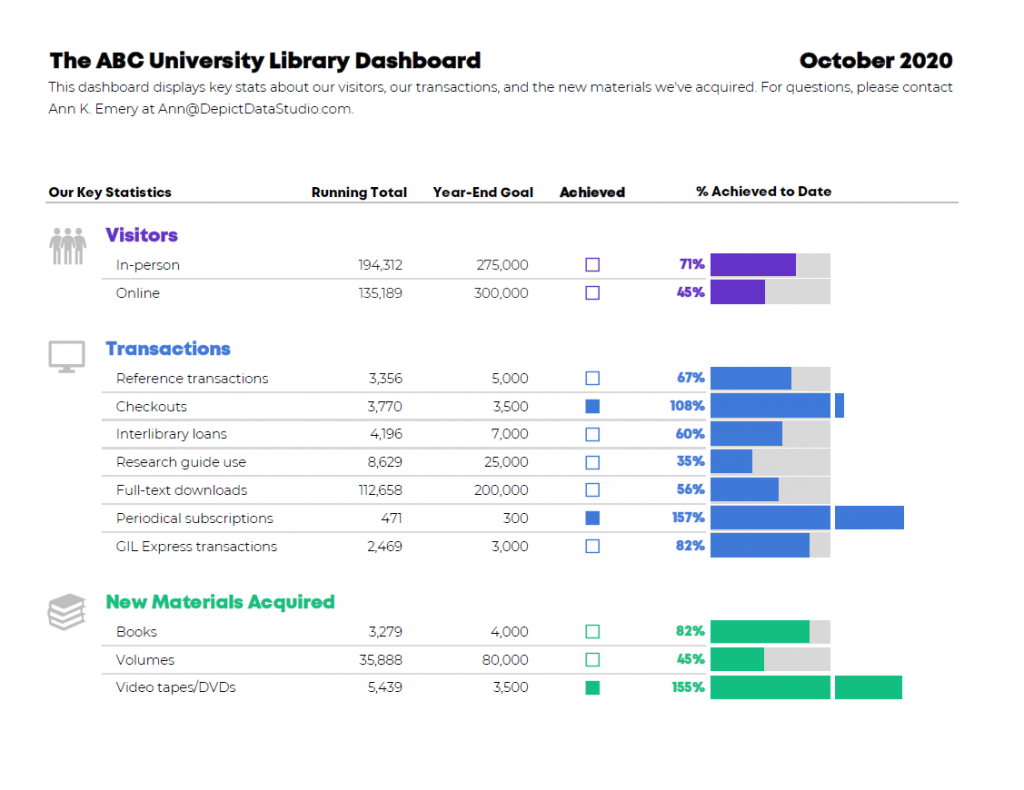
Here’s the second idea.

It’s also clutter-free; includes graphs and a text
hierarchy; and groups the twelve data points into categories (which are
color-coded, of course).

The difference is the dashboard’s purpose. The before version only looked at one month
at a time. To provide more contextual details, the first makeover allowed
viewers to compare patterns over time.
This second makeover allows viewers to track
progress towards goals
.

I included columns for Running Totals and Year-End Goals. Then, I indicated whether the goal was achieved with filled-in squares and empty squares. I taught you how to create these square icons in an earlier post. They’re just lowercase g’s and c’s in the Webdings font!

Finally, I visualized the percentage of the goal that had been achieved so far. I call these progress bars. In some areas, the library has already exceeded their goal, so the bars spill past the 100% mark—a cause for celebration!

The Winning Idea

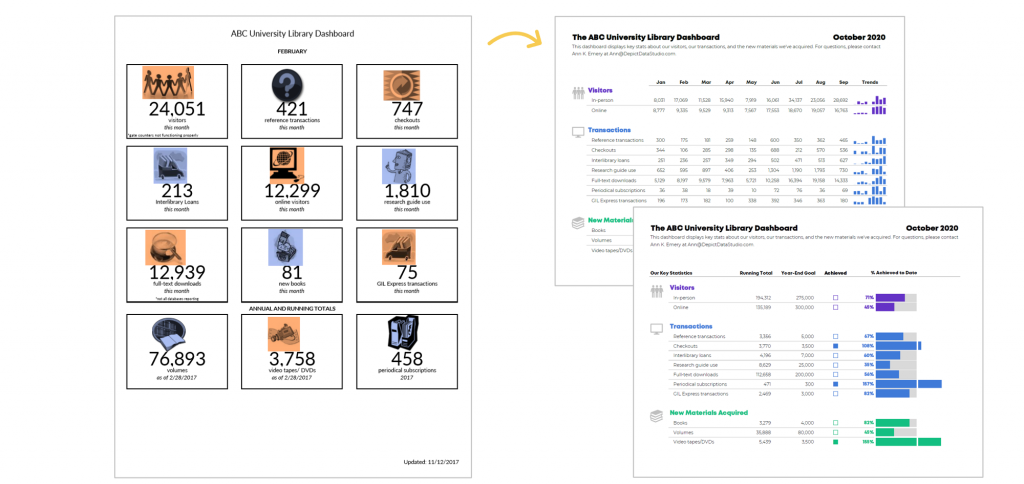
Which dashboard is correct?! Both of them!

Two dashboards, two different purposes.

I recommend designing several options for your viewers. Ask which one they prefer. Gathering feedback is one of the most important steps of the design process.

Bonus! Download the Spreadsheets

These are Microsoft Excel files, which are then distributed
to viewers as static PDFs.

(I rarely make interactive dashboards with drop-down menus
or checkboxes anymore. Leaders are busy and simply don’t have the time to
explore interactive dashboards. I’ve found that the busier the audience, the
more they prefer receiving a PDF’d one-pager.)

You can download my file and adapt the templates however you’d like for your own metrics and numbers.

Download the Excel File

Bonus! Learn the How-To Steps

Looking for detailed how-to instructions? Dashboard Design: The Full Course opens for once-a-year registration in November 2020.

Written by cplysy · Categorized: depictdatastudio

  • « Go to Previous Page
  • Go to page 1
  • Interim pages omitted …
  • Go to page 224
  • Go to page 225
  • Go to page 226
  • Go to page 227
  • Go to page 228
  • Interim pages omitted …
  • Go to page 304
  • Go to Next Page »

Footer

Follow our Work

The easiest way to stay connected to our work is to join our newsletter. You’ll get updates on projects, learn about new events, and hear stories from those evaluators whom the field continues to actively exclude and erase.

Get Updates

Want to take further action or join a pod? Click here to learn more.

Copyright © 2026 · The May 13 Group · Log in

en English
af Afrikaanssq Shqipam አማርኛar العربيةhy Հայերենaz Azərbaycan dilieu Euskarabe Беларуская моваbn বাংলাbs Bosanskibg Българскиca Catalàceb Cebuanony Chichewazh-CN 简体中文zh-TW 繁體中文co Corsuhr Hrvatskics Čeština‎da Dansknl Nederlandsen Englisheo Esperantoet Eestitl Filipinofi Suomifr Françaisfy Fryskgl Galegoka ქართულიde Deutschel Ελληνικάgu ગુજરાતીht Kreyol ayisyenha Harshen Hausahaw Ōlelo Hawaiʻiiw עִבְרִיתhi हिन्दीhmn Hmonghu Magyaris Íslenskaig Igboid Bahasa Indonesiaga Gaeilgeit Italianoja 日本語jw Basa Jawakn ಕನ್ನಡkk Қазақ тіліkm ភាសាខ្មែរko 한국어ku كوردی‎ky Кыргызчаlo ພາສາລາວla Latinlv Latviešu valodalt Lietuvių kalbalb Lëtzebuergeschmk Македонски јазикmg Malagasyms Bahasa Melayuml മലയാളംmt Maltesemi Te Reo Māorimr मराठीmn Монголmy ဗမာစာne नेपालीno Norsk bokmålps پښتوfa فارسیpl Polskipt Portuguêspa ਪੰਜਾਬੀro Românăru Русскийsm Samoangd Gàidhligsr Српски језикst Sesothosn Shonasd سنڌيsi සිංහලsk Slovenčinasl Slovenščinaso Afsoomaalies Españolsu Basa Sundasw Kiswahilisv Svenskatg Тоҷикӣta தமிழ்te తెలుగుth ไทยtr Türkçeuk Українськаur اردوuz O‘zbekchavi Tiếng Việtcy Cymraegxh isiXhosayi יידישyo Yorùbázu Zulu