• Skip to main content
  • Skip to footer
  • Home

The May 13 Group

the next day for evaluation

  • Get Involved
  • Our Work
  • About Us
You are here: Home / Archives for allblogs / freshspectrum

freshspectrum

Jun 22 2023

Reporting is a Conversation

Do you remember the early days of social media?

Back then there were a lot of bloggers, marketers, and other digital communicators talking about how social media platforms were conversational. Less broadcasting, more back and forth.

For whatever reason, in the research and evaluation reporting world, that message never really stuck. We still broadcast our reports way more than start conversations. I think we can do better.
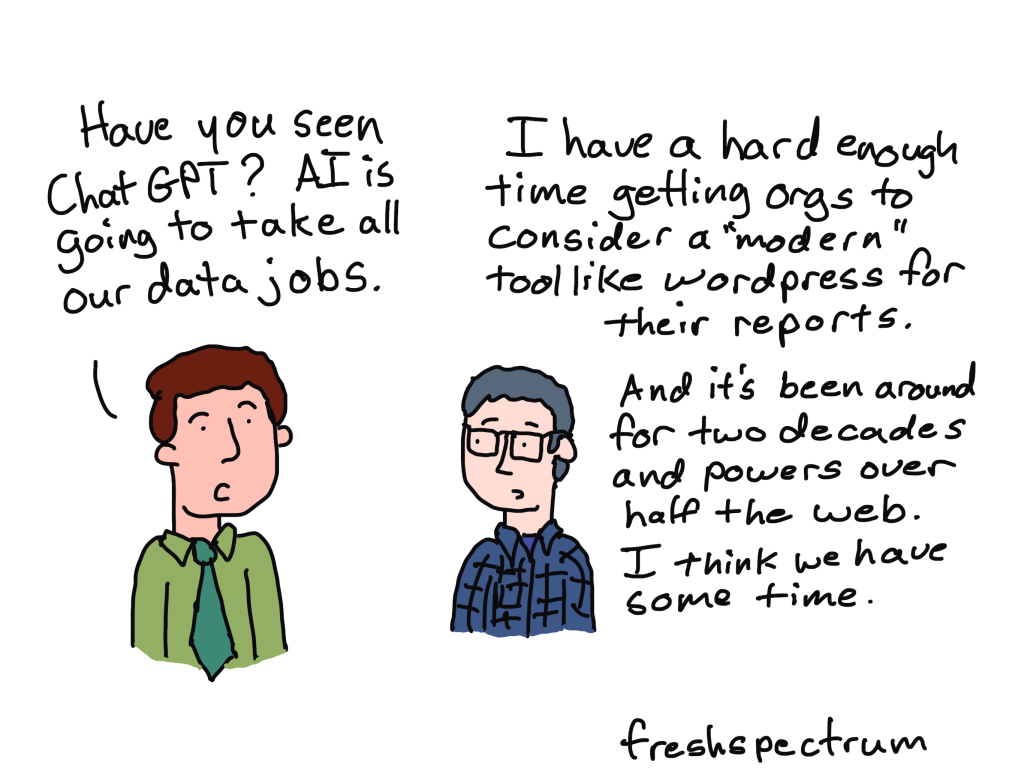
Digital media channels are conversation platforms.

Every time I publish a blog post I send an email out to those who signed up here on this site.

If I were mass mailing a paper newsletter, I would not expect to receive a response. But with an email newsletter a follower can just click reply in their email program and give their thoughts. Or they can go to my blog and leave a comment. Or they can visit the LinkedIn post which also goes along with my blog and hit the reply button there.

This is something I totally encourage. I try my hardest to reply to every single blog comment, LinkedIn reply, or email. I love when a blog post sparks a conversation, even if it’s just a little one.

But when was the last time you wrote a report in a way that attempts to elicit an actual response? And if you’ve never tried to elicit a response with a report, why not?

We have access to far more information than we can possibly share.

No single report is ever going to tell the full story.

As evaluators and researchers we have access to lots of information. Some of it is collected as part of our work. Other potentially useful information exists within, or just beyond, our reach.

There is no way to communicate everything. And trying to communicate everything is both way too much work and incredibly ineffective.
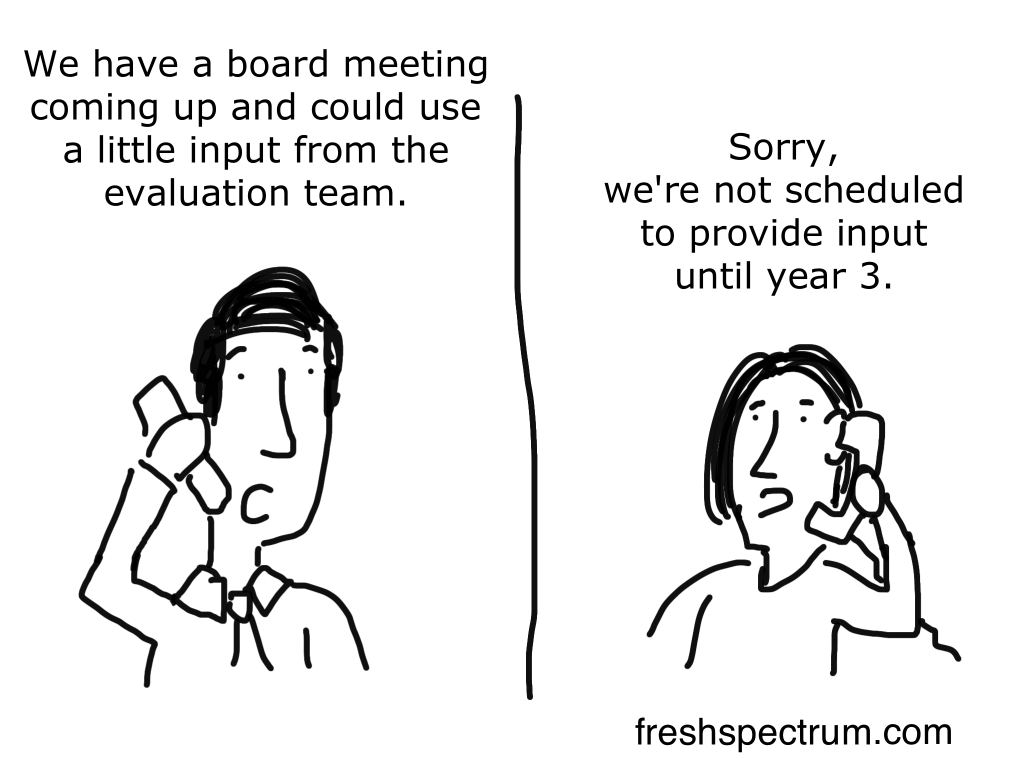
Good conversations require making choices.

I used to say that we should switch to the verb form of report instead of the noun. The noun report is that boring long pdf nobody will ever actually read. The verb form is about ongoing action.

But I think it might be more useful to say that reporting is a conversation. Because a conversation requires at least two people, and thinking of reporting like a conversation makes you think about that other person.

Do you show up and dinner parties and spend long periods of time talking about methods then drone on about initial findings without adding any interesting context? If yes, you probably don’t get invited to too many dinner parties.

A good conversation is always tailored to the audience we’re speaking with at the time. You try to make things interesting for your conversation partner, based on what you know about that person. It means making choices.

A good modern report will do the same thing.

Holistic reporting strategy.

I’ve been thinking a lot about reporting lately. Which, for anyone who follows this blog regularly, is totally obvious.

I think we make things too hard on ourselves. Modern reporting shouldn’t take more time than traditional reporting. Even if you’re producing more reports.

We just need to approach it differently.

How, you may ask? I call my way a holistic reporting strategy.

But to go into more depth, that’s going to take a longer blog post. Stay tuned.
Written by cplysy · Categorized: freshspectrum

Jun 14 2023

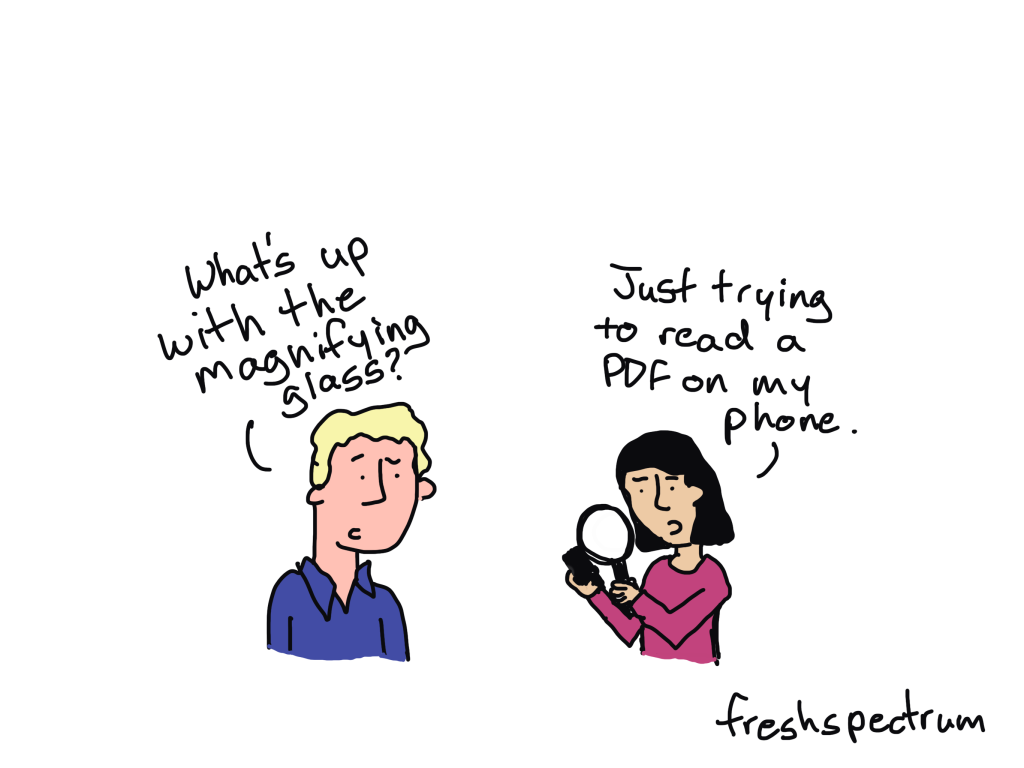
6 Big Reasons to Ditch the PDF Report

Still delivering your final report as a PDF? You’re definitely NOT alone. The PDF final report is still very much status quo in the research and evaluation worlds.

But I think it’s time we move on.

We give too much up when we choose to use PDFs for our reports. And the features we give up are not at all trivial. Here are 6 big things you get standard with a web-based report that you do NOT get with a PDF.

1. A PDF Report is NOT mobile responsive.

PDFs used to be a huge pain on just about every device. But that’s gotten a little better over time.

You can now open PDFs easily with your web browser. And most of the time they’ll load just fine. But what it won’t do is adjust to the screen you are reading it on.

Every modern website these days is mobile responsive. That means the content on the site will usually reorganize based on the device you are using. For example, a three column website when opened on a laptop web browser might instantly turn into a single column on your mobile phone.

PDFs are not that way. As such, most people don’t even consider opening a PDF on their smart phone.

At a time when well over half of all internet use happens on mobile phones, sticking with a platform that doesn’t adapt based on context instantly limits our reach.

2. A PDF Report is NOT SEO friendly

The best advice to give a new blogger is not to worry about search, but on writing quality content.

But blogging platforms like WordPress are designed to deliver that quality content across the web. And Google is designed to search that content and deliver the results to the people searching for that information.

A PDF is not optimally designed to work well with search. It’s designed to control visual presentation.

But what good is visual presentation if nobody can find what you’re sharing?

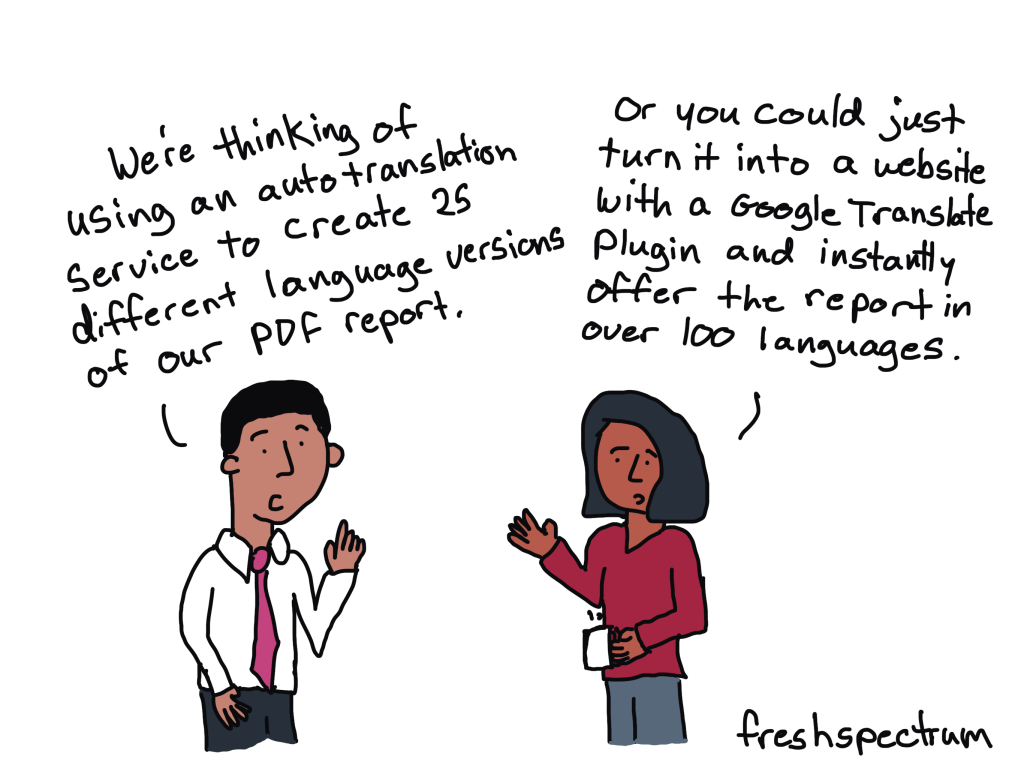
3. A PDF Report will NOT auto translate.

If you’re using Google Chrome and you visit a website offered in a different language, it’s likely that Chrome will ask if you want it translated.

That’s because Chrome has Google Translate built in and turned on by default.

Google Translate is not perfect. But it is pretty good, and getting better all the time.

At the time of this writing, Google Translate works with 133 different languages. There are plugins you can add to your WordPress site that will give you a selector menu to cycle through different iterations.

You don’t get that with a PDF.

4. A PDF will NOT auto update.

As anyone who was worked with data knows, updates happen.

Even if you think a dataset is final and clean, doesn’t mean you won’t find some reason for it to need a revision. Perhaps someone somewhere made a sort mistake with an Excel file.

With your PDF report, that data is set in stone. With an online report you can auto connect your charts and tables to a CSV file. If you update the CSV, all the charts will update automatically.

Not to mention the idea that sometimes, as is the case with data dashboards, auto-updating is the point.

5. A PDF is barely interactive.

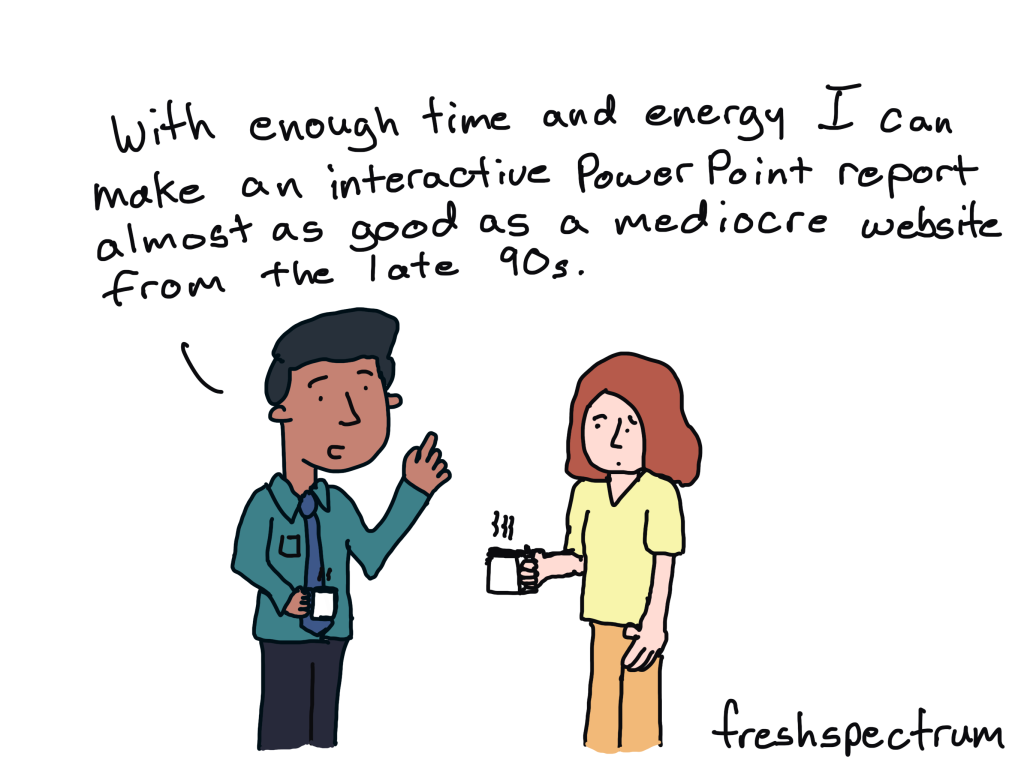
I wrote about this a few weeks ago, but even with a ton of work, a PDF can only be as interactive as a website from the late 90s. We have better tech, we should use it.

6. A PDF is much harder to share over social media.

When you share a link to a blog post on social media (i.e. LinkedIn, Twitter, Facebook, etc.) the tool will likely pick up some metadata to use in the sharing. This is how with a simple link the social tool can pull a featured image, the title, and an excerpt.

PDFs are not designed that way. Dropping a direct link to a PDF will just show up as a boring old link.

And I know, you might not think that matters. You might have very low expectations for anyone possibly reading or sharing your report. But it’s a self-fulfilling prophecy.

By simply committing to sharing our work through PDF, we are making so many decisions that limit the reach of our work. We can do better.

There’s so much more.

A basic WordPress site offers so many plugins and features that are just simply not available with a PDF. A PDF is harder to make accessible than a basic website. You can share your web reports with private, public, or hybrid permission models. You can easily add multi-media (like video and audio).

I could go on and on and on, but I think you get the point.

Want to explore moving your reports to the web?

I offer an all-in-one service called ReportPress Full Service. I use WordPress and modern interactive data visualization design tools to build cutting edge interactive reports and data dashboards.

If you want to learn more, head to my consulting page to schedule a free consultation.

Written by cplysy · Categorized: freshspectrum

Jun 08 2023

Make Me Think

There is this fantastic book on usability written by Steve Krug called, Don’t Make Me Think. It’s not new, first released out all the way back in 2000. But if you have never read it, you should. Even if you have never really considered yourself a web designer.

“Don’t Make Me Think!”

Krug’s First Law of Usability

Following the “Don’t Make Me Think” law is a fantastic way to make an easy-to-use website, mobile app, or data dashboard. Because most of the time in those situations, making people think is unnecessary.

Let’s say you need to change your home’s air filters, and you go online to your home improvement store of choice. You should be able to easily find your air filter, buy it, and then have it delivered to your home. Thinking should not be required.

Most data dashboards also don’t require thinking. Picture a COVID-19 tracking dashboard. When you visit one, chances are you are not up for an in-depth study. You just want to know the numbers.

A site like Amazon is really good at not making us think. But that clunky resource website filled with too many words, acronyms, oddly named sections, and poorly designed content, not so much.

When thinking is necessary.

Our data work sometimes requires making people think. Occasionally we need to challenge someone’s world view because the evidence we’ve collected warrants a challenge. Challenging a reader in the right way at the right time can help them to learn something new.

Where thinking is useful.

  • When trying to understand a new concept.
  • When questioning a commonly held view.
  • When calling a reader to take action beyond just a button click.
  • When a point is so important you want to slow the reader down.

Where thinking is NOT useful.

  • When trying to figure out the button to click next.
  • When deciphering menu items.
  • When pulling data for well-known indicators.
  • When searching for answers to easy questions.

There isn’t a hard and fast rule on what thinking is useful and what is not useful. But you should be able to defend your decision to make people think. Forced thinking can be a barrier, use it wisely.

Flip Card Game Concept

Working with a colleague I created a little concept game based on a published report.

The following paragraph included a meaningful finding from the study. In paragraph form it’s really easy for a reader to just skim right through the data. Does it deliver the data? Yes. Is it efficient? Yes.

However, these assets are not equally distributed across neighborhoods. SOMA (23%), Richmond (21%), and Sunset (19%) neighborhoods have the highest number of food assets; while some of the most disadvantaged neighborhoods, such as Japantown (4%), Bayview (3%), Excelsior (2%), and Visitacion Valley (1%), have much fewer assets. Among all food assets in these API priority areas, only approximately 1 in 5 (19%) accept SNAP or WIC.

Food Justice in Turbulent Times – Needs & Opportunities in San Francisco’s API Communities

But what if we wanted to slow down the reader instead?

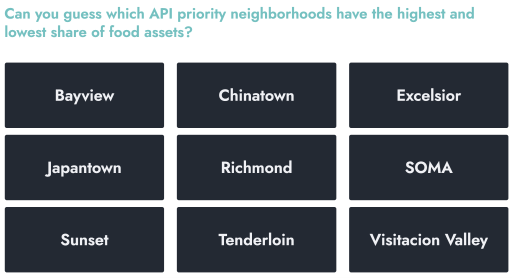
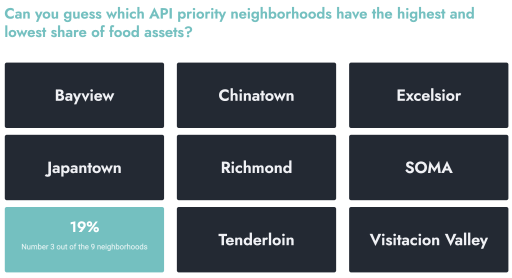
Perhaps we can simply make them guess their way to the answers. Clicking on the image below will take you to a demo version of the simple game I created in WordPress.

Click to see the live concept.

By simply moving your mouse over each neighborhood, the card will flip. And from the flipped card you’ll see the percentage share of food assets along with the neighborhood’s ranking (out of 9).

Why I design reports in WordPress.

Something like this is super simple to do in WordPress. But you won’t find a game in a PDF.

Speaking of reporting using web design tools…did you know?

I now offer The Modern Reporting Solution: an all-in-one design, technology, and copywriting service using WordPress to create cutting edge interactive reports and data dashboards. The result, accessible online reports your audiences will love.

Curious about this? Set a free consultation with me at freshspectrum.com/consulting

Written by cplysy · Categorized: freshspectrum

Jun 05 2023

Grandpa Henry’s Potato Leek Soup

I’m taking a sick day today. Picked up a case of strep throat at the end of last week that’s now hopefully working its way out of my system. But sick days are boring, and instead of streaming yet another movie or show, I thought I would share the recipe for my favorite soup.

My dad was a trained chef. He cooked many of our family meals when I was growing up. But I think the food I most connect with my father was his soup. And the soup that I think of first and foremost was his potato leek.

After he died I started making the soup every year on his birthday. Potato leek for me has a kind of magical quality. My dad would make it in big batches. He made it for us but would also often share it with friends around town. I remember coming back home to visit from college, if he had made soup it would always come with an offer.

“Hey Chris, would you like a mug of soup?”

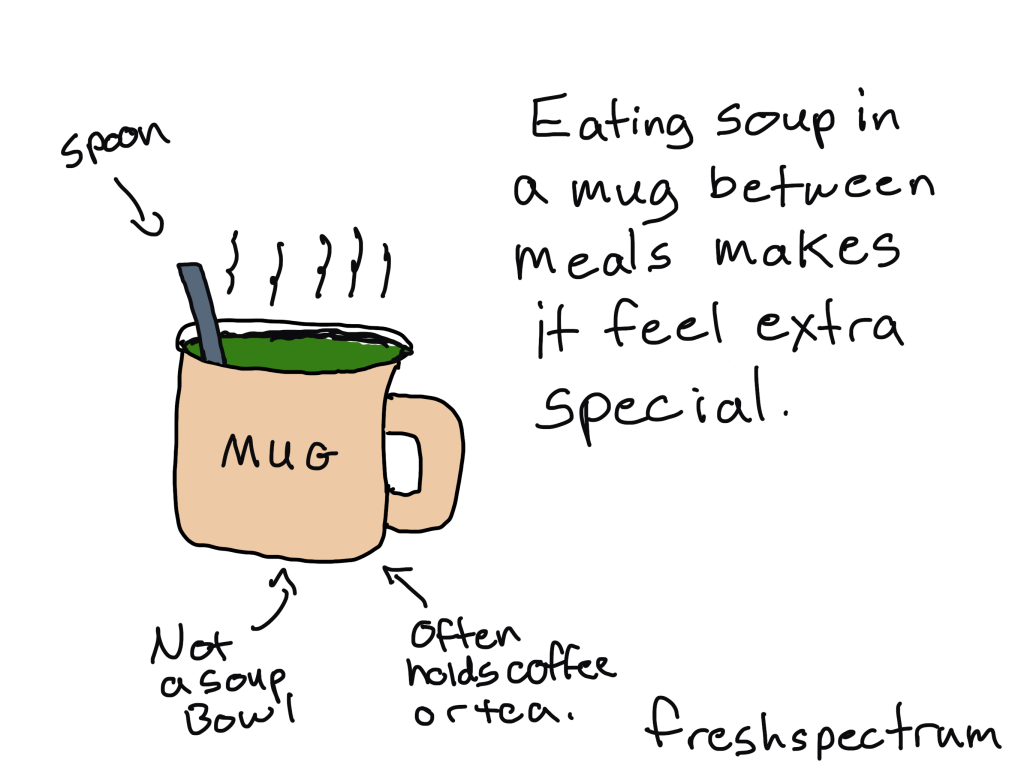
The soup was rarely a dinner of ours. Sometimes it was a lunch. But mostly it was just there when you needed a nice warm mug of something tasty. Why a mug and not a bowl? No idea. I think this soup is really the only food we ever ate out of mugs.

And while I can’t make a mug for you right now (even if we lived close I don’t think you want someone with strep making you soup), I can offer you a recipe.

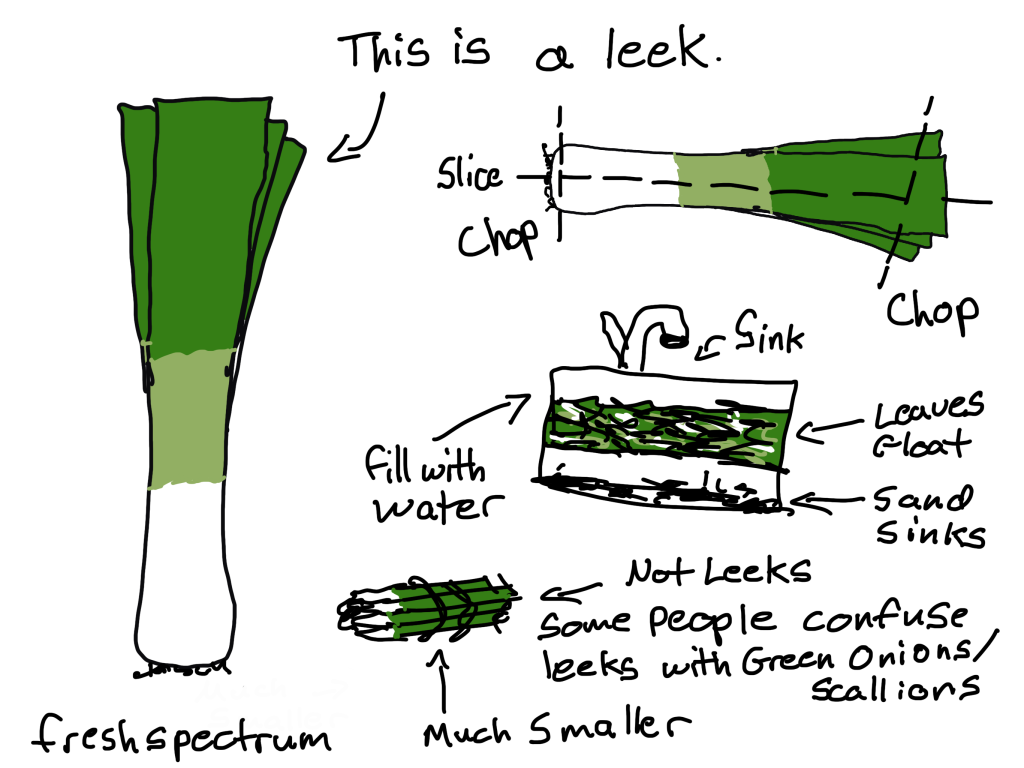
It’s pretty easy, the most annoying part is cleaning the leeks. But it is worth the effort.

The Recipe-ish

My dad’s recipes were like directions before Google maps. They were never set in stone and based often on whim and the availability of certain ingredients. But I’ll do my best to give you something you can follow.

The ingredients.

  • A bunch of leeks (A bunch usually includes 2 or 3 often held together with a big rubber band).
  • Some potatoes (Yukon gold potatoes were his favorite for this. Like 4 or 5 medium sized potatoes).
  • Half & Half (2 cups)
  • Butter (Unsalted, 1 stick)
  • Stock (~6 cups, give or take depending on how thick you like your soup. He used chicken stock, vegetable if you want it vegetarian).
  • Garlic (how much depends on your taste)
  • Salt & Pepper (too your taste)

The directions.

  1. Wash the leeks.
    This part is a pain because there is usually lots of sand all around the inside of the leeks. To do it I usually cut the base & tips of the leaves (leaving most of the dark green parts). Then slice the leek in half longways. Then you fill your sink with water and drop all the leaves in, agitate the water with your fingers and the sand should fall the the bottom while the leaves float.
  2. Cut the leeks.
    Eventually we are going to blend the soup, but they soften better if you chop them into smaller pieces.
  3. Cook leeks & garlic with butter until soft.
    Throw the butter into the bottom of a stock pot and turn it on medium until melted. Then drop in all your leeks. If you’re using garlic cloves, drop them in during this stage. Cook for a while, stirring occasionally and adjusting the heat so it doesn’t stick. You want them nice and soft and cooking it for awhile will break down all the little fibers.
  4. Peel and Quarter potatoes.
    Keep the pieces in a bowl of cold water as you peel to remove some of the starch.
  5. Boil potatoes until soft.
    Now drop the potatoes in another pot filled with fresh cold water. Then bring to a boil and then simmer until the potatoes are soft. Once you can easily pierce with a fork drain off the water using a colander.
  6. Mix together Leeks, Potatoes, and Stock
    Once leeks & potatoes are soft, drop the potatoes in with the leeks and add then stock. Then bring to a boil. Let it simmer together for a little bit.
  7. Blend it together.
    An immersion blender is a fantastic tool for this. In the old days my dad used to scoop it all out into a regular blender.
  8. Add half & half and blend some more.
    You want it nice and smooth. If the leeks weren’t soft enough, chances are they’ll stick in clumps in your immersion blender. The soup will still taste good, it will just be a little chewier than you want.
  9. Adjust to liking.
    Want it “soupier” add more stock. Want more salt, add more salt. Same goes with pepper and garlic. I don’t think two of my dad’s pots of soup were ever the same, that’s part of their charm.
  10. Serve in mugs.
    Even if you never serve soup or any other kind of food in mugs.
  11. Share/keep in fridge/freeze.
    This soup can be frozen. It can be brought to pot-lucks. It can be brought to sick friends. It can be shared at work. Offer it at times people are not used to eating. It’s an especially good mid-afternoon, mid-morning, or late evening snack.

The thing about recipes and cooking.

Cooking isn’t baking. The instructions are often not that precise, you usually don’t have to cook with fidelity. Most recipes, even the ones that seem precise, can be fudged. Where baking is a kind of hard science, cooking is more a social science.

It’s kind of like the programs you evaluate. A lot of organizations may try to follow recipes, but they usually tweak things based on available ingredients and taste. Sometimes it comes out better, sometimes worse.

But either way, it’s the outcomes that really matter.

My dad’s soup never won awards. But now, even a half decade after his death, his soups still bring back memories. Anytime over the last couple of decades that I have run into my best friend’s dad, he has always mentioned how a certain cream of mushroom soup my father made when I was younger was the best he had ever had.

I hope you make the soup. I hope you share the soup. I hope you drink it out of a mug.

But even if you don’t. I hope you find the soup like thing in your life. The thing that you deliver and share with love. The thing that will undoubtedly make impressions on the people whose lives you have touched.

Written by cplysy · Categorized: freshspectrum

May 31 2023

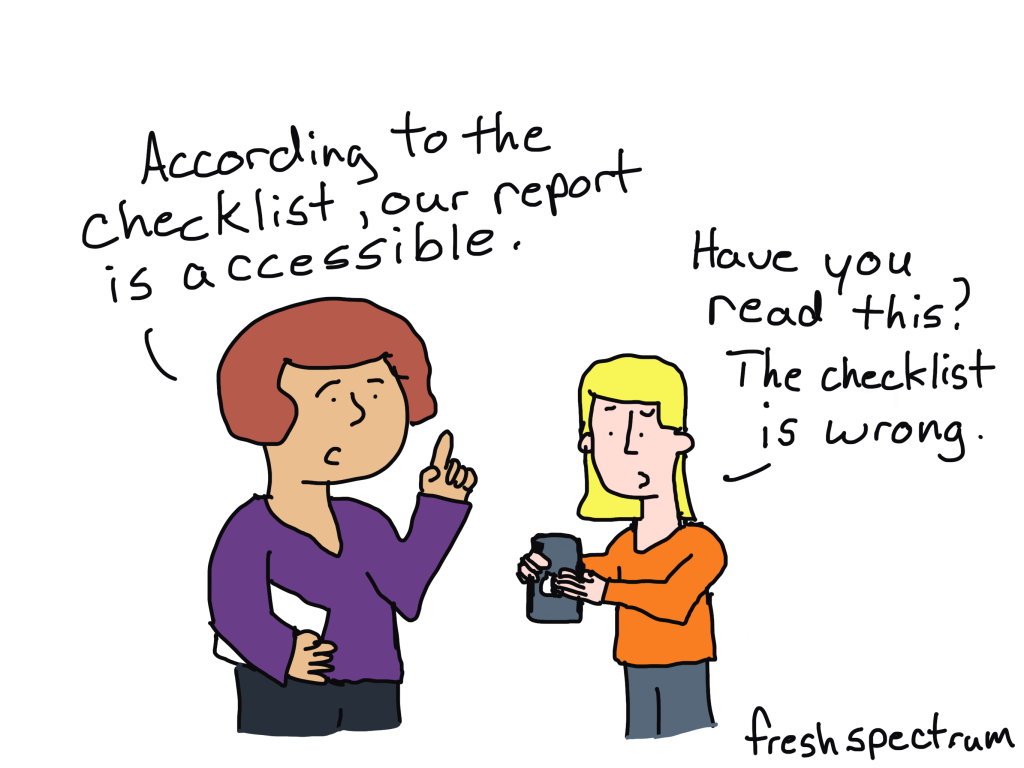
Accessibility is NOT a Checklist

It’s time to change how we think about accessibility.

For just about half of my career I worked at company called Westat on a variety of different federal contracts. And when you work on federal contracts you quickly learn that every report destined to be shared publicly needs to be “508 compliant.“

At a certain point, the phrase “508 compliance” becomes synonymous with accessibility. The problem though, is that it’s not. Compliance with federal law is NOT the same as making information accessible.

Two cartoon people talking.  First person says, "According to the checklist, our report is accessible."
Second person responds, "Have you read this? The checklist is wrong."

Accessibility is a philosophy

Think about a chart, like a scatter plot or line graph. Then think about all the data represented in that chart. How should that chart be communicated to someone with a visual impairment?

Is it enough to put all the data in that chart into alt text so it can be read like a data table?

Or is it more appropriate to talk through the story which the analyst believes the chart displays?

What about any side stories? Like outliers that call to you even though they are not part of the main story. Do you leave them out?

Technically, you can just pick any direction and create something the federal government would consider 508 compliant. But if you surround yourself with the right people who really care about making information accessible, this type of situation almost always leads to a larger philosophical discussion.

And that’s what SHOULD happen. There are not always easy answers with information accessibility.

Are PDFs really all that accessible?

Adobe has done a lot to support compliance (and so has Microsoft).

You can easily make a PDF 508 compliant. Adobe gives you the accessibility tools you need to do things like add alternative text, tag headings, and change the reading order.

But is that PDF constructed with all the tools and following a checklist box by box going to be more accessible than a simply written plain text email with basic headings? I think not.

What to do instead.

Emails and blog posts are powerful reporting formats.

As long as the designer doesn’t go super crazy with their formatting you can read emails and blog posts easily with your phone, tablet, laptop, desktop, or any other kind of device. You could even have Alexa or Siri read your emails and blog posts to you.

As for language accessibility, Google Chrome auto-translates in a ton of different languages. It’s not perfect, but that PDF you were using before is not auto-translating anything.

You’re not going to find the same templates and checklists for email and blog posts as you would for pdfs and word docs. But here is the thing…YOU DON’T NEED THEM. A simple plain text email or simple blog post with basic headings and paragraph tags is almost certainly more compliant and accessible than any PDF you can think of creating.

On Checklists and Guidelines.

Before we end today’s post, just know I am not against a good accessibility checklist, set of guidelines, or forcing federal agencies to ensure compliance.

But we can do more. And we should do more. And sometimes that means doing something completely different, which just happens to be something far easier to create.

Written by cplysy · Categorized: freshspectrum

  • « Go to Previous Page
  • Go to page 1
  • Interim pages omitted …
  • Go to page 16
  • Go to page 17
  • Go to page 18
  • Go to page 19
  • Go to page 20
  • Interim pages omitted …
  • Go to page 54
  • Go to Next Page »

Footer

Follow our Work

The easiest way to stay connected to our work is to join our newsletter. You’ll get updates on projects, learn about new events, and hear stories from those evaluators whom the field continues to actively exclude and erase.

Get Updates

Want to take further action or join a pod? Click here to learn more.

Copyright © 2026 · The May 13 Group · Log in

en English
af Afrikaanssq Shqipam አማርኛar العربيةhy Հայերենaz Azərbaycan dilieu Euskarabe Беларуская моваbn বাংলাbs Bosanskibg Българскиca Catalàceb Cebuanony Chichewazh-CN 简体中文zh-TW 繁體中文co Corsuhr Hrvatskics Čeština‎da Dansknl Nederlandsen Englisheo Esperantoet Eestitl Filipinofi Suomifr Françaisfy Fryskgl Galegoka ქართულიde Deutschel Ελληνικάgu ગુજરાતીht Kreyol ayisyenha Harshen Hausahaw Ōlelo Hawaiʻiiw עִבְרִיתhi हिन्दीhmn Hmonghu Magyaris Íslenskaig Igboid Bahasa Indonesiaga Gaeilgeit Italianoja 日本語jw Basa Jawakn ಕನ್ನಡkk Қазақ тіліkm ភាសាខ្មែរko 한국어ku كوردی‎ky Кыргызчаlo ພາສາລາວla Latinlv Latviešu valodalt Lietuvių kalbalb Lëtzebuergeschmk Македонски јазикmg Malagasyms Bahasa Melayuml മലയാളംmt Maltesemi Te Reo Māorimr मराठीmn Монголmy ဗမာစာne नेपालीno Norsk bokmålps پښتوfa فارسیpl Polskipt Portuguêspa ਪੰਜਾਬੀro Românăru Русскийsm Samoangd Gàidhligsr Српски језикst Sesothosn Shonasd سنڌيsi සිංහලsk Slovenčinasl Slovenščinaso Afsoomaalies Españolsu Basa Sundasw Kiswahilisv Svenskatg Тоҷикӣta தமிழ்te తెలుగుth ไทยtr Türkçeuk Українськаur اردوuz O‘zbekchavi Tiếng Việtcy Cymraegxh isiXhosayi יידישyo Yorùbázu Zulu