• Skip to main content
  • Skip to footer
  • Home

The May 13 Group

the next day for evaluation

  • Get Involved
  • Our Work
  • About Us
You are here: Home / Archives for allblogs

allblogs

Feb 20 2023

39+ Great Graphs You Can Make in Microsoft Excel

Bored of the basics?

Want to take your graphs to the next level?

Wondering what’s possible in Microsoft Excel?

From A to Z, here are some of the amazing data visualizations that you can make inside of good ol’ Excel.

Area
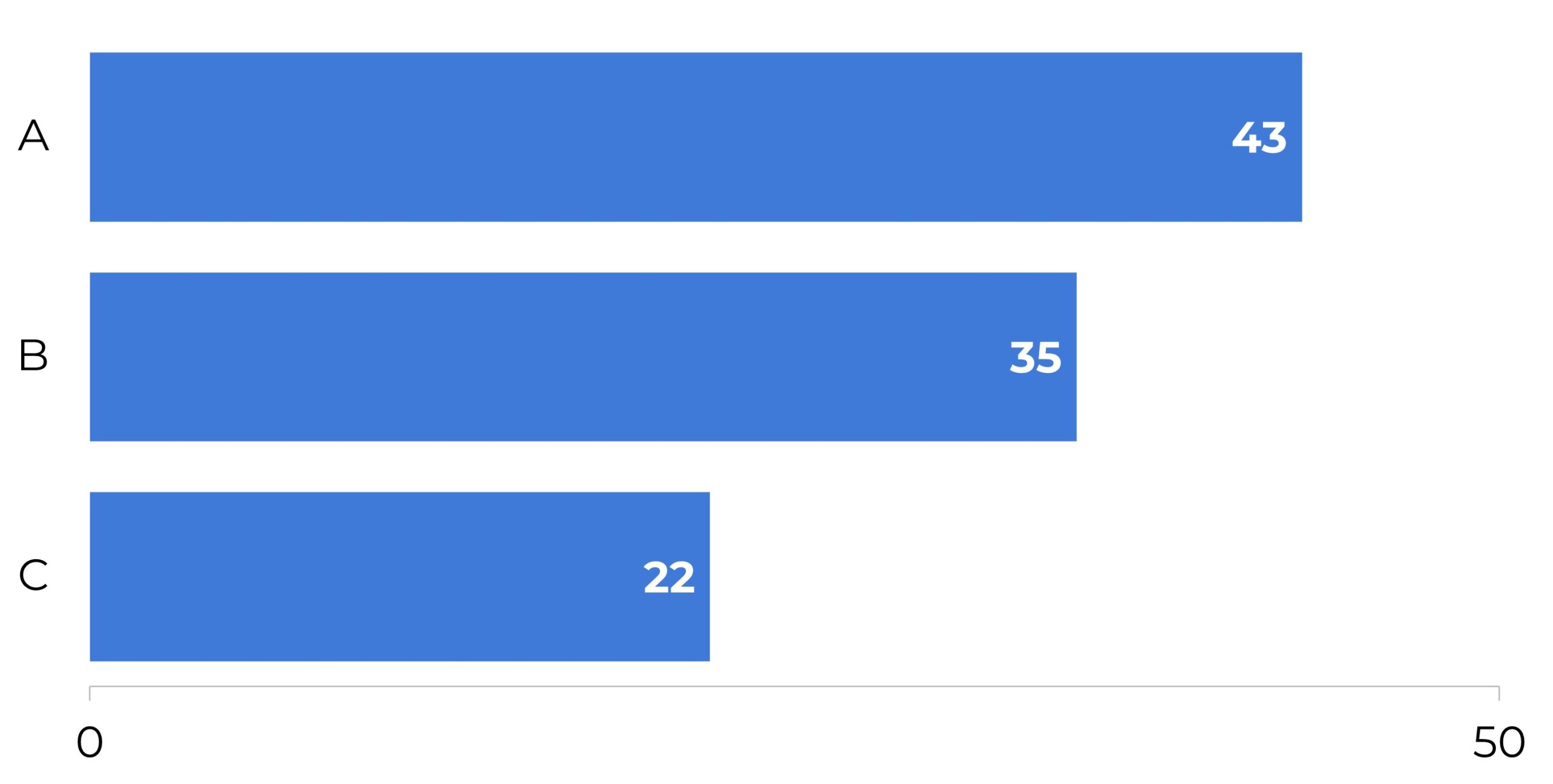
Bars
Bar’c
Box and Whisker
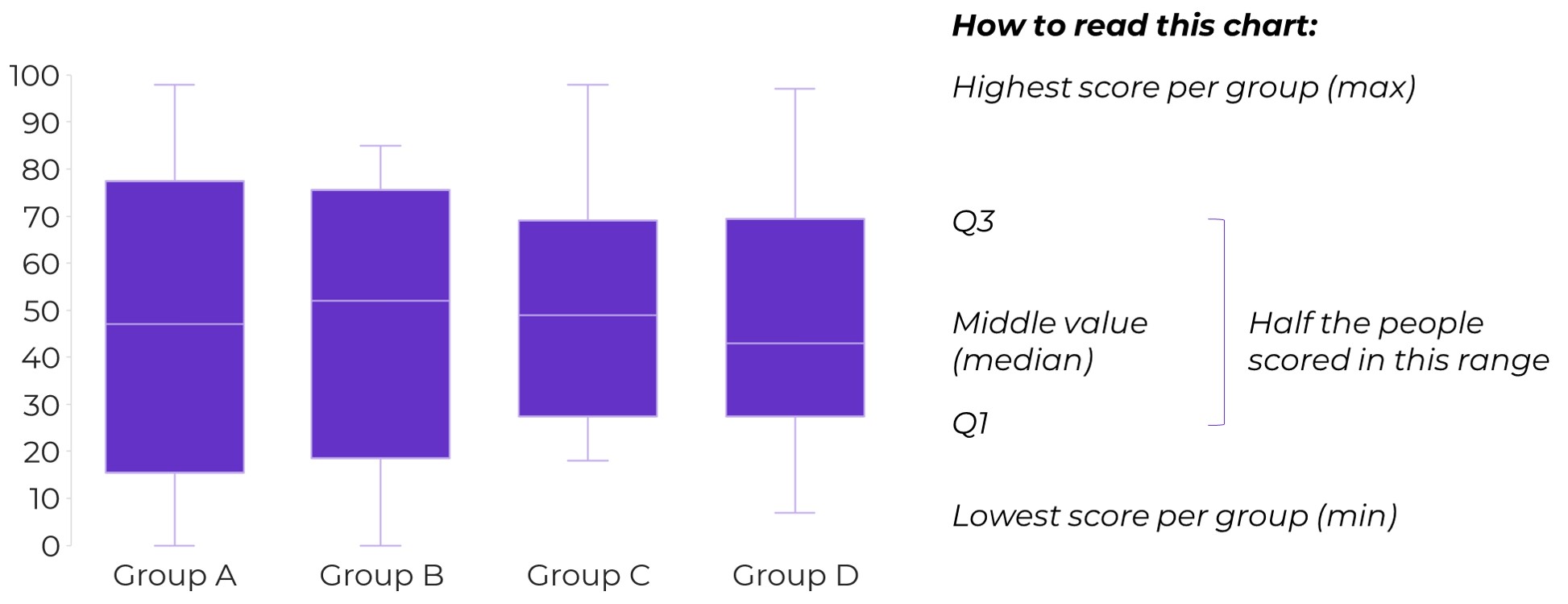
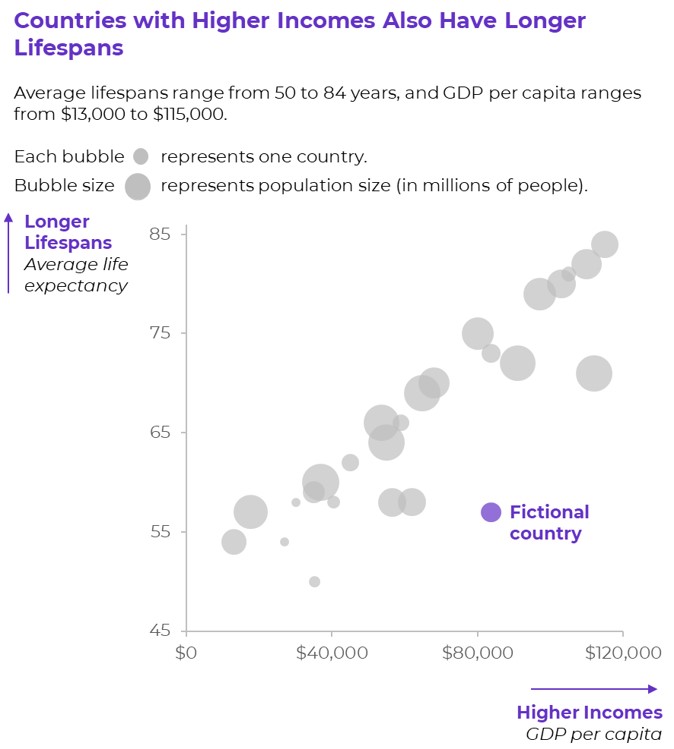
Bubble Charts
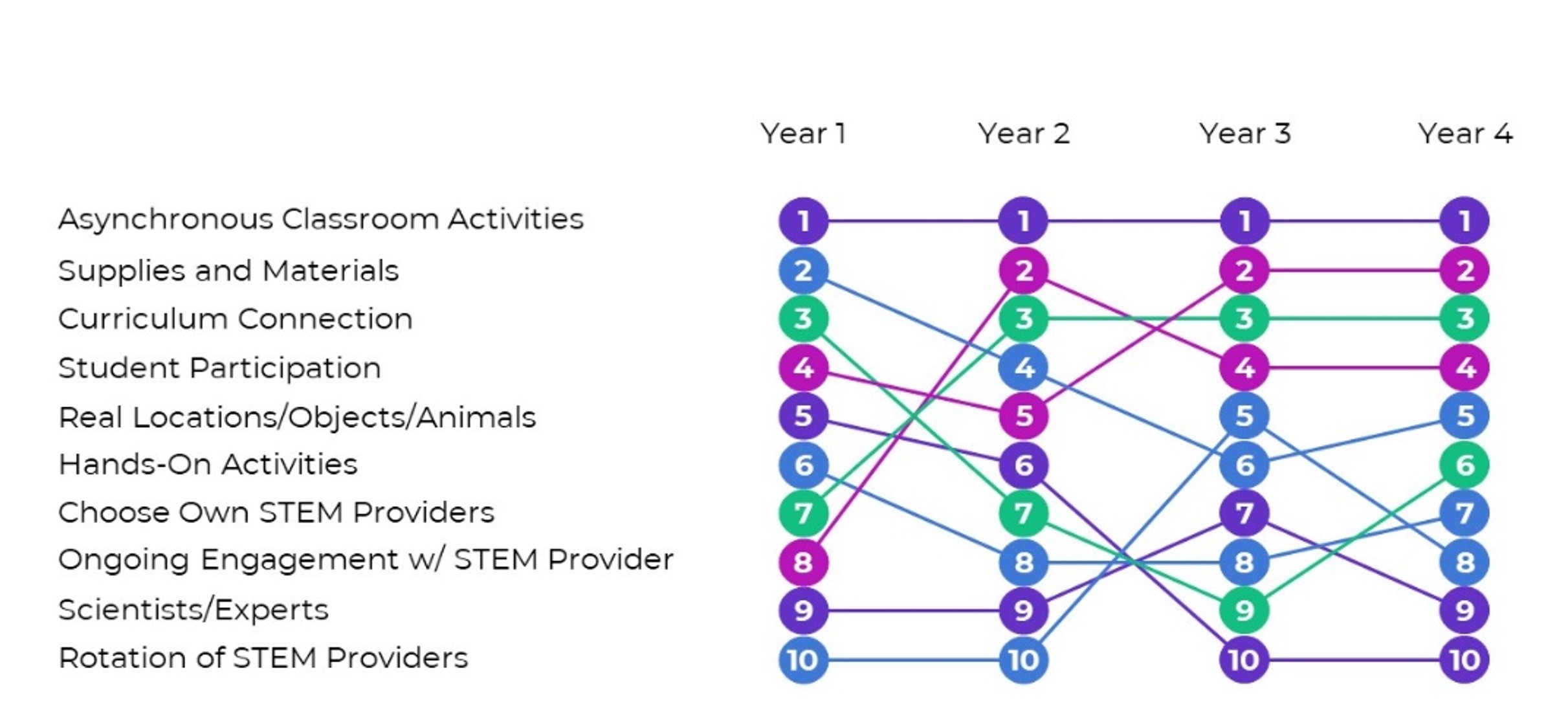
Bump

To visualize rankings over time.
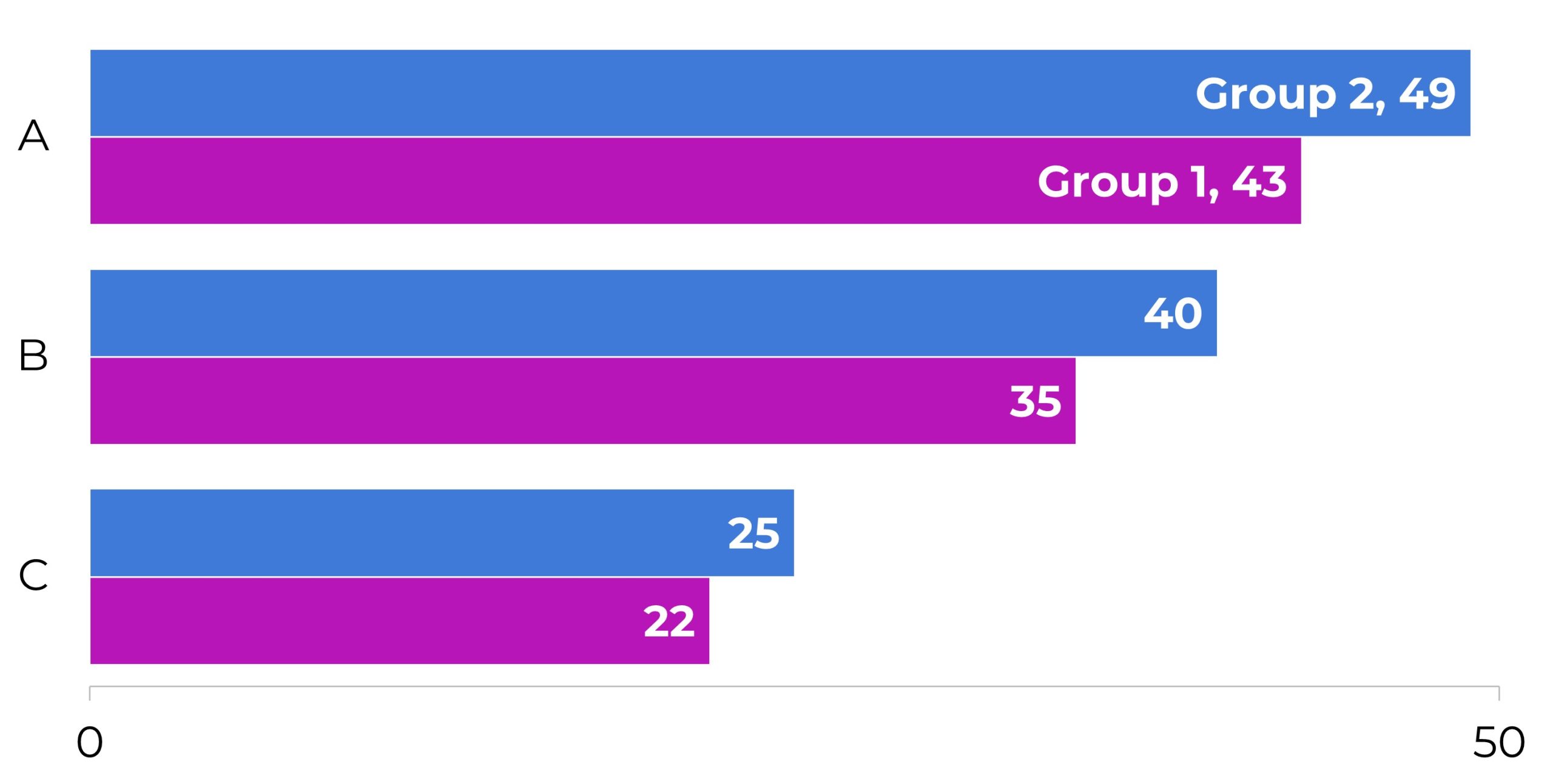
Clustered Bars
Clustered Columns
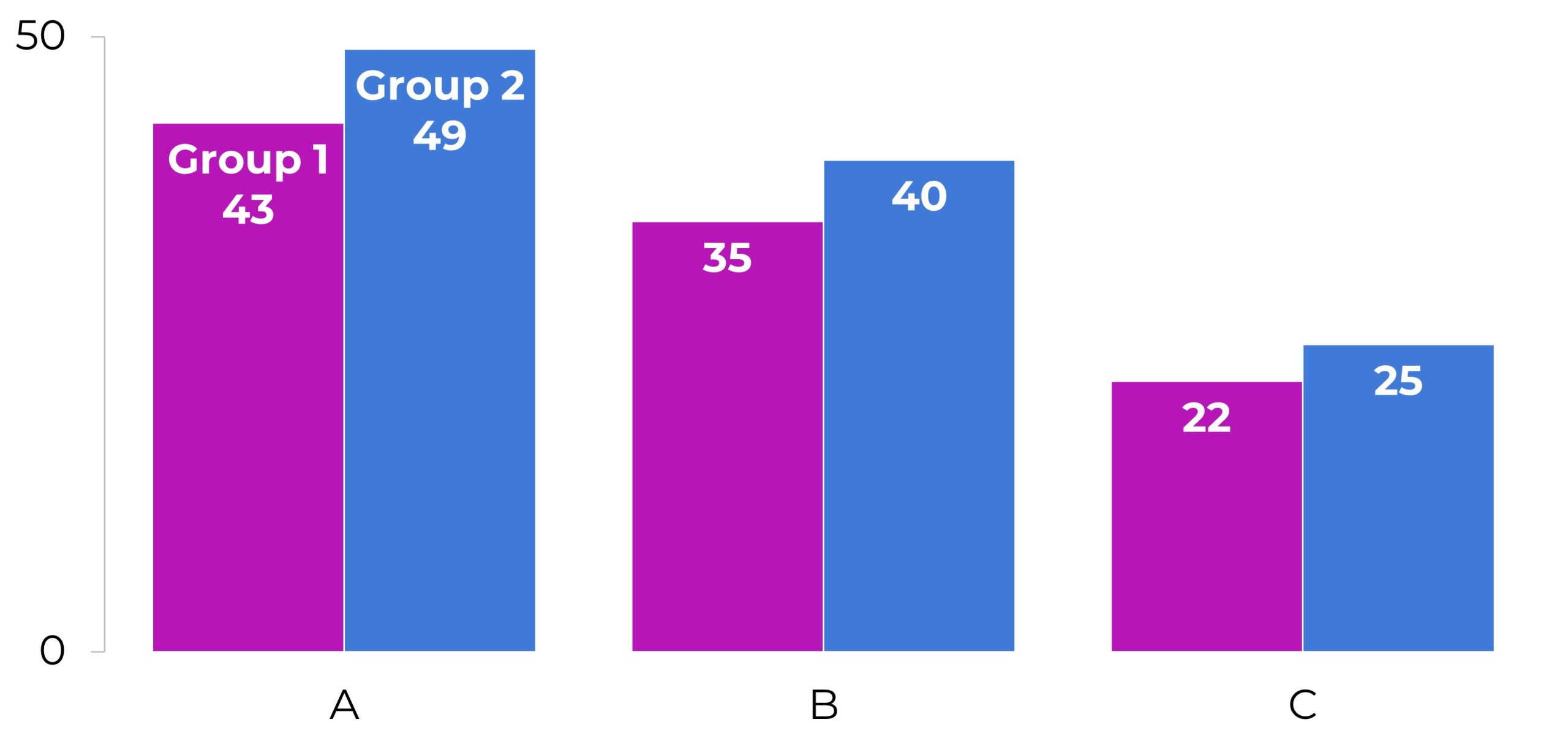
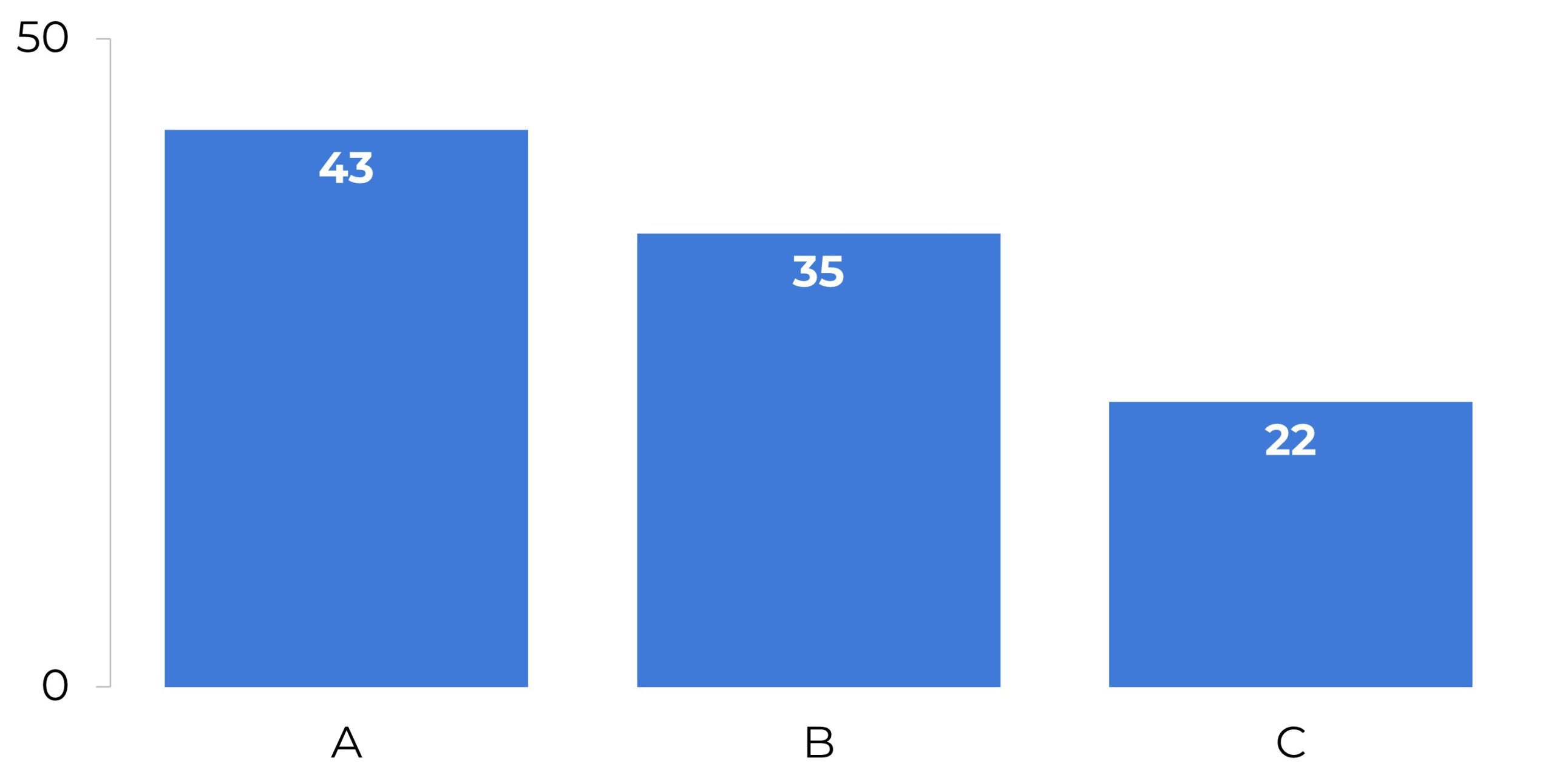
Columns
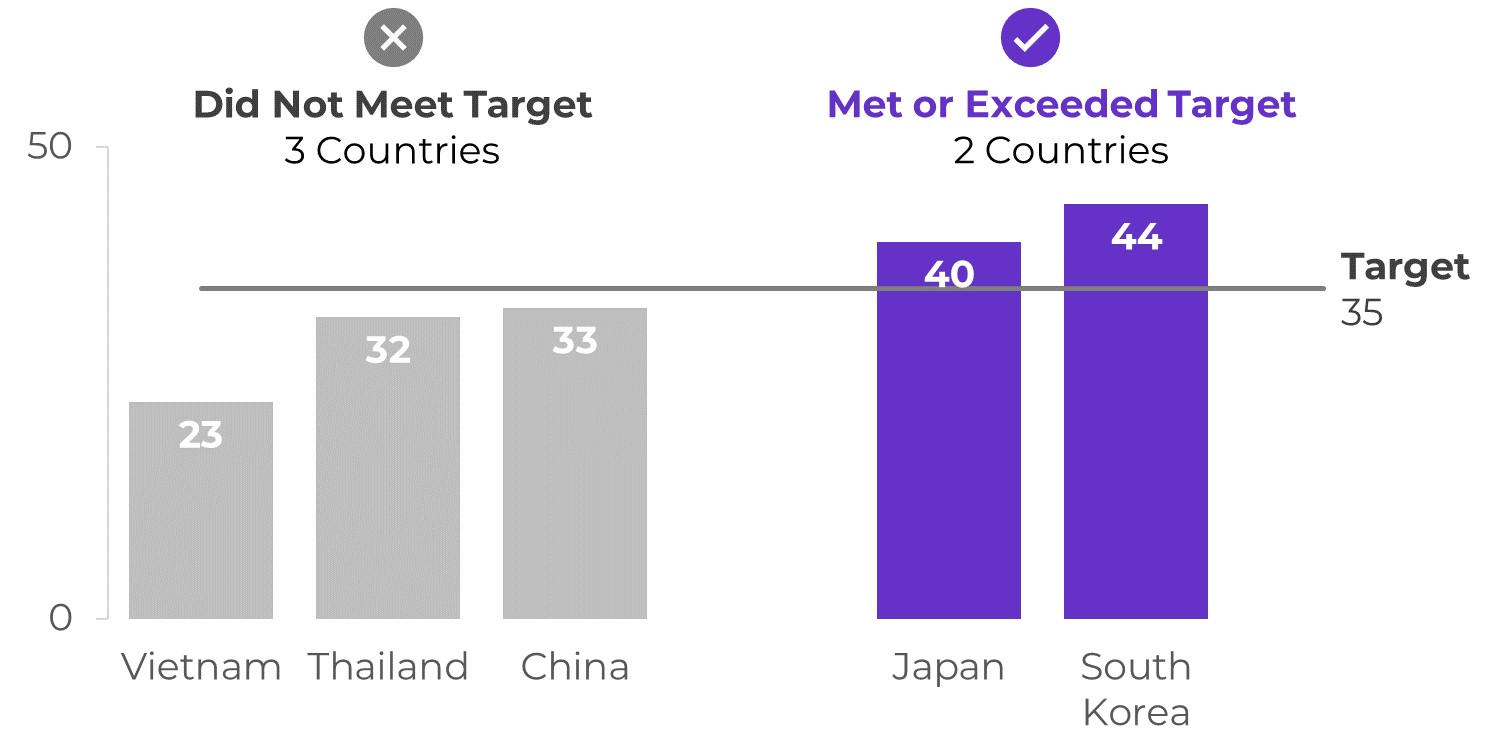
Combo Charts
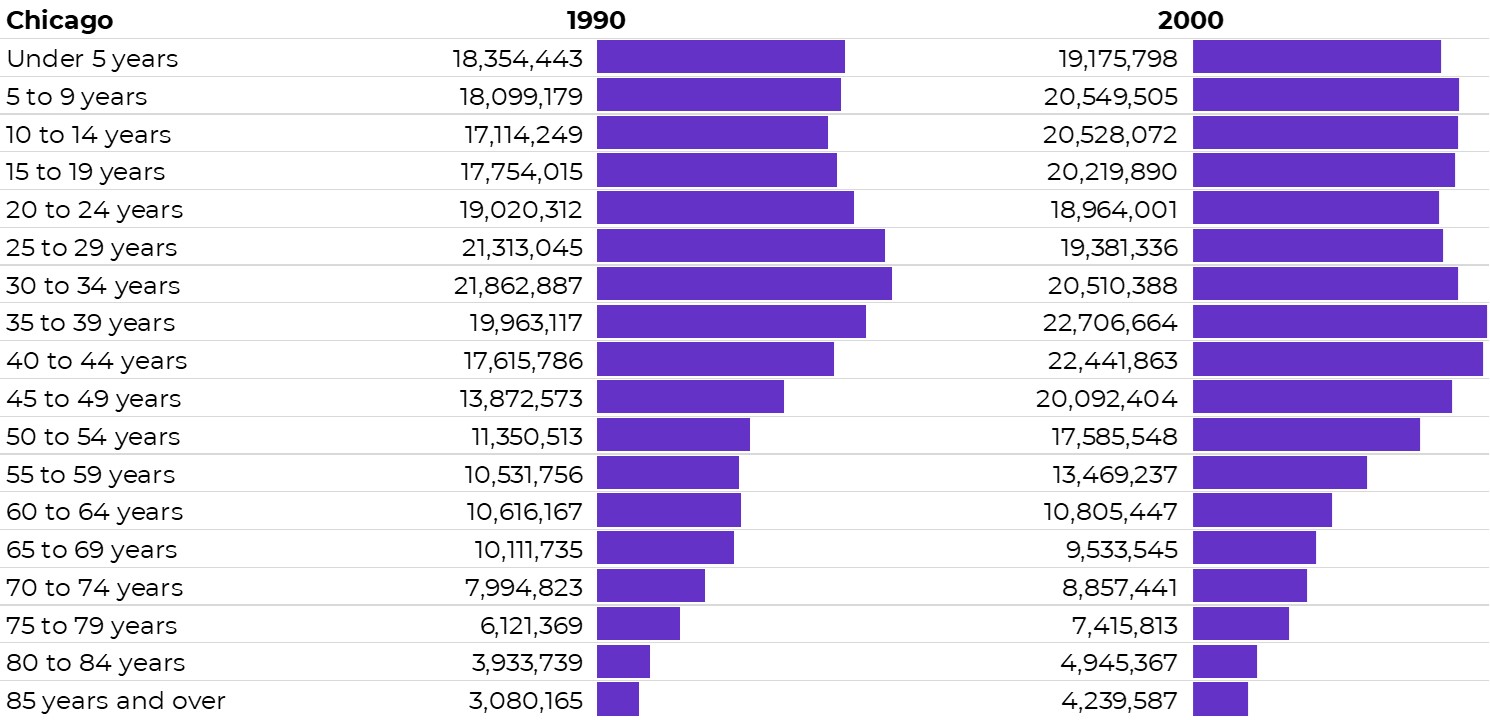
Data Bars
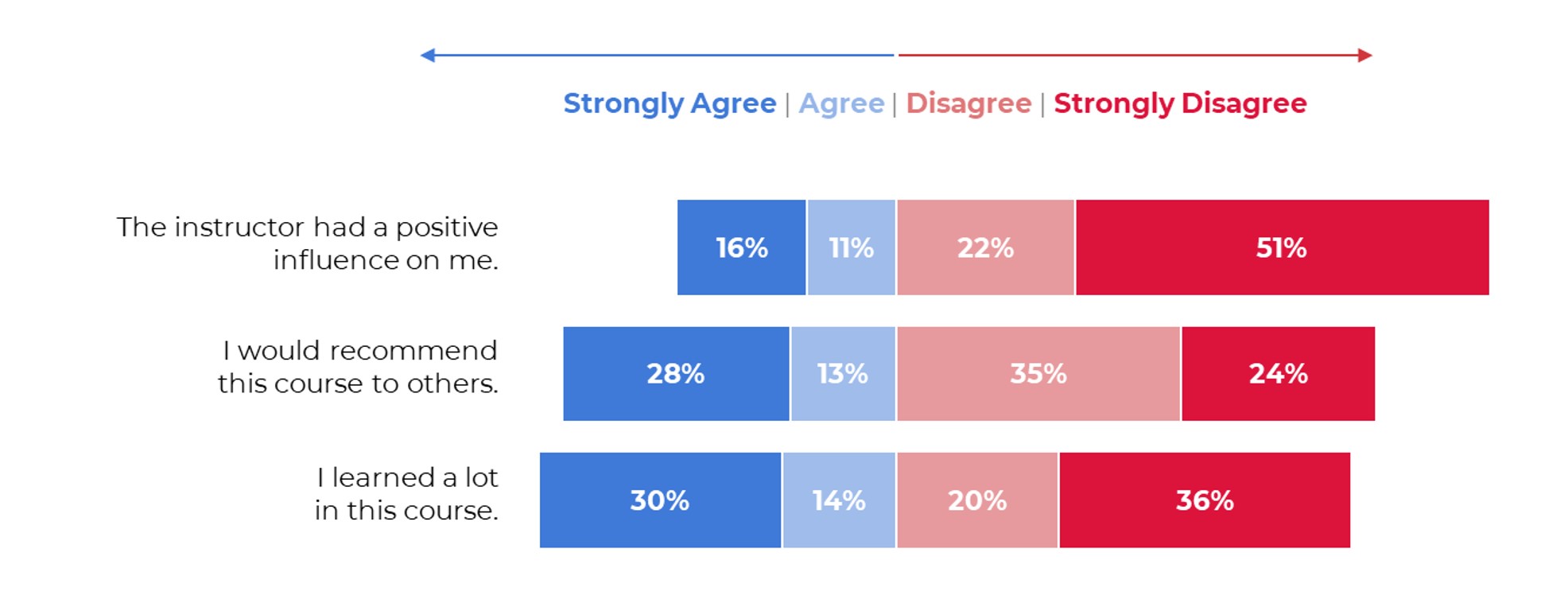
Diverging Stacked Bars
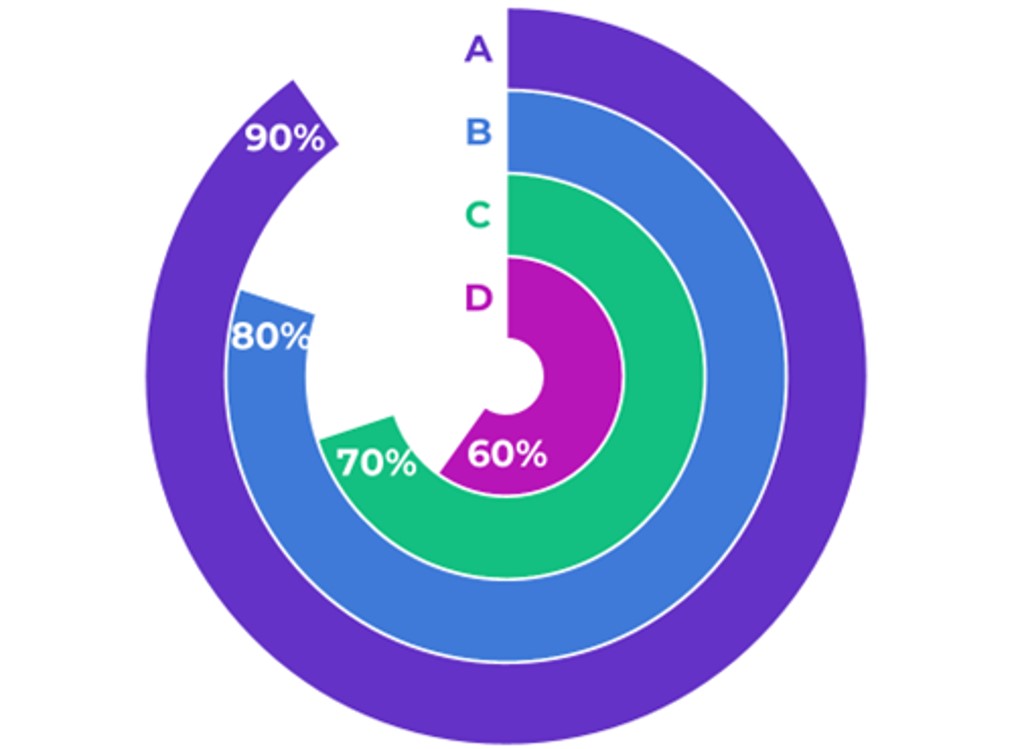
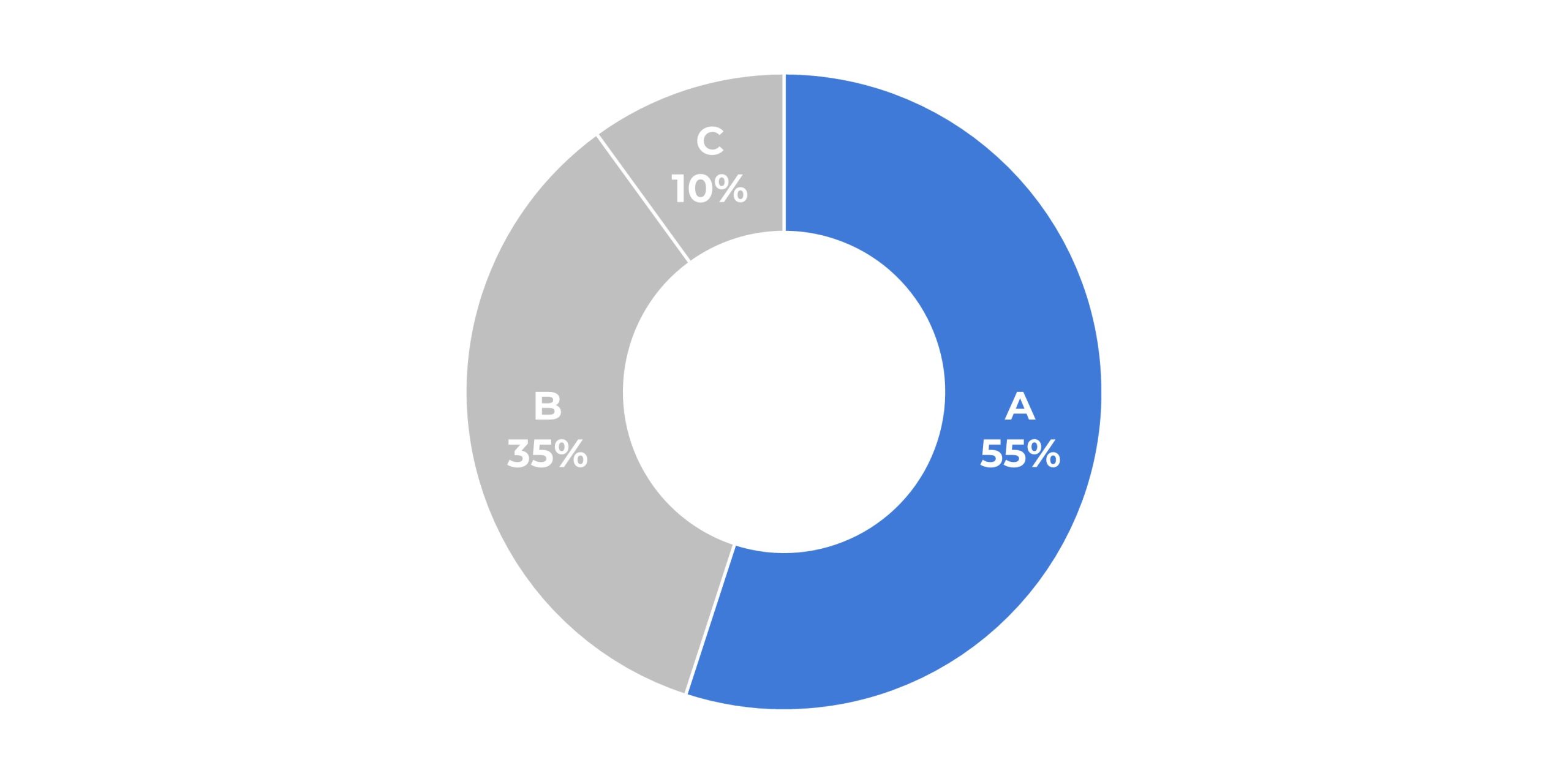
Donuts
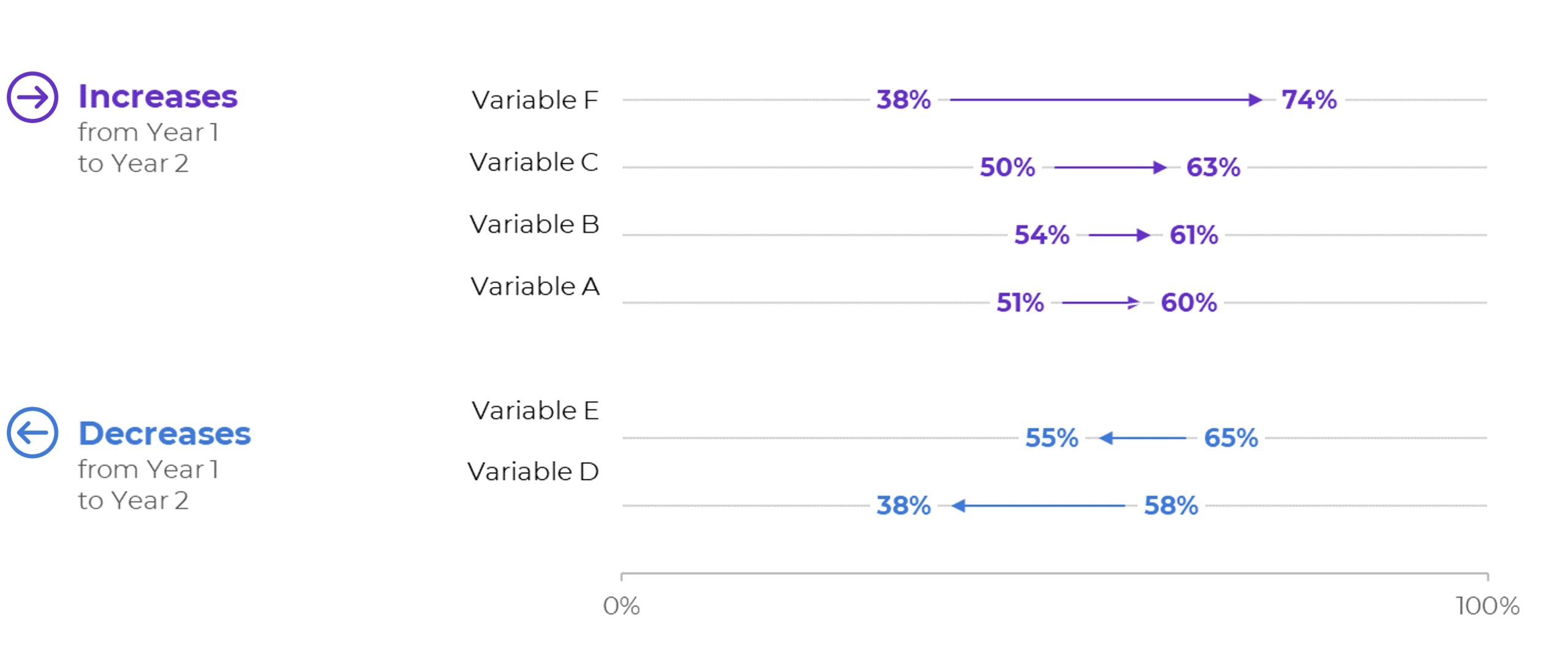
Dot Plots
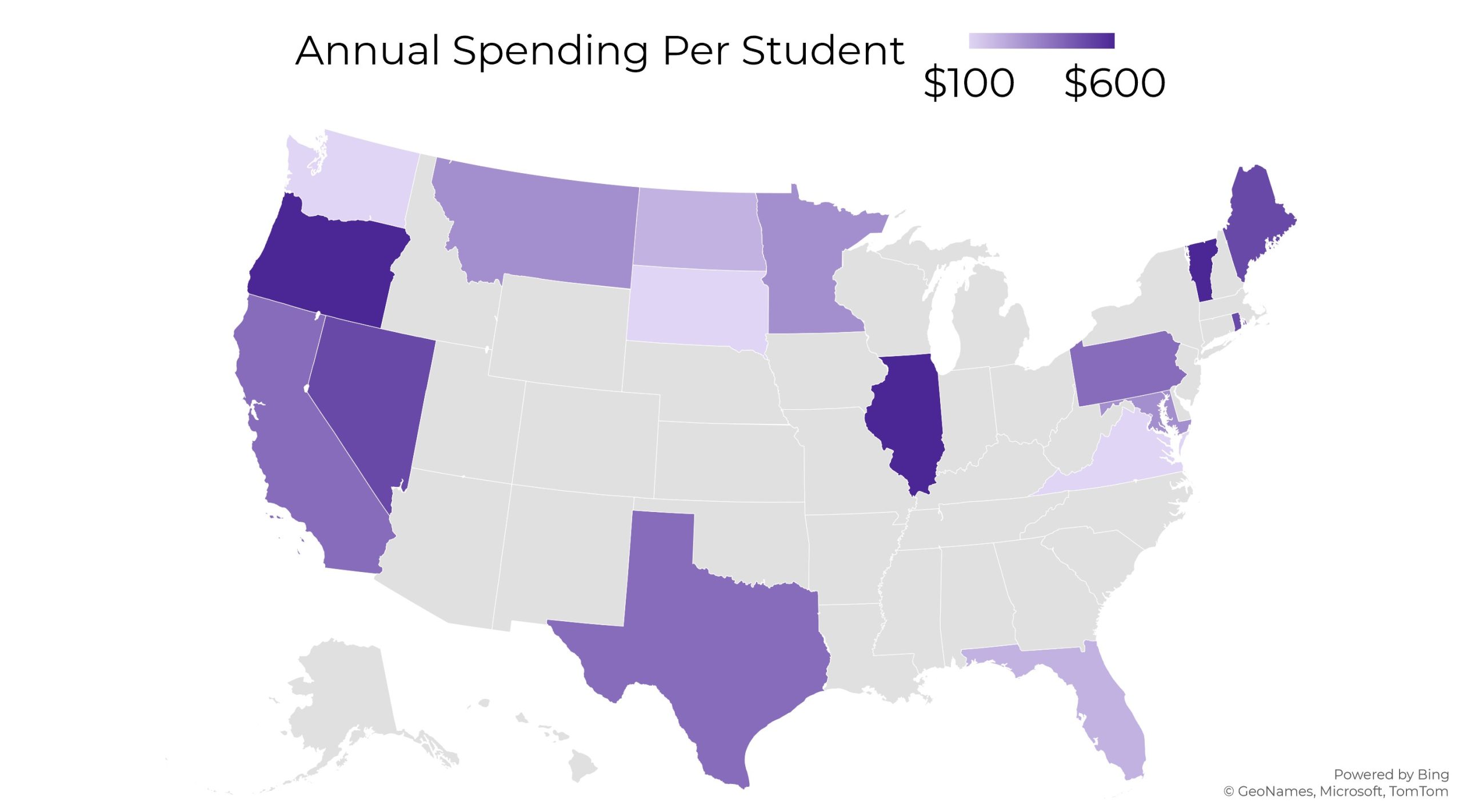
Heat Maps
Heat Tables
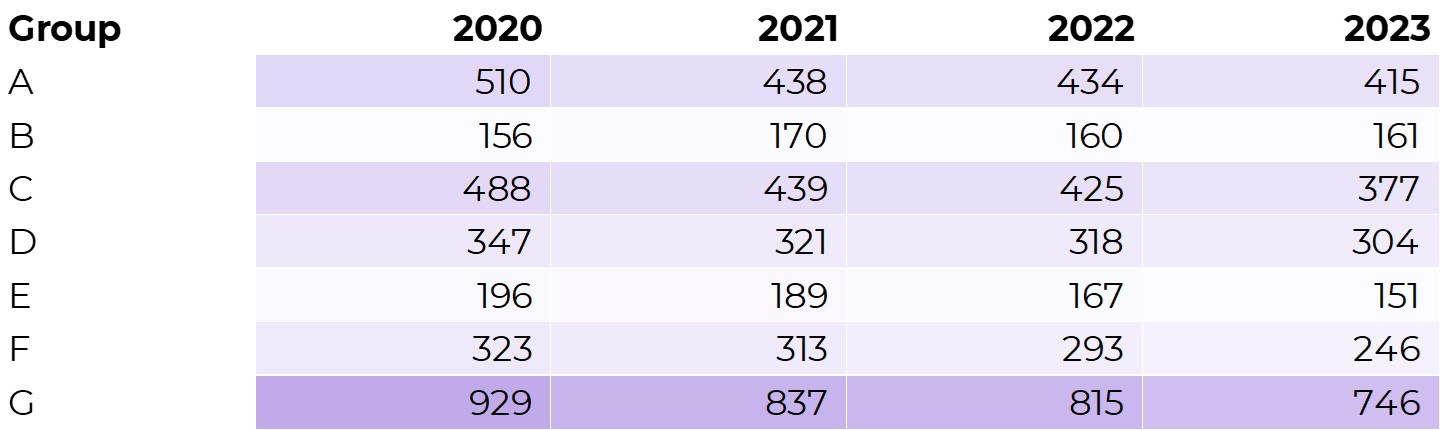
Histograms
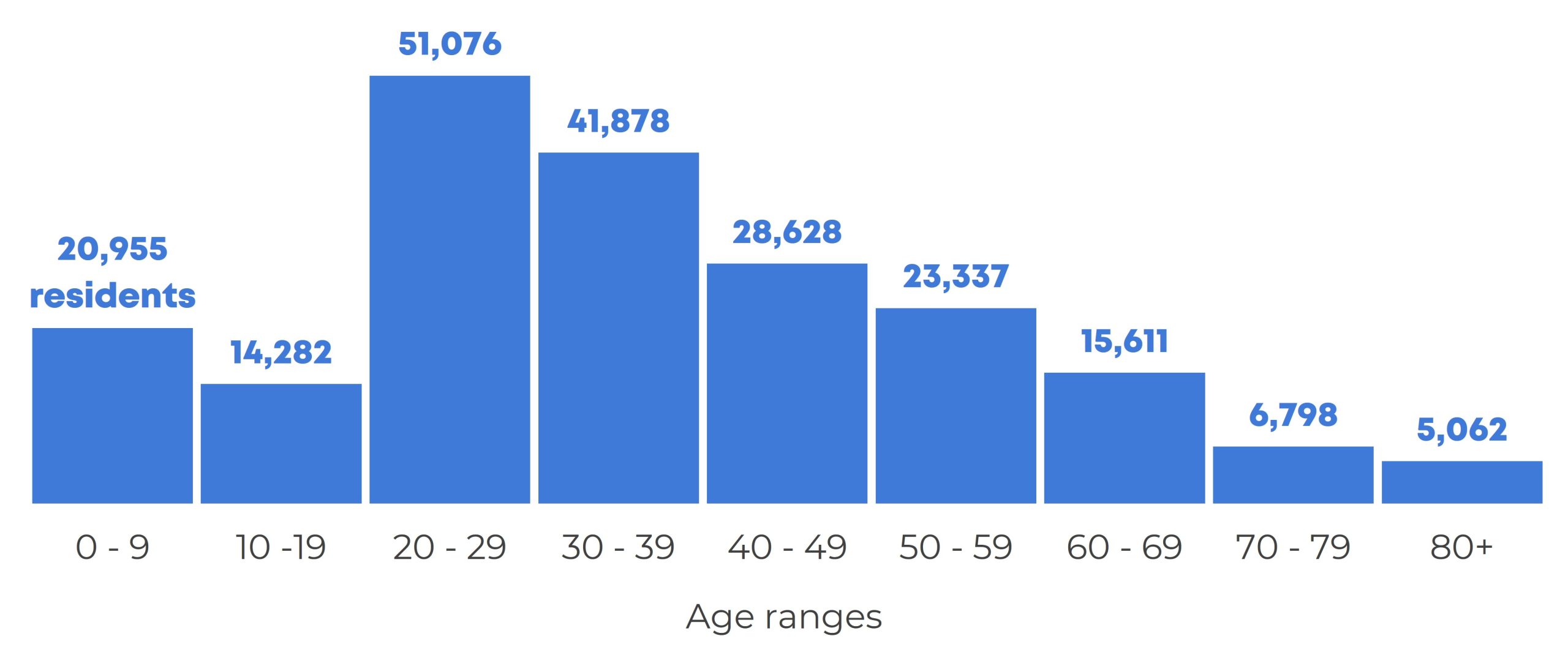
Interactive Dashboards
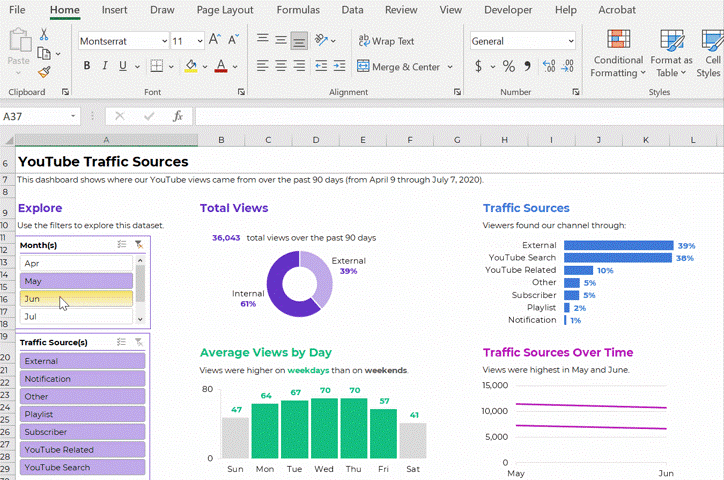
Lines
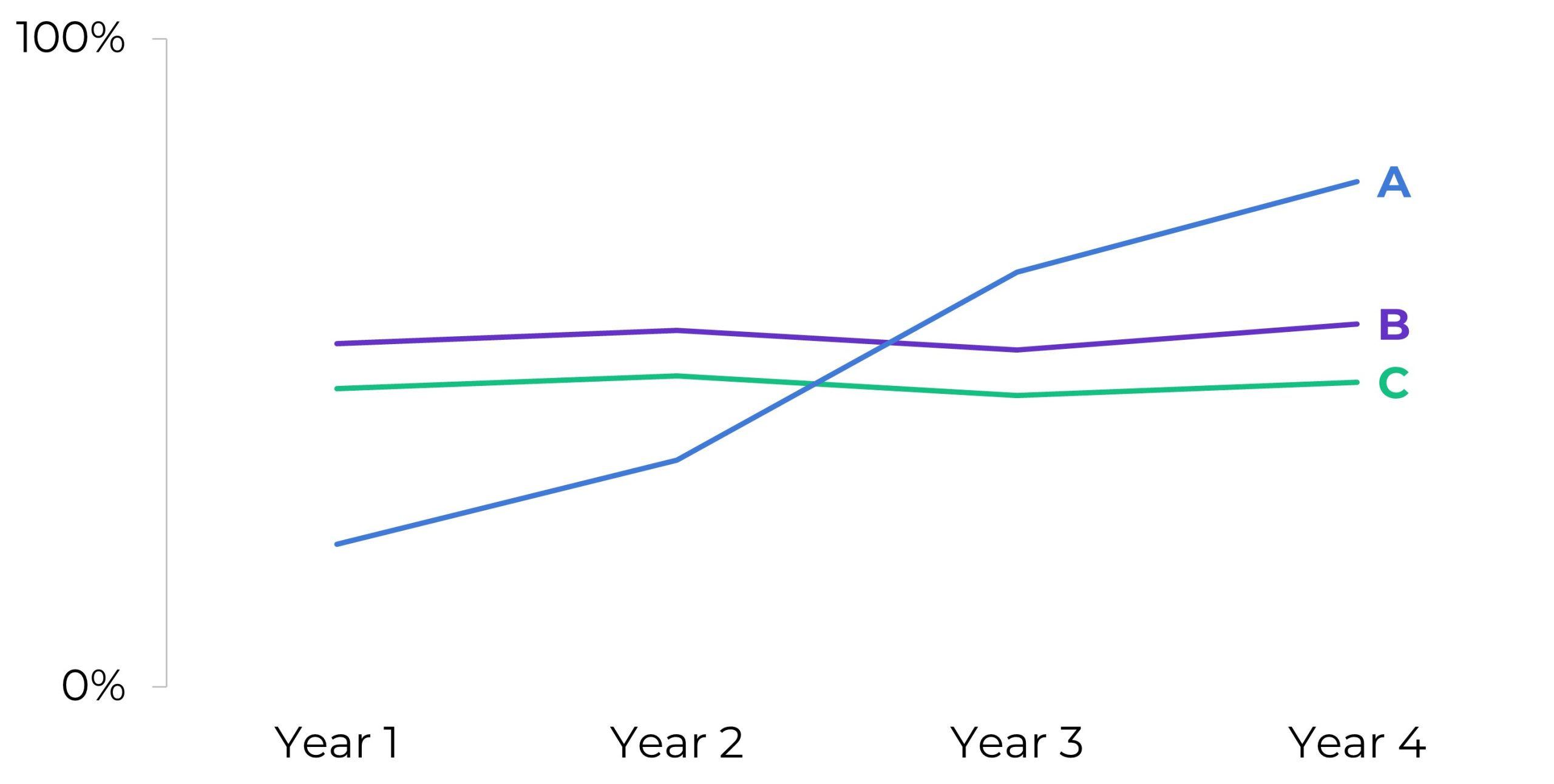
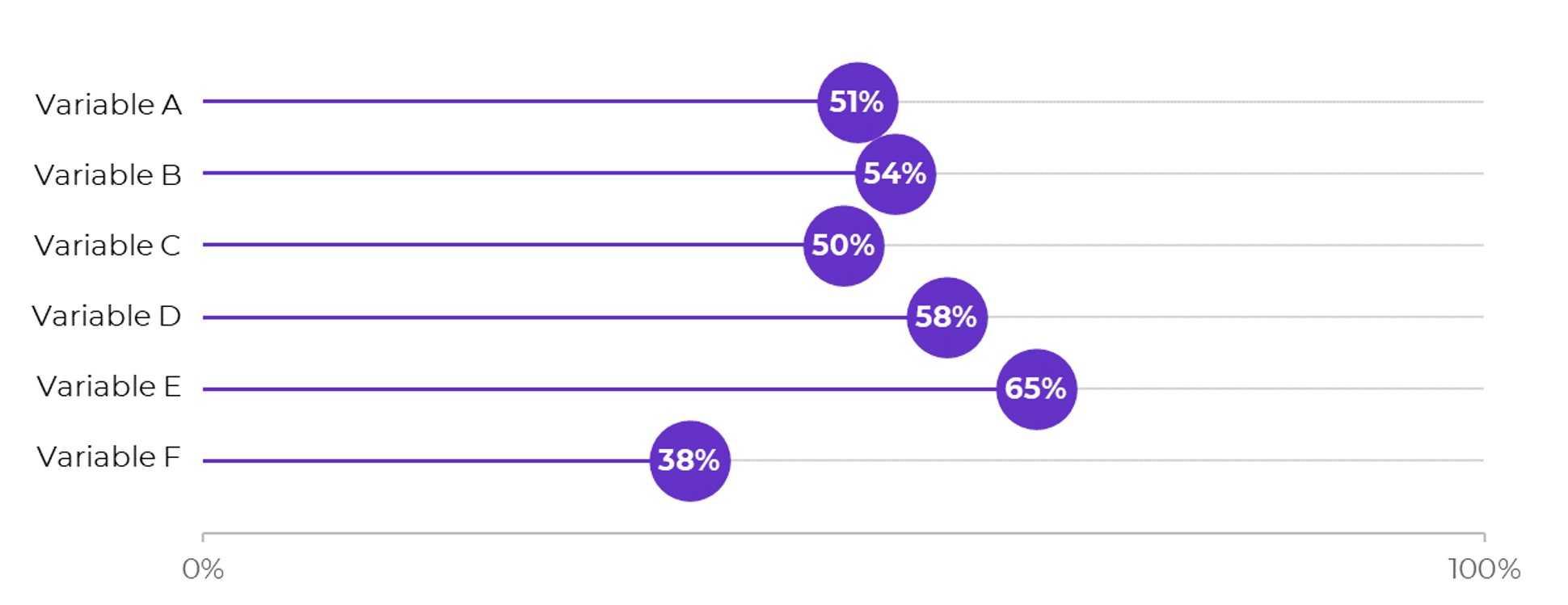
Lollipops
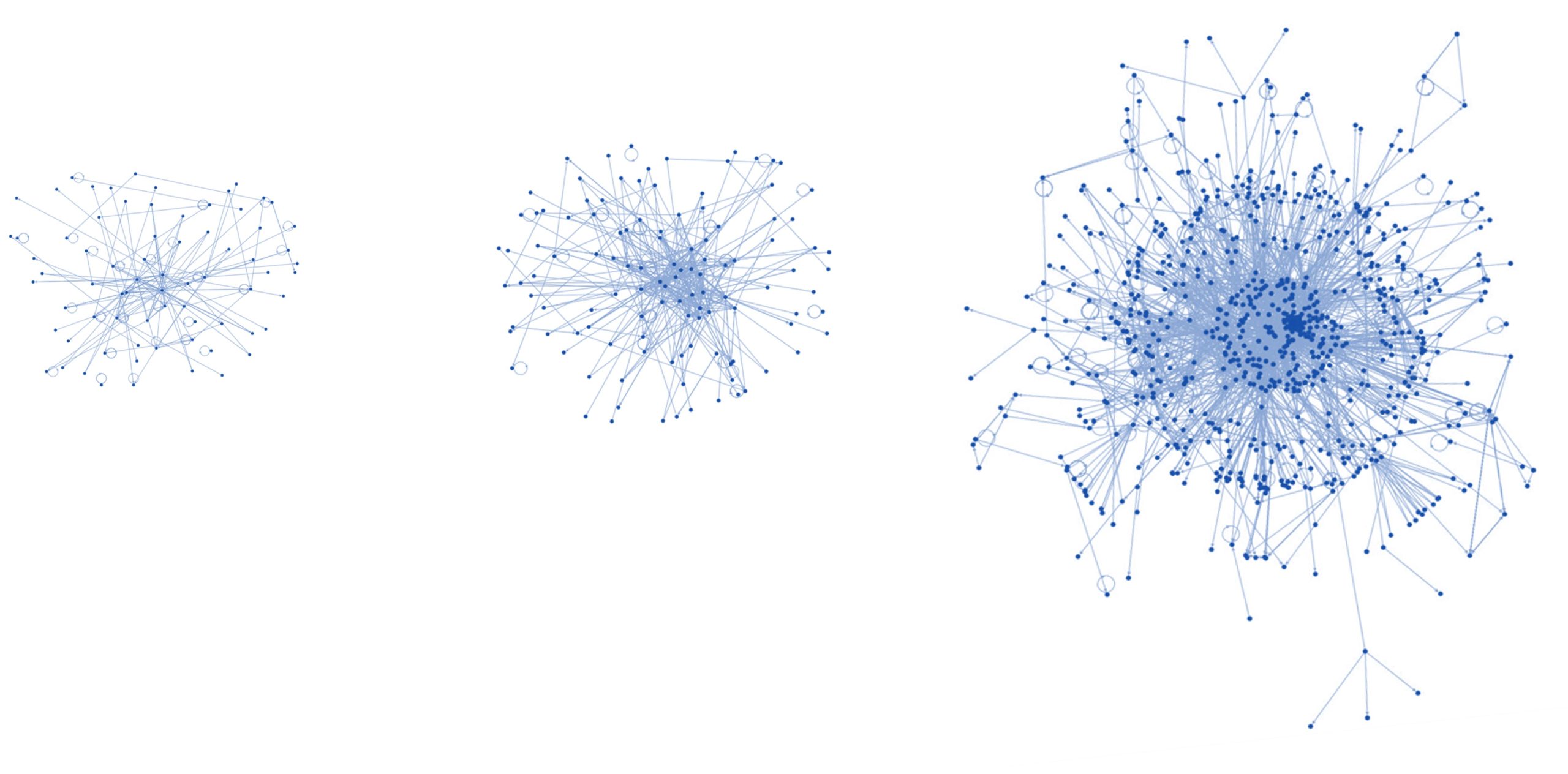
Network Maps
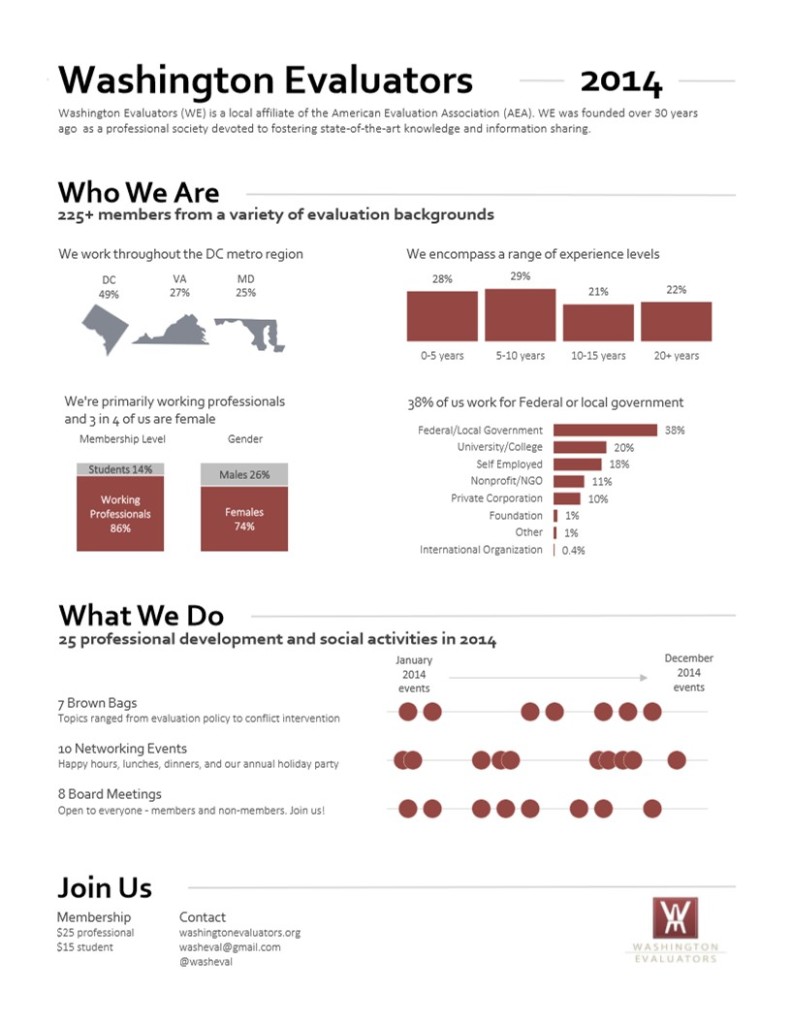
One-Pagers

Made entirely within Excel and saved as a PDF (not pasted into Word).
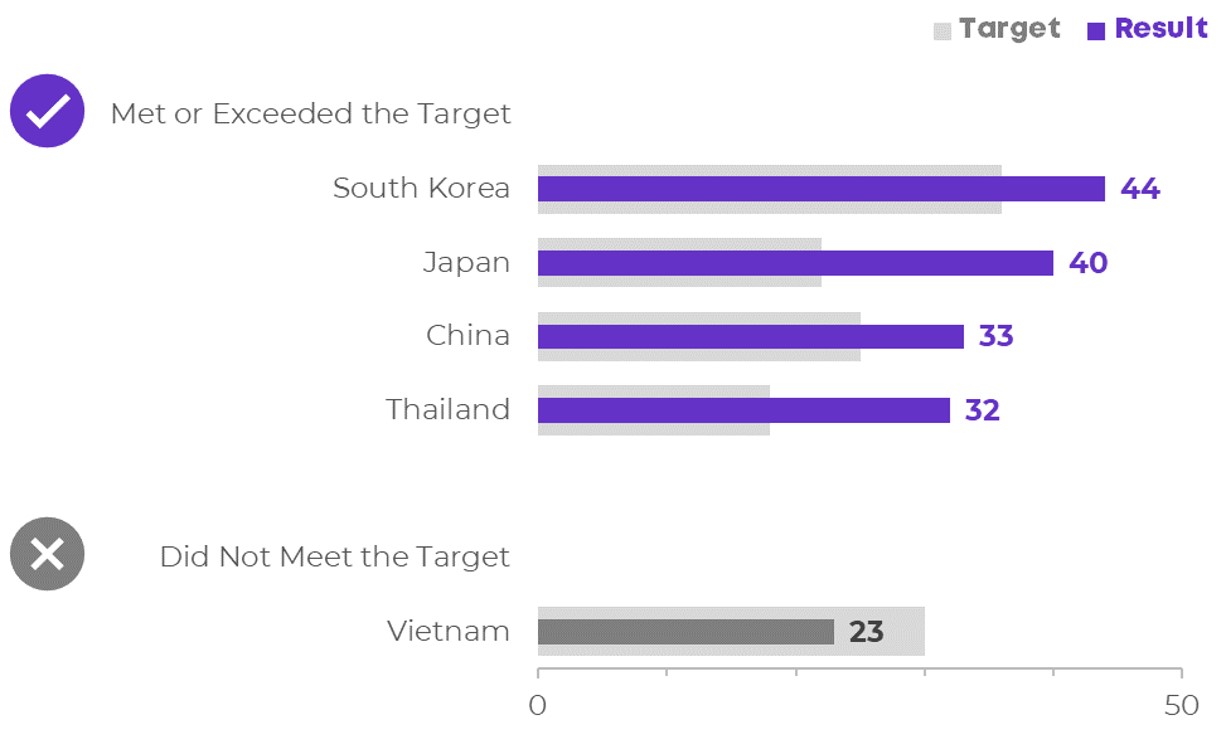
Overlapping Bars & Columns
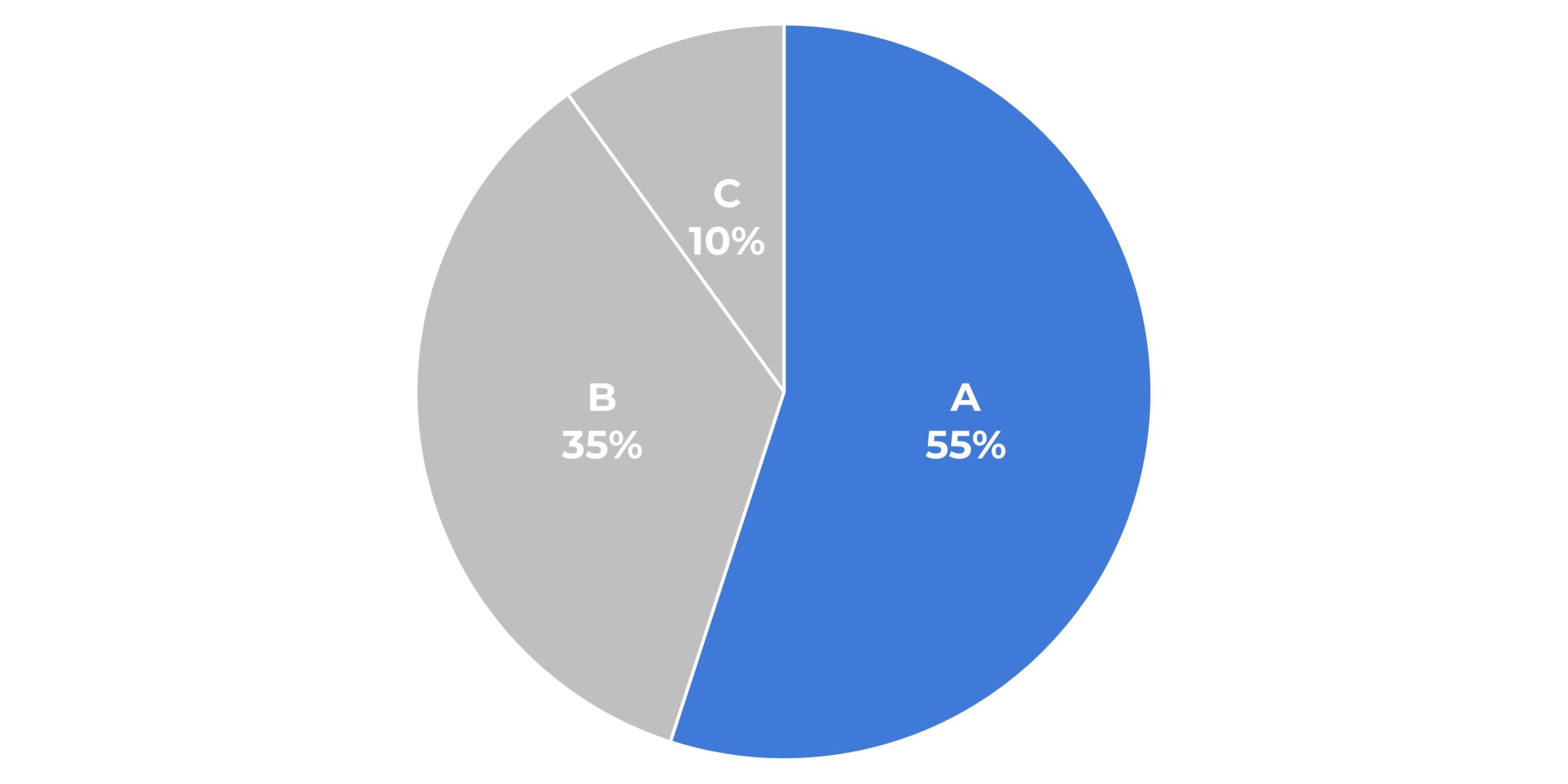
Pie Charts
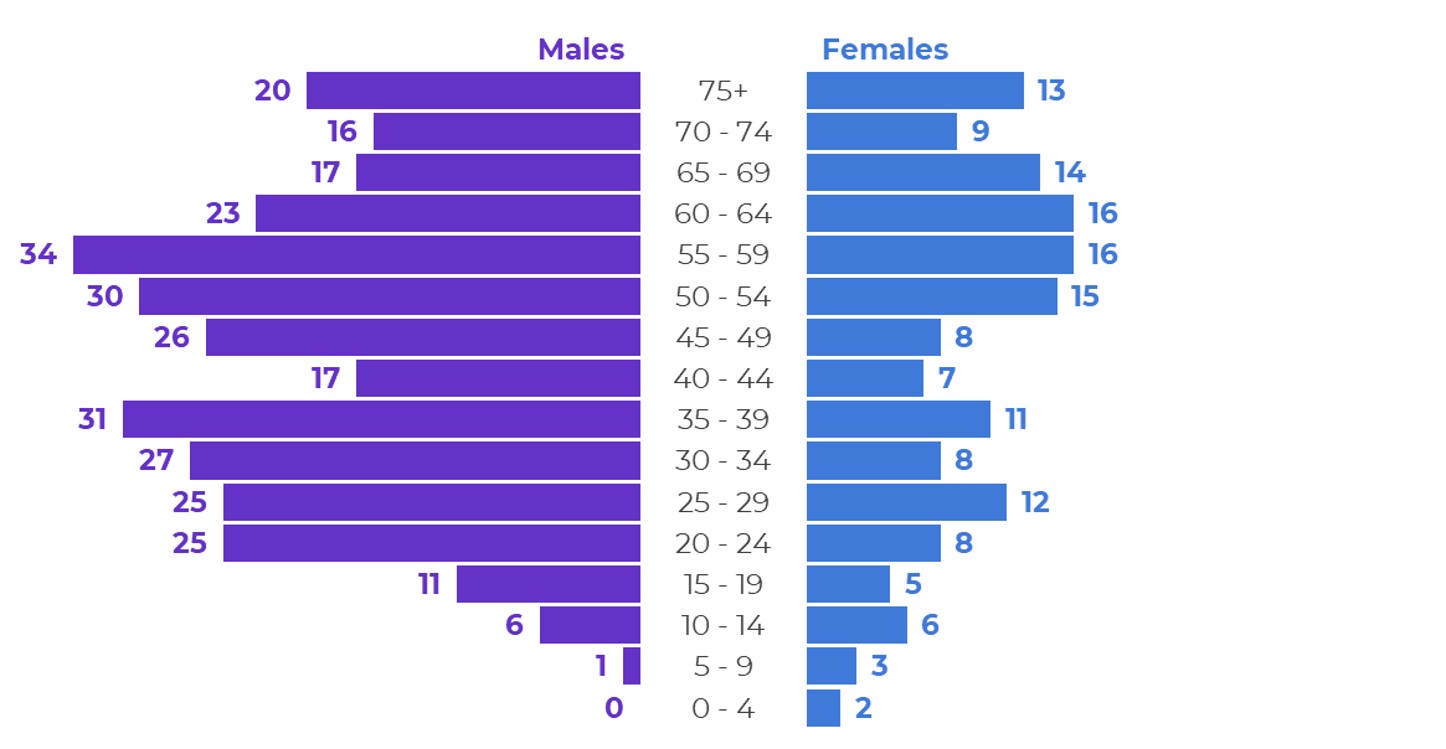
Population Pyramids
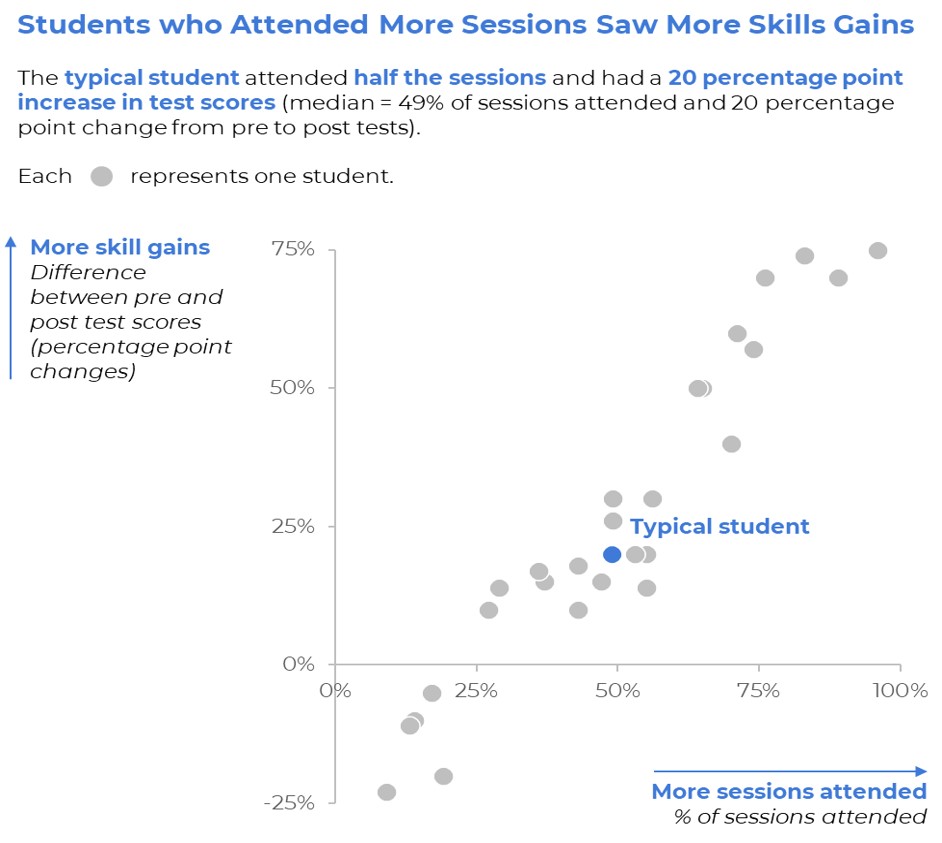
Scatter Plots
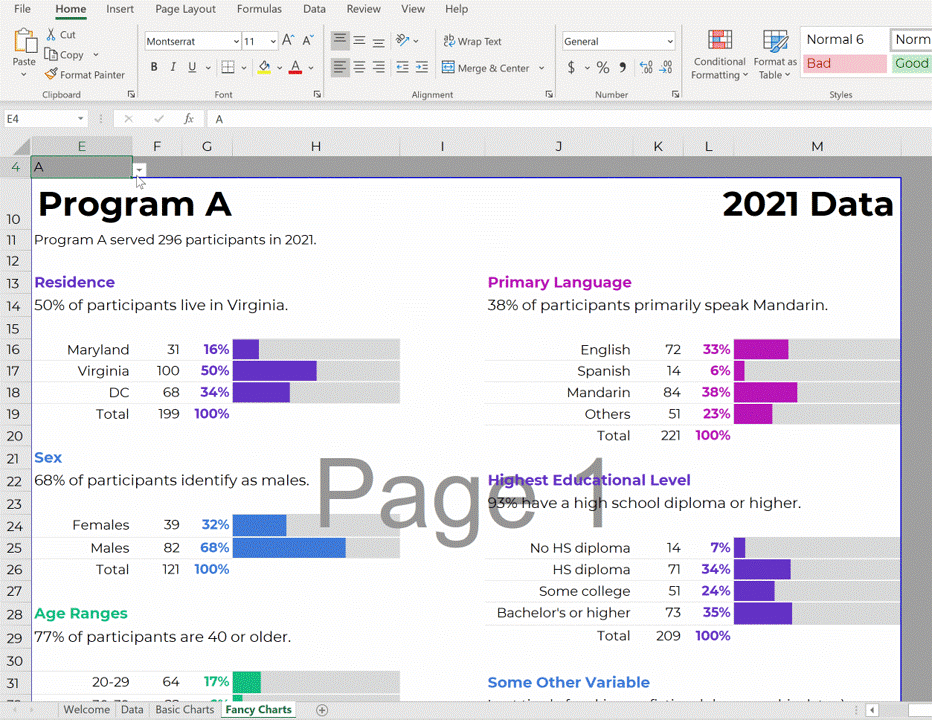
Series of Matching Dashboards

One per student, per school, per state, etc. Create one template and let Excel handle the rest.
Slopes
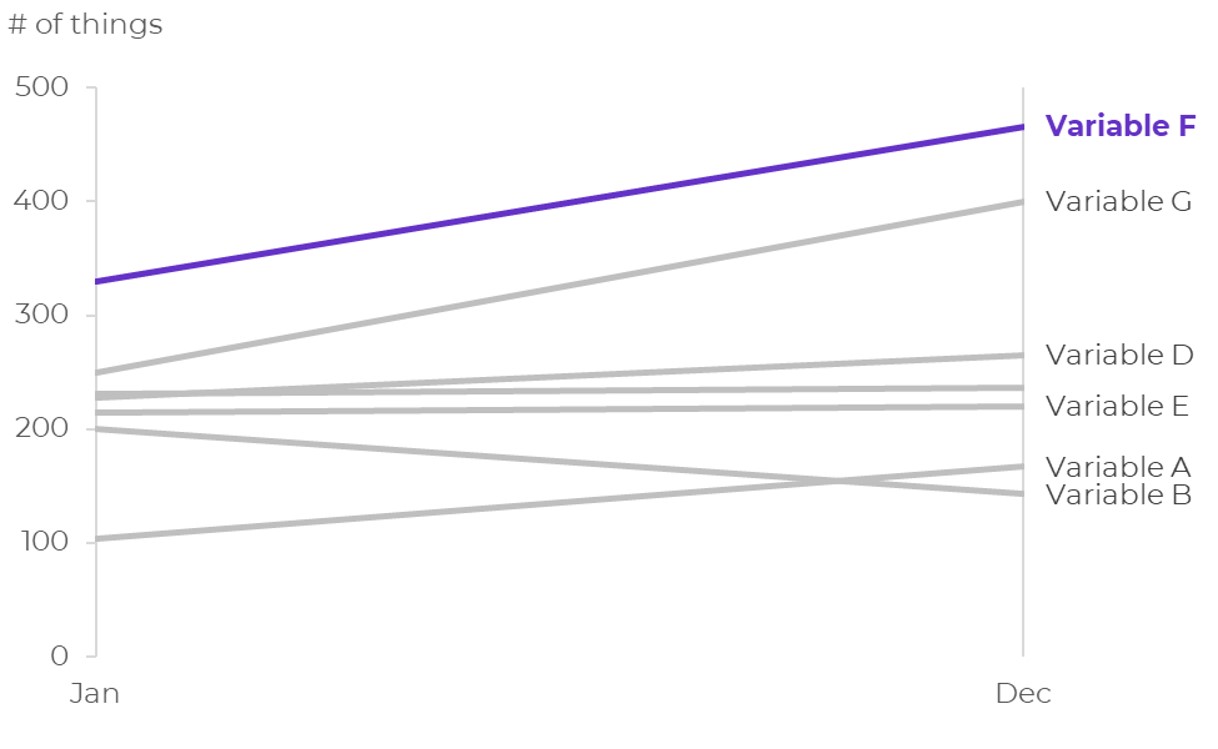
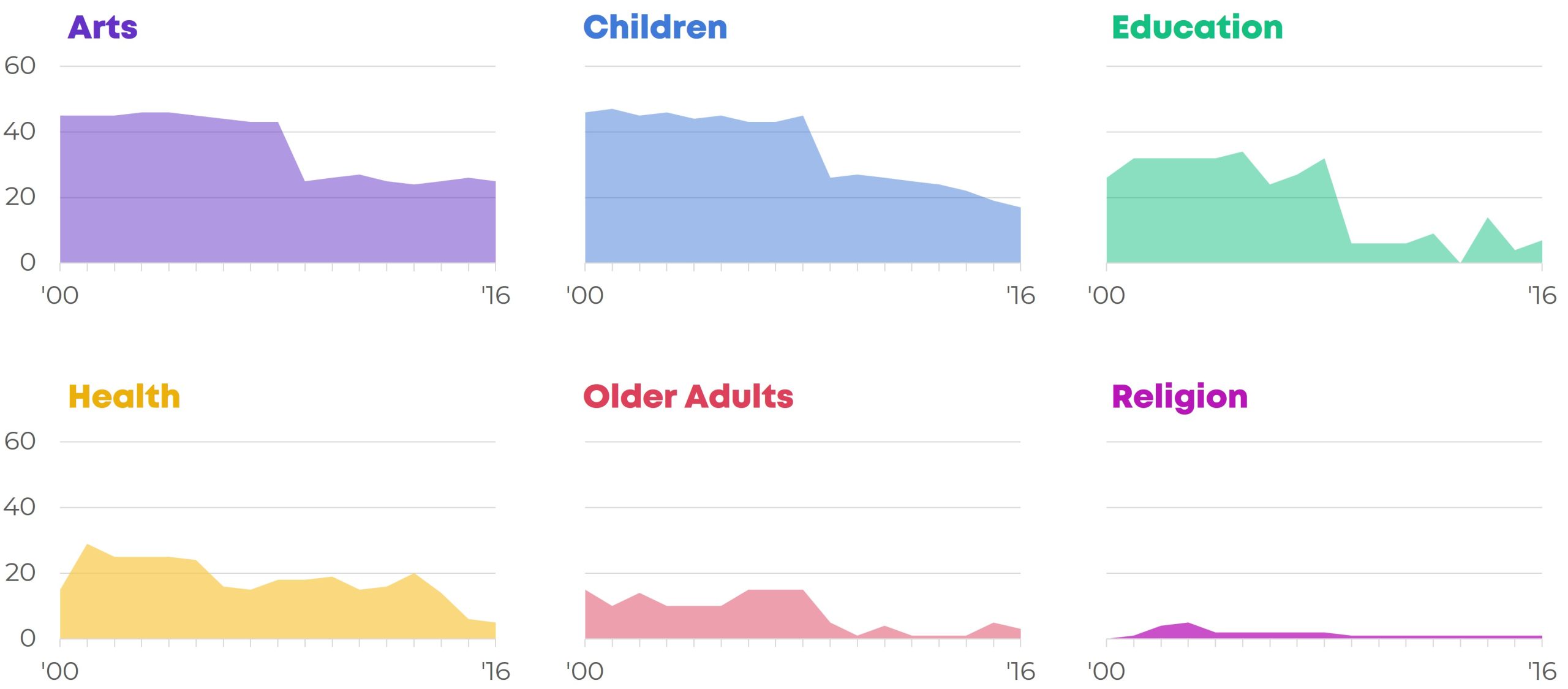
Small Multiples Bars
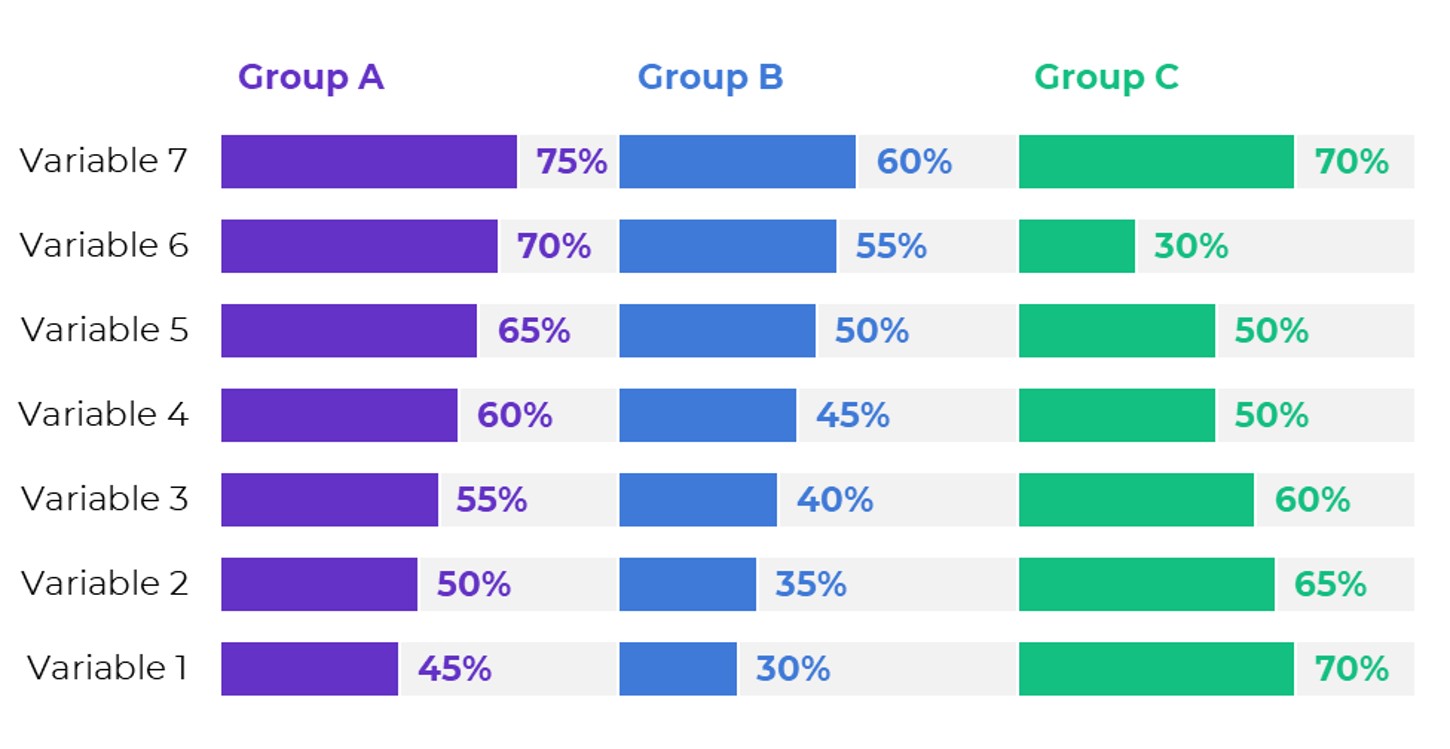
Small Multiples Lines
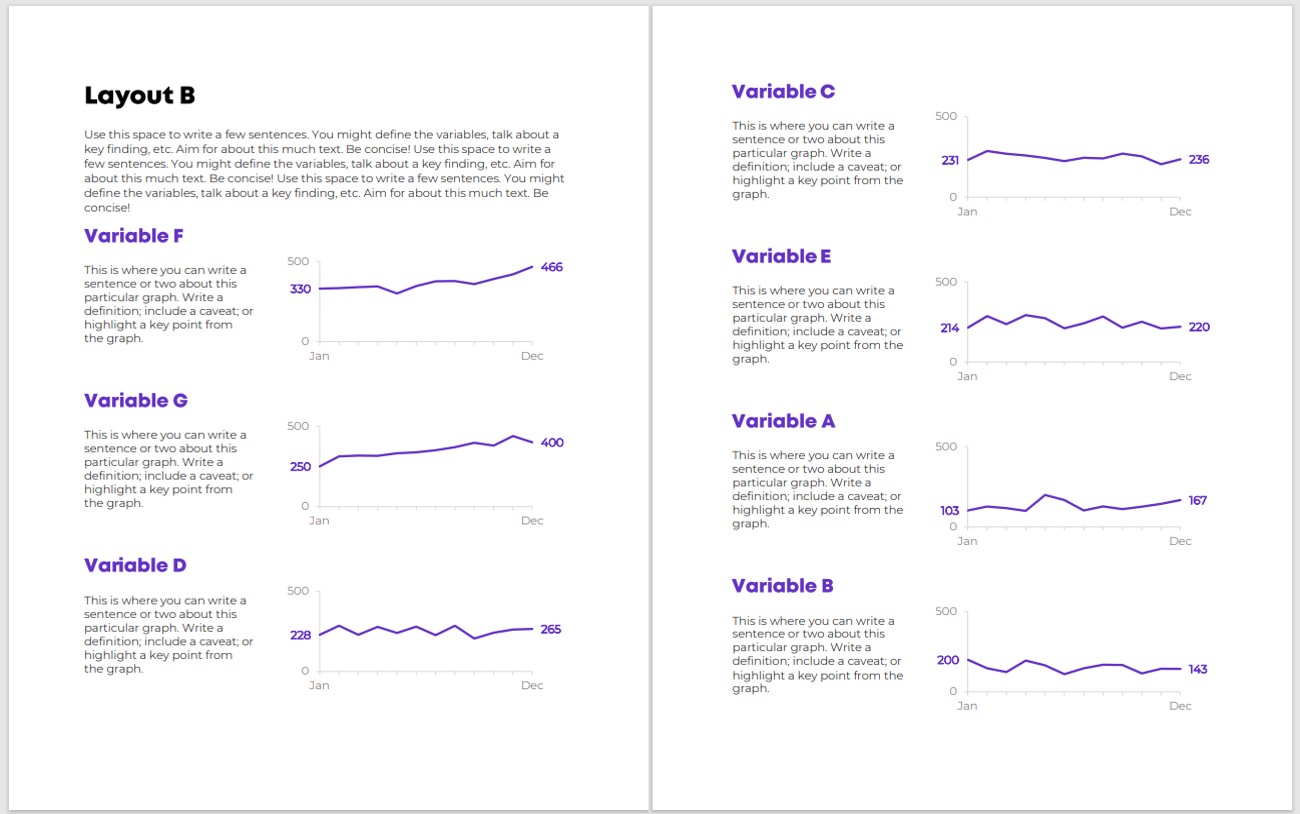
Sparklines

Stacked Bars
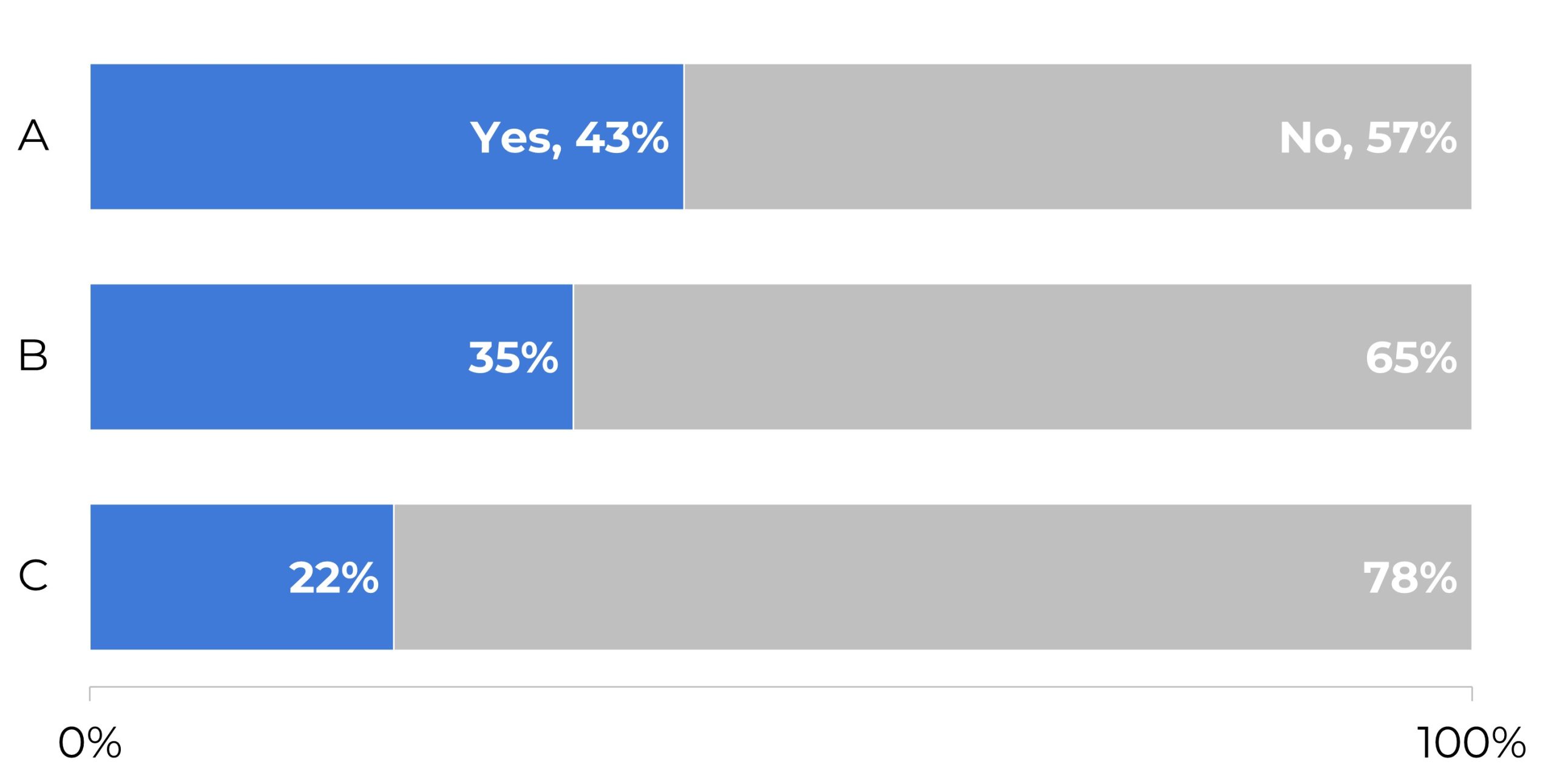
Stacked Columns
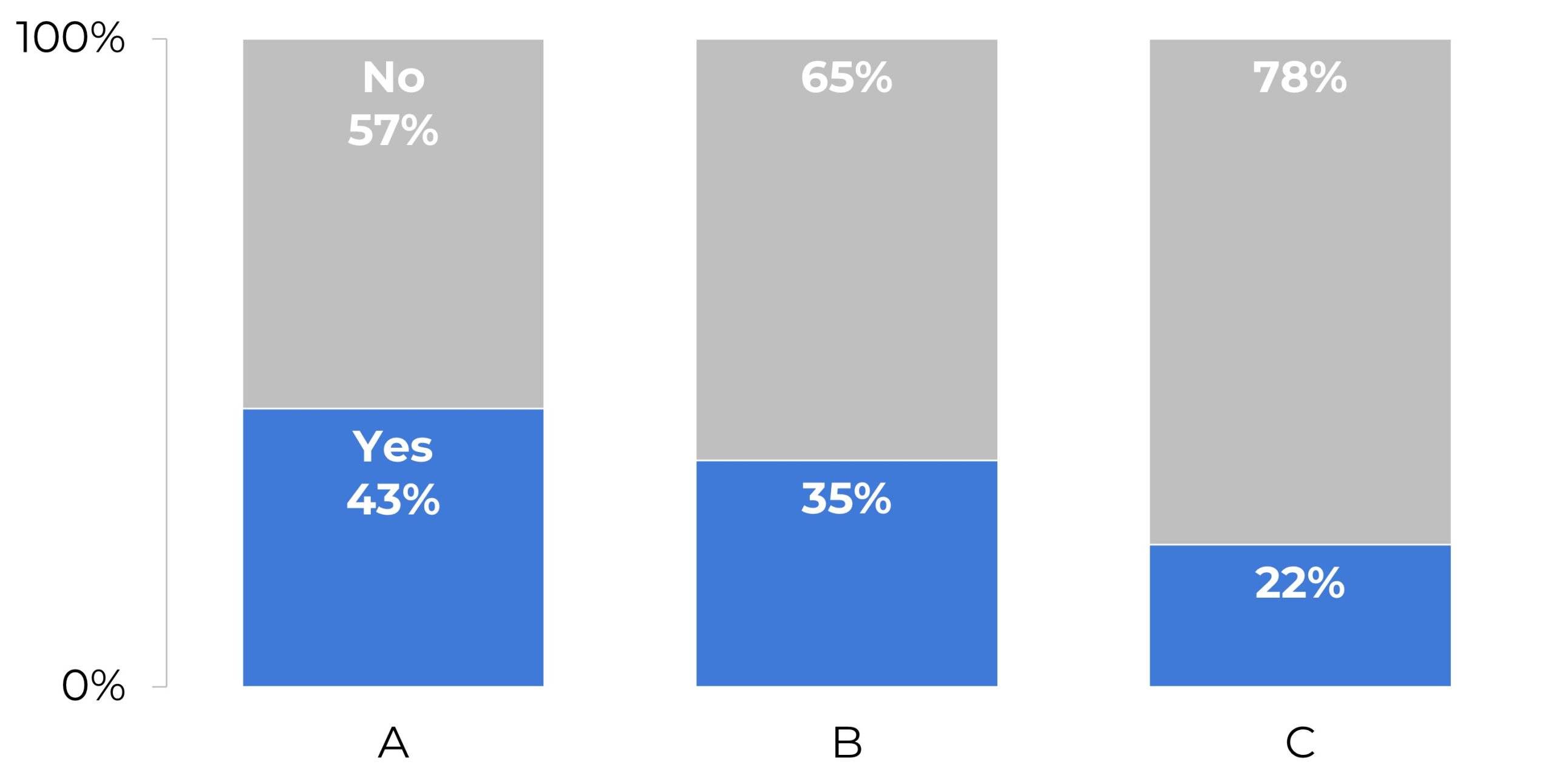
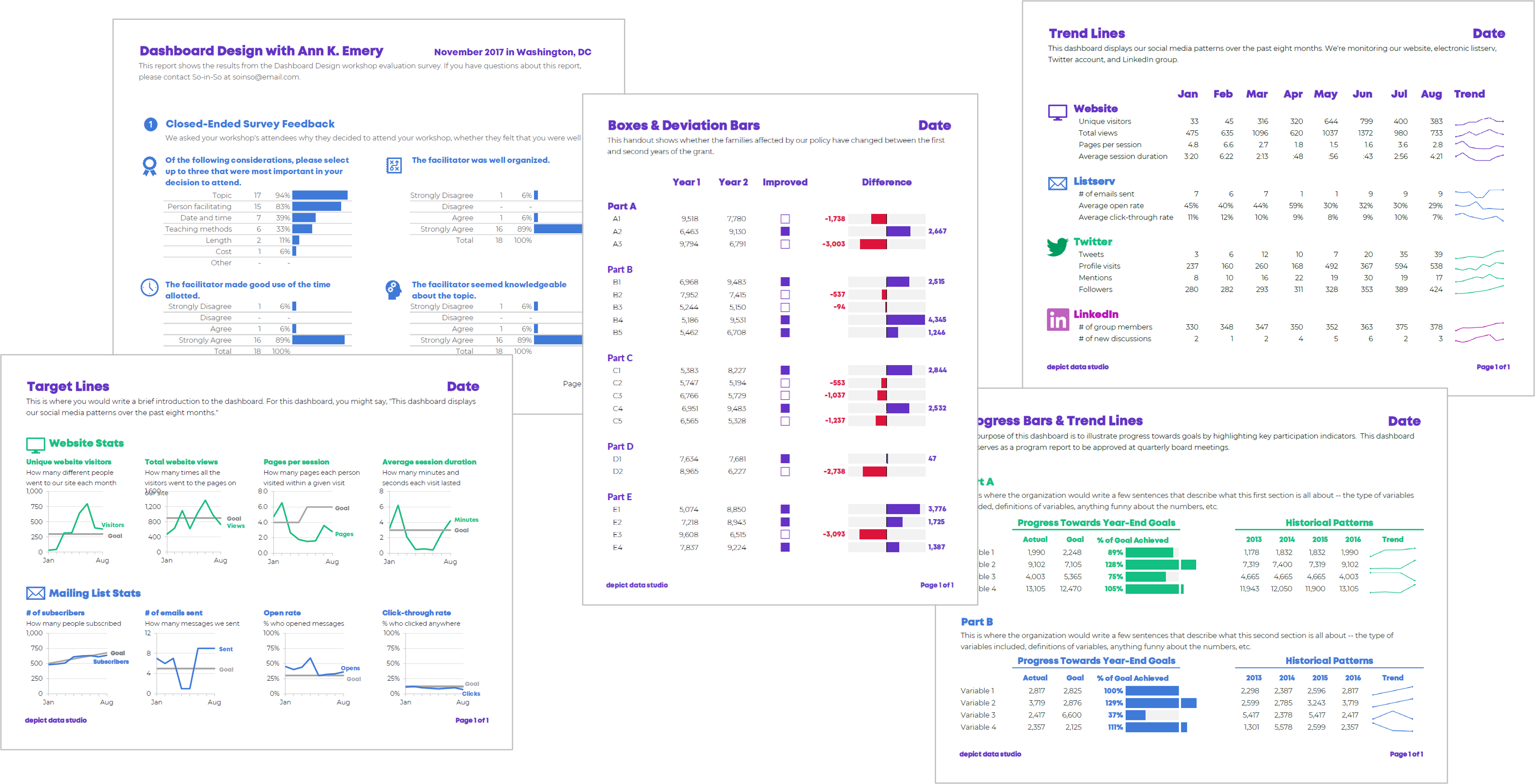
Static Dashboards
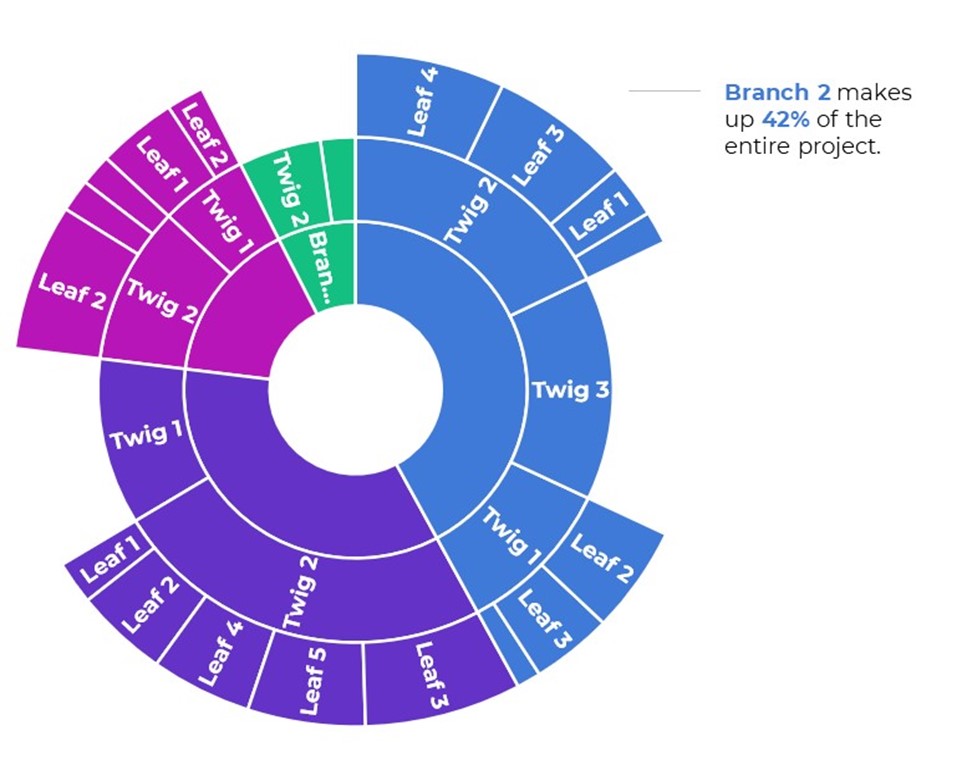
Sunburst Diagrams
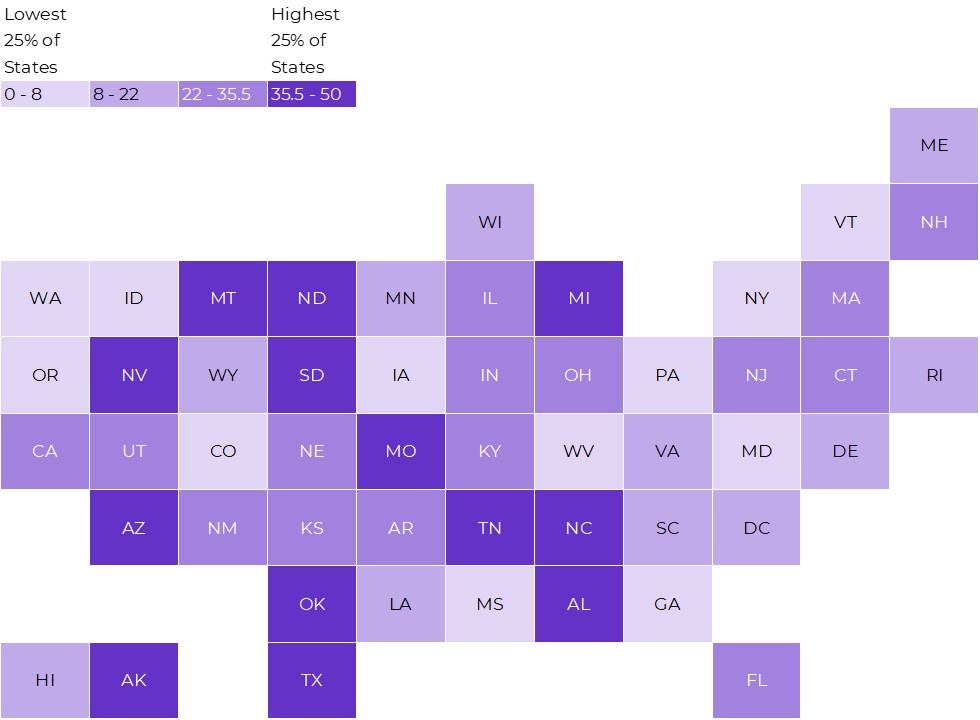
Tile Grid Heat Maps
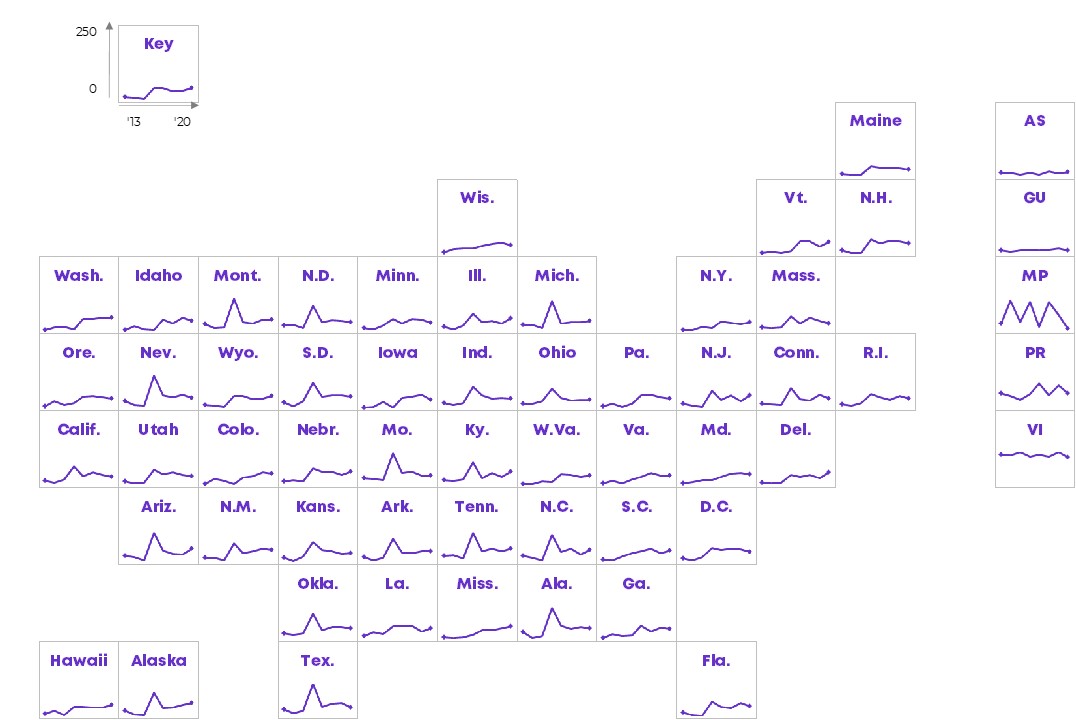
Tile Grid Trendline Maps
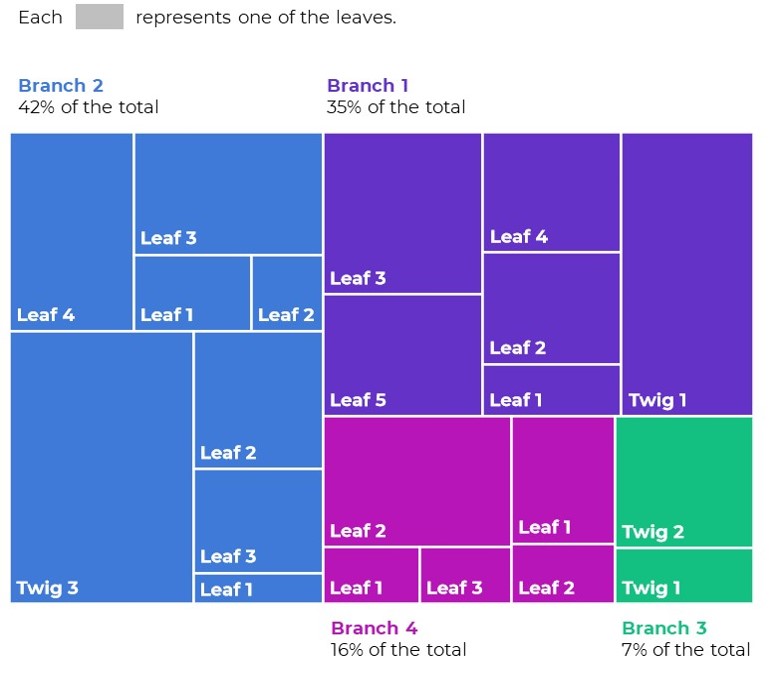
Tree Maps
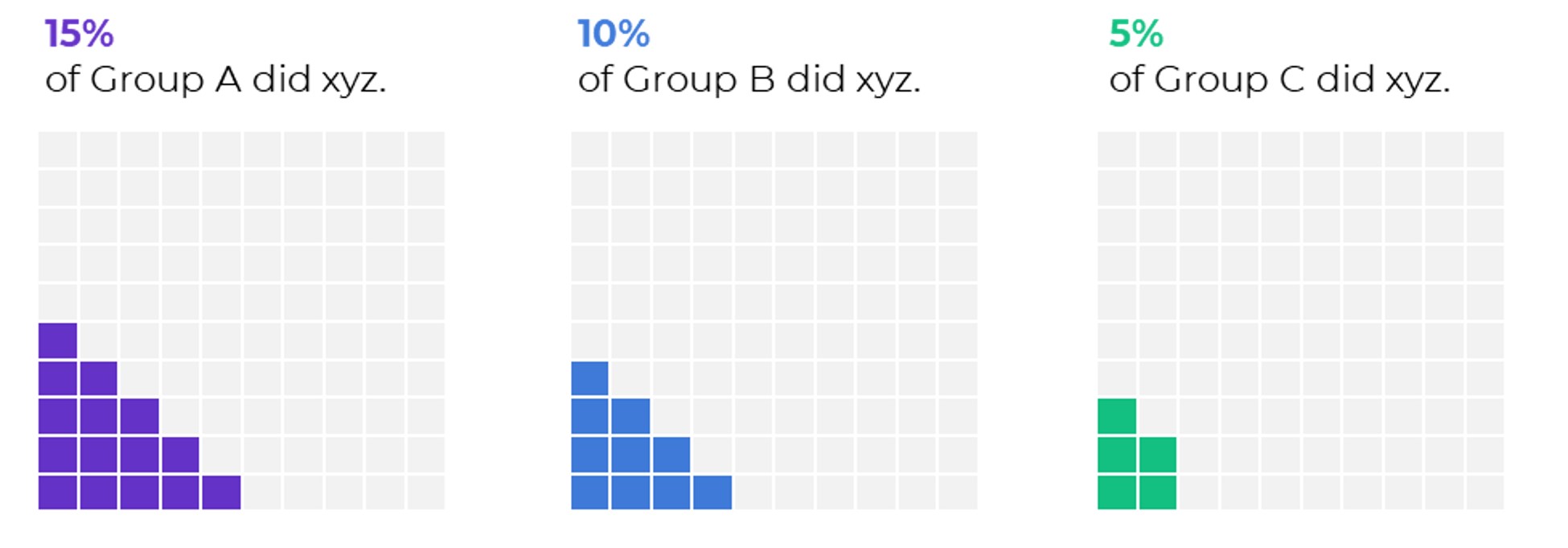
Waffles
Written by cplysy · Categorized: depictdatastudio

Feb 15 2023

What’s so special about UX research with Joanna Prout

Over the coming year I hope to spend a little time on this blog showcasing some of the members of my Information Design Academy.

In today’s post we’ll hear from Joanna Prout. Joanna is currently exploring a career transition from research and evaluation into the field of user experience research. I asked her to share some of the lessons she has learned through her exploration.

Who is Joanna Prout?

Joanna is a researcher, evaluator, and PhD Psychologist currently working as a leader researcher for the University of Maryland School of Medicine. You can learn more about Joanna, and follow her work, by visiting her LinkedIn profile. 

What is User Experience Research?

Before we get to Joanna’s lessons, let me give you a couple of resources that will provide you with a basic intro to UX research.

UX (user experience) research is the systematic study of target users and their requirements, to add realistic contexts and insights to design processes. UX researchers adopt various methods to uncover problems and design opportunities. Doing so, they reveal valuable information which can be fed into the design process.

UX Research – Interaction Design Foundation

User-experience research methods are great at producing data and insights, while ongoing activities help get the right things done.

UX Research Cheat Sheet – Nielsen Norman Group

Now let’s get into the 4 lessons Joanna shared with me over email (in her own words).

1. Think about what the product is.

A big shift in learning about UXR was thinking about anything that I was doing research about as a “product.”  Once I understood that anything can be a product, it didn’t have to be like a blender that could sit on a shelf at a store, the transition became easier because I realized that I already had done research about products like trainings, online resource centers, data dashboards, etc.

This shift in thinking helped me realize that all the research I did should be aimed at improving the product we were creating. Digging into data just because it is  “interesting”  can be fun but it is less likely that this work will be used because there aren’t clear connections to action steps.

2. Generative Research is key.

Another thing I learned about was generative research – this isn’t really done at my university position because we assume we know what is best for people or what people need based on science.  However, the guidelines provided by science are typically very broad and the product will need to be tailored to the specific users.  Actually talking to the people you hope will use your product can make it work a lot better! 

3. Research as a tool to build community and get buy-in.

Academic research for me was pretty removed from the world and the people it was about or for.  With generative research and iteration,  it is easier to get buy-in because all the stakeholders can be involved in creating and refining the product.  Doing 1:1 interviews with people at the start of our Data 2 Action toolkit helped me build relationships with key people because I got an hour just to get to know them. 

Summative and evaluative work is similar– if you  work closely with the people who will use it then you are more likely to get reports that they will be excited to use.  The limitation here is that there has to be flexibility– this kind of research isn’t going to be the same as very controlled studies where the goal is to determine if the null hypothesis is true.  So, there is a lot of ambiguity that you just have to be comfortable with.

4. UX Research has a Great Community.

Those are some thoughts!  The other great thing about UXR is the community.  In academia people will purposefully not help you because they don’t want you to scoop their findings and take their grant money.  There may be some of that in industry but in general people have been really open to volunteering their time & resources just to help me.

Have you done your own research into the fields of UX Research or UX Design? What have you learned?

This is Chris again.

For myself, I have incorporated a number of UX Design methods into my overall information design practice. I find the set of methods really useful for my work.

I know there are other evaluators and researchers who have jumped into jobs in tech as UX Researchers and UX Designers. Are you one of them? Have you explored these areas? Let us know in the comments what you have learned.

Oh, and if you want to be cool like Joanna, consider joining us and becoming a member > Information Design Academy.

Written by cplysy · Categorized: freshspectrum

Feb 15 2023

Try This: Evaluate Your Facilitation

Try this out and let me know how it goes for you. You can’t control everything, but surviving awkward facilitation moments is a matter of planning and reflection. Each facilitation allows you to identify themes in your facilitation experiences and plan how to address these in future facilitations. Last week, I shared advice for surviving […]

The post Try This: Evaluate Your Facilitation appeared first on Nicole Clark Consulting.

Written by cplysy · Categorized: nicoleclark

Feb 14 2023

A Love Letter to Program Evaluation

In honor of EVALentine’s Day, I asked ChatGPT to write a love letter to evaluation. It delivered! And while I do not agree with every point like “evaluation finding truth” (because whose truth and ways of knowing are we inviting and elevating?), I found the results fun and funny. So then I asked for a poem and haiku.

The post A Love Letter to Program Evaluation appeared first on Elizabeth Grim Consulting, LLC.

Written by cplysy · Categorized: elizabethgrim

Feb 13 2023

How to Visualize “Overall” Data or Averages in Bar Charts

I was working with a state’s public health agency to visualize their data.

We’ll call them the Statelandia Public Health Department.

Before

Here’s what their “before” version looked like.

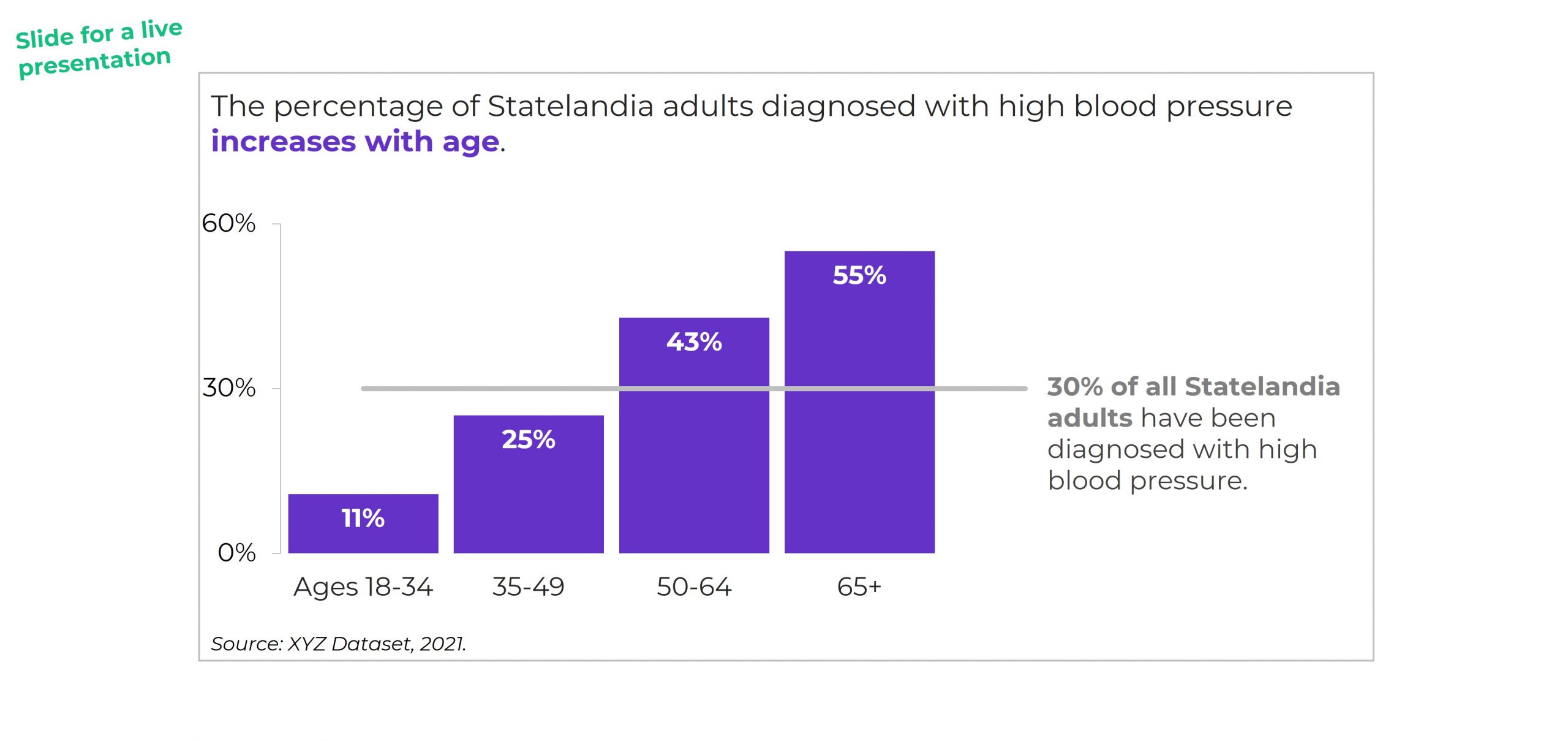
The information on how many adults overall had been diagnosed with high blood pressure was tucked inside the title, while the graph focused on the breakdown by age group.

All the important details are there, hooray! But we all wanted more cohesion between the title and the graph.

Two Options for Visualizing “Overall” Data or Averages on Bar Charts

There are two primary ways to visualize our “overall” data or averages when we’re making bar or column charts.

The two options include:

  1. Add a column. We can add intentional gaps between the “overall” data and the subgroups. In technical terms, the space is a preattentive attribute. Preattentive attributes help our audience recognize instantly that the overall vs. subgroups are a bit different.
  2. Add a line. Another option is adding a line on top of the bars or columns. I’ve seen people add literal lines in Excel (Insert – Shape – Line). That works, but the fancier option is to use a Combo Chart in Excel. (If you’re not familiar with Combo Charts, you can download my template below.)

Let’s apply these two options to the blood pressure example.

Option 1: Visualize “Overall” Data by Adding a Column

I *think* this is my preferred approach. I’m still on the fence. Hmm…

A Few Quick Wins

I always start with Quick Wins. These edits can be tackled within minutes.

Quick Wins give us momentum so that we have mental energy to tackle the Not-So-Quick Wins.

Here’s what we edited:

  • We changed the horizontal bar chart into a vertical column chart. Age groups are ordinal, and I generally try to arrange ordinal data from left to right. You can read more about my bar vs. column logic here, and you can learn how to make this quick rotation in Excel here.
  • We rounded the decimal places to the nearest whole number. You can learn more about lowering the numeracy level of our graphs here.
  • We moved the percentage labels inside the columns (so they don’t accidentally make the columns look taller than they really are).
  • We decluttered the graph (removing gridlines, showing fewer increments on the y-axis, tucking the labels inside the columns, etc.).

Add an “Overall” Column with an Intentional Gap

Next, we added the “overall” data to the graph as its own column.

We also spaced the overall column apart from the others. These are separate types of data (an overall number is qualitatively different from a breakout by subgroups). They need to be arranged separately on the slide.

If you’re using Excel, simply add an empty row to the table that feeds into your graph.

You can learn more about adding intentional gaps in this blog post.

Adjust the Text Placement

Next, we moved around the text boxes.

All the important text was there — but in a single full-width text box.

We simply placed “like with like” — the overall text with the overall column, and the subgroup text with the subgroup columns.

We also moved the “year” data to the source at the bottom of the slide.

Bold the Key Words & Color-Code by Category

For extra skimmability, we bolded a few key words.

Then, we adjusted the colors. Separate colors for separate categories of information.

Color-coding by category is one of my all-time favorite dataviz techniques! You can see color-coding applied to one-pagers, recurring monthly reports, technical reports, and slideshows in these linked examples.

The final version would look like this:

Option 2: Visualizing “Overall” Data by Adding a Line

I love adding lines to visualize targets and goals.

We can add lines to visualize “overall” or “average” data, too.

BUT make sure to gray out something. Otherwise, the line chart gets messy.

You might gray out the columns, like this:

Or, you might gray out the line, like this:

Visualizing “Overall” Data on Line Charts

It’s easy to apply these techniques to line charts.

Just add another line!

Your Turn

Which approach is your favorite?

Adding a column?

Or adding a line?

And why?

For this case study, I prefer adding a column because it was easier to arrange the takeaway text in the right places (the takeaway text is simply above the columns). For the line charts, the takeaway text didn’t feel as seamless.

Comment below and share your own insights.

Bonus: Download My Spreadsheet

Not familiar with the intentional spacing in the bar chart?

Not familiar with the combo chart design in the line chart?

Download my spreadsheet here.

Written by cplysy · Categorized: depictdatastudio

  • « Go to Previous Page
  • Go to page 1
  • Interim pages omitted …
  • Go to page 99
  • Go to page 100
  • Go to page 101
  • Go to page 102
  • Go to page 103
  • Interim pages omitted …
  • Go to page 310
  • Go to Next Page »

Footer

Follow our Work

The easiest way to stay connected to our work is to join our newsletter. You’ll get updates on projects, learn about new events, and hear stories from those evaluators whom the field continues to actively exclude and erase.

Get Updates

Want to take further action or join a pod? Click here to learn more.

Copyright © 2026 · The May 13 Group · Log in

en English
af Afrikaanssq Shqipam አማርኛar العربيةhy Հայերենaz Azərbaycan dilieu Euskarabe Беларуская моваbn বাংলাbs Bosanskibg Българскиca Catalàceb Cebuanony Chichewazh-CN 简体中文zh-TW 繁體中文co Corsuhr Hrvatskics Čeština‎da Dansknl Nederlandsen Englisheo Esperantoet Eestitl Filipinofi Suomifr Françaisfy Fryskgl Galegoka ქართულიde Deutschel Ελληνικάgu ગુજરાતીht Kreyol ayisyenha Harshen Hausahaw Ōlelo Hawaiʻiiw עִבְרִיתhi हिन्दीhmn Hmonghu Magyaris Íslenskaig Igboid Bahasa Indonesiaga Gaeilgeit Italianoja 日本語jw Basa Jawakn ಕನ್ನಡkk Қазақ тіліkm ភាសាខ្មែរko 한국어ku كوردی‎ky Кыргызчаlo ພາສາລາວla Latinlv Latviešu valodalt Lietuvių kalbalb Lëtzebuergeschmk Македонски јазикmg Malagasyms Bahasa Melayuml മലയാളംmt Maltesemi Te Reo Māorimr मराठीmn Монголmy ဗမာစာne नेपालीno Norsk bokmålps پښتوfa فارسیpl Polskipt Portuguêspa ਪੰਜਾਬੀro Românăru Русскийsm Samoangd Gàidhligsr Српски језикst Sesothosn Shonasd سنڌيsi සිංහලsk Slovenčinasl Slovenščinaso Afsoomaalies Españolsu Basa Sundasw Kiswahilisv Svenskatg Тоҷикӣta தமிழ்te తెలుగుth ไทยtr Türkçeuk Українськаur اردوuz O‘zbekchavi Tiếng Việtcy Cymraegxh isiXhosayi יידישyo Yorùbázu Zulu