• Skip to main content
  • Skip to footer
  • Home

The May 13 Group

the next day for evaluation

  • Get Involved
  • Our Work
  • About Us
You are here: Home / Archives for allblogs

allblogs

May 18 2024

Diferencias entre Evaluación de Necesidades, Análisis de Situación y Evaluación Rápida en contextos de ayuda humanitaria

Aquí están las diferencias más explícitas entre la Evaluación de Necesidades, el Análisis de Situación y la Evaluación Rápida en términos de Uso, Marco Temporal, Enfoque, Metodología y Participación:

1.Evaluación de Necesidades: Esta es una herramienta estratégica a largo plazo que se utiliza para identificar brechas entre los resultados actuales y deseados. A menudo se utiliza en organizaciones, comunidades o individuos para mejorar la eficiencia y la productividad. Es particularmente útil para identificar áreas dentro de su organización que necesitan mejoras y puede usarse para analizar datos e informar cambios internos.

  • Uso: Mejora de la eficiencia y productividad en organizaciones, comunidades o individuos.
  • Marco Temporal: Largo plazo.
  • Enfoque: Identificación de brechas entre los resultados actuales y deseados.
  • Metodología: Análisis de datos para informar cambios internos.
  • Participación: Involucra a todas las partes interesadas en la organización.

2.Análisis de Situación: Esta es una herramienta centrada en el contexto que se utiliza para asegurar que sean relevantes y efectivos la planificación y ejecución de programas de ayuda y respuesta humanitaria, considerando las complejidades y urgencias de estos contextos.

  • Uso: Evaluar las necesidades humanitarias y la capacidad de respuesta en situaciones de crisis o desarrollo.
  • Marco Temporal: Flexible, desde respuestas inmediatas hasta evaluaciones a mediano y largo plazo.
  • Enfoque: Evaluación de las necesidades de los beneficiarios, recursos disponibles y desafíos operativos.
  • Metodología: Análisis integral de las capacidades de respuesta, limitaciones logísticas y factores externos como el clima político y social.
  • Participación: Incluye a beneficiarios, organizaciones humanitarias, gobiernos locales e internacionales, y otros actores relevantes.

3.Evaluación Rápida: Esta es una herramienta de respuesta rápida que se utiliza en situaciones de emergencia cuando no hay suficiente información disponible para tomar decisiones. Está diseñado para identificar necesidades inmediatas durante o después de una crisis. Por ejemplo, en el sector de la salud, la evaluación rápida tiene como objetivo priorizar las necesidades de los pacientes, facilitar un diagnóstico preciso e iniciar intervenciones apropiadas con prontitud.

  • Uso: Toma de decisiones inmediatas en situaciones de emergencia.
  • Marco Temporal: Corto plazo.
  • Enfoque: Identificación de necesidades inmediatas durante o después de una crisis.
  • Metodología: Prioriza las necesidades de los pacientes, facilita un diagnóstico preciso e inicia intervenciones apropiadas con prontitud.
  • Participación: Limitada debido a la urgencia de la situación.

Cada una de estas herramientas tiene un propósito único y puede usarse en diferentes contextos dependiendo de las necesidades y situaciones específicas. Todas ellas son valiosas para la toma de decisiones, la planificación estratégica y la mejora de la eficiencia y la eficacia.

Written by cplysy · Categorized: TripleAD

May 17 2024

How to Make Interactive Dashboards in Excel (30-Min Demo & Files to Download)

Did you miss my Good Tech Fest conference session?

Catch the replay here!

Materials

Follow along with the spreadsheet: https://depictdatastudio.gumroad.com/…

You’ll have to watch the video to get the coupon code. 🙂

There are codes available for the first 500 people.

Chapters

0:00 Intro

1:14 The 4 Steps

4:28 (1) Excel Table

12:36 (2) Pivot Tables

18:14 (3) Pivot Charts

20:47 (4) Slicer(s)

24:33 A Gift for You

25:55 Q&A

Written by cplysy · Categorized: depictdatastudio

May 17 2024

Data Storytelling Comics

As I get ready to deliver my live data storytelling workshop (hint, hint), I decided to develop a series of comics. My goal over the next week is to create at least 20 (this post will grow as I go). Here’s what I have so far!

If you have any data storytelling inspiration for me or if any of these comics hit home, let me know in the comments!

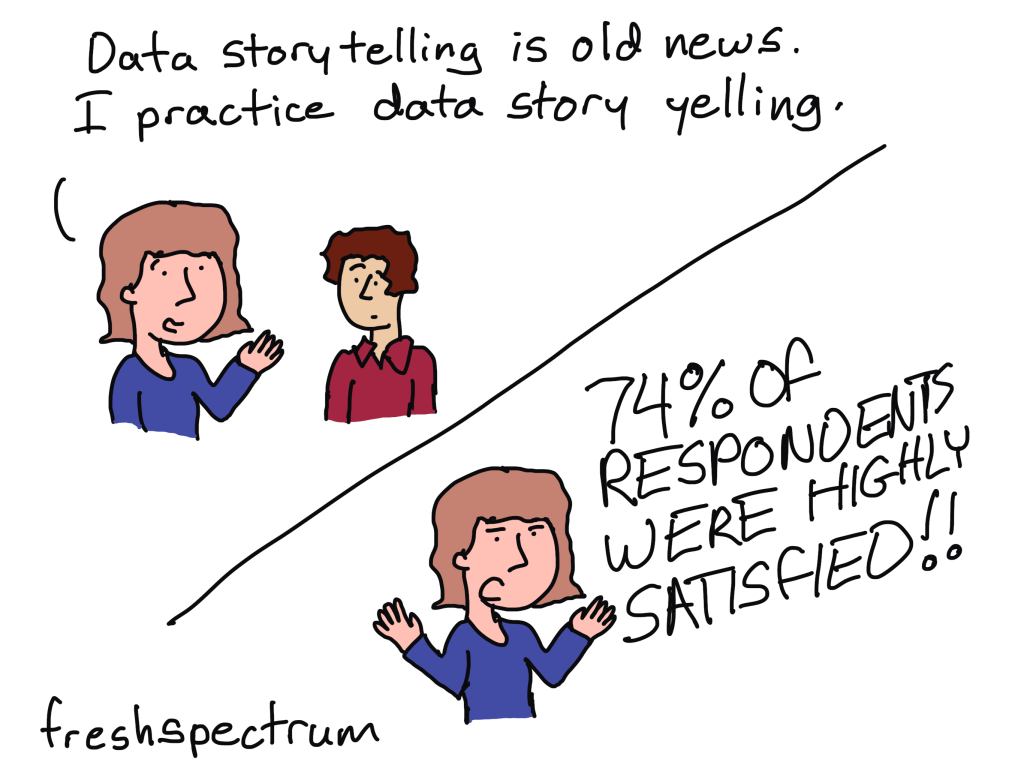
Data Story Yelling

This one was inspired by a typo 🙂

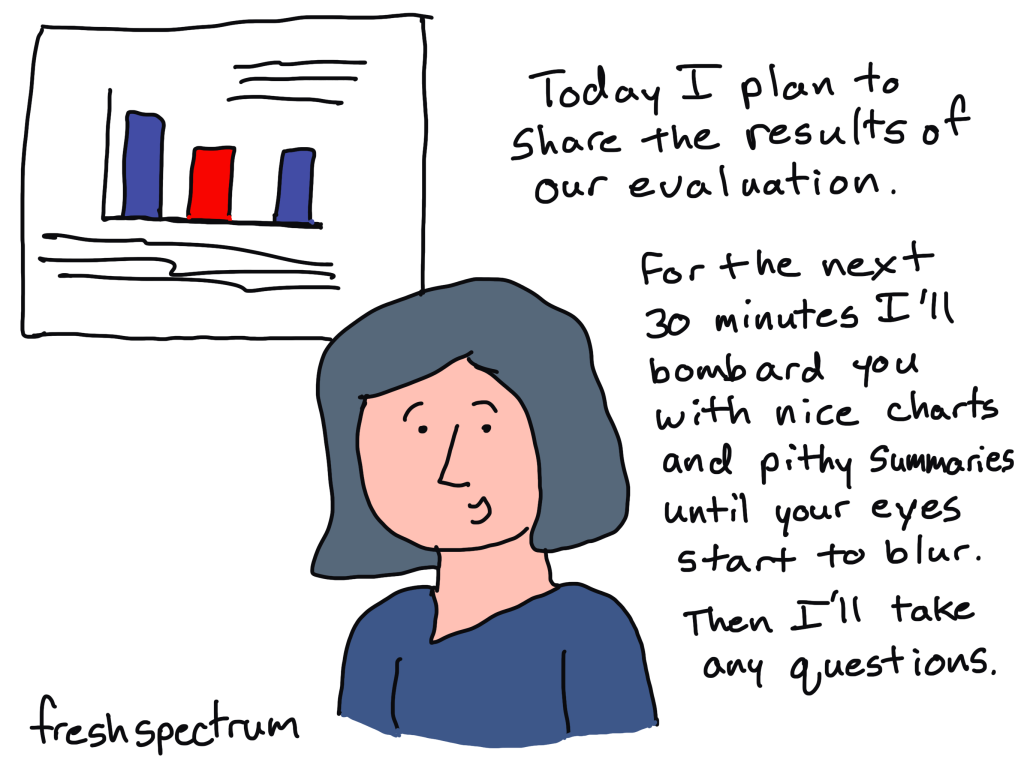
Data Dump

What comes to mind when I say the words data storytelling?

“Making program evaluation plans and results available to people in ways that rivet them or, barring that, draw them into reflection without just bombarding them with nice graphs and pithy summaries.”

Inspired by a follower of this blog

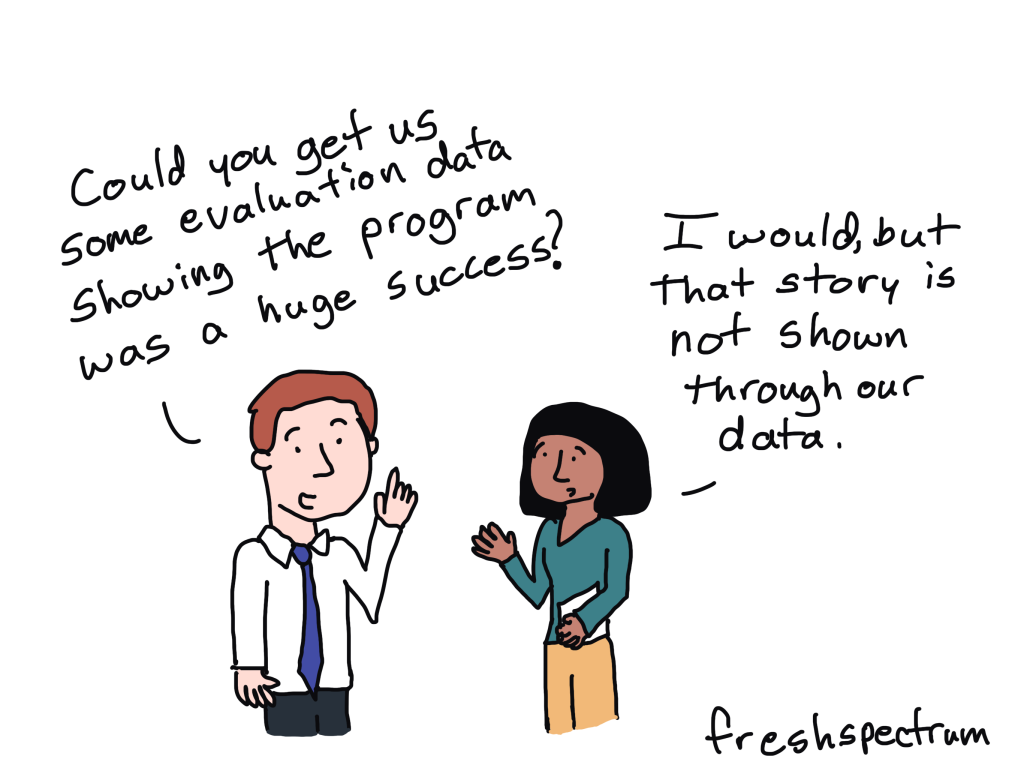
Not our story

How do you think learning more about data storytelling will help you in your career?

“As the person who is behind the scenes on evaluation design, data collection, and management, I feel a great responsibility to do storytelling well because of how poorly things can transpire when a story is misleading or flat out biased.”

Another inspired by a follower of this blog

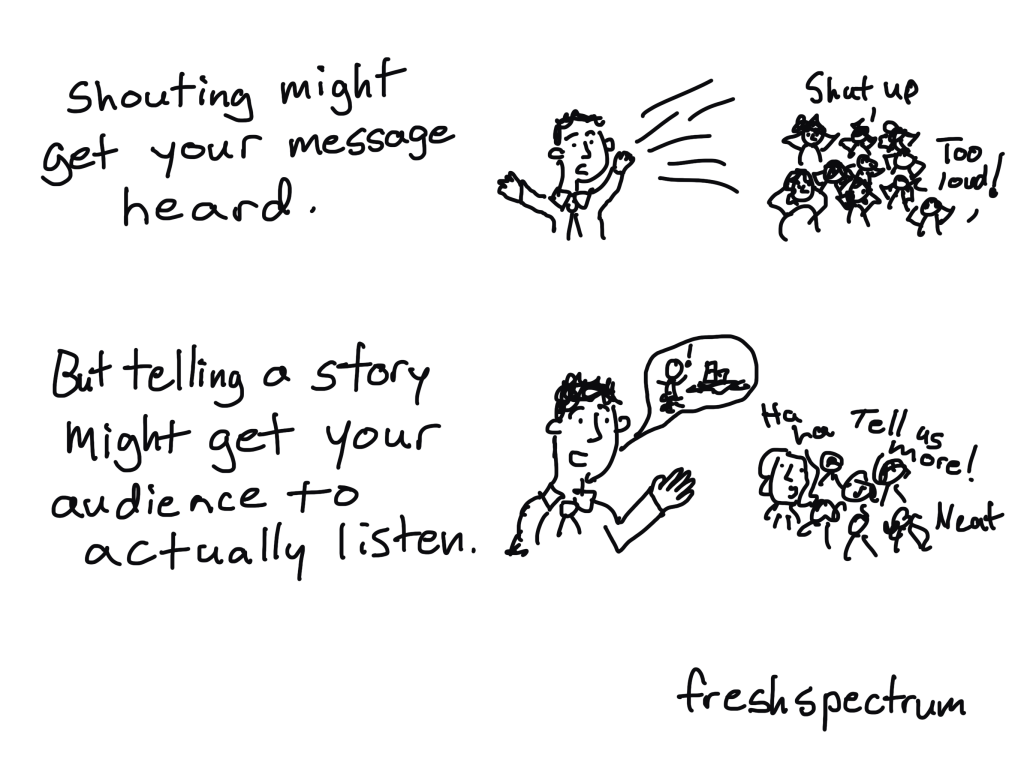
Shouting versus Storytelling

“Sometimes it seems like the push for more charts and storytelling is just saying the same things, louder. Or in bigger text on a slide.

Telling compelling data stories includes writing great headlines (often in big, readable text on slides!), but it also means thinking more critically around how you organize the information you’re presenting.”

Inspired by Amanda Makulec (who was responding to another of my data storytelling comics)

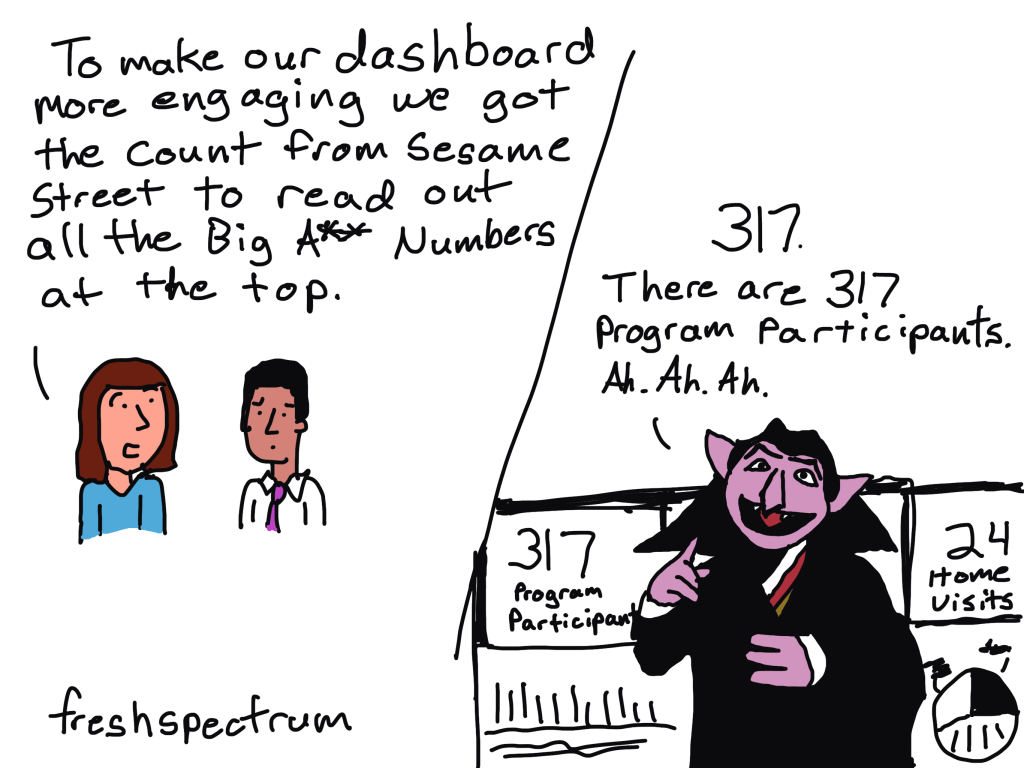
BANs (Big A** Numbers) and the Count

Sticking a bunch of big numbers at the top of an infographic or dashboard is like delivering the punchline of a joke without the setup.

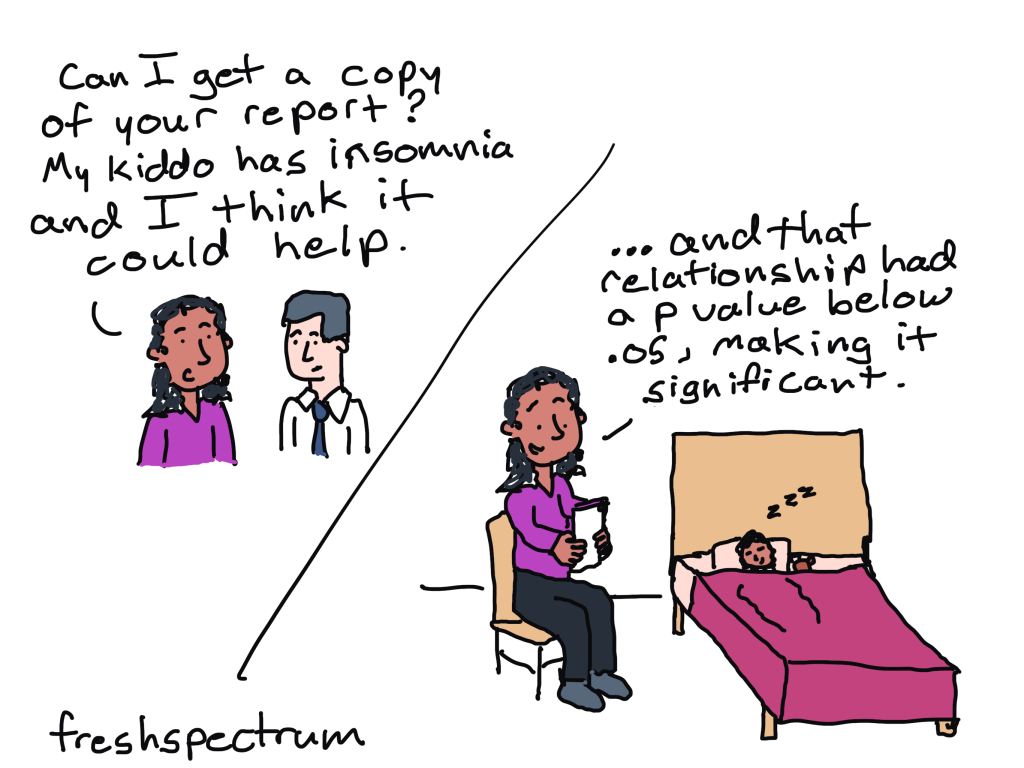
Bedtime Data Storytelling

Does your data reporting style help with sleeplessness? Is that intentional?

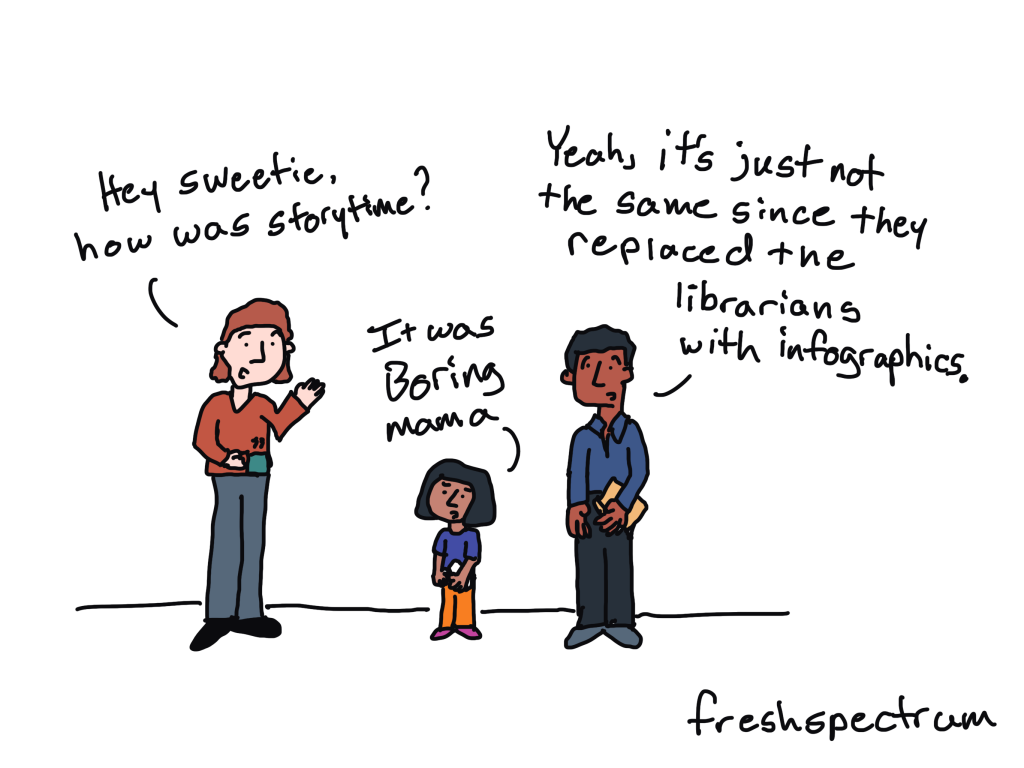
Infographic Story Time

I was just thinking about how lame a library story time would be if you took away the people.

More to come (stay tuned)…

Now that you’ve seen the comics, join me for the workshop 🙂

You’ll learn:

  • Fundamental storytelling concepts, considerations, and tools.
  • A set of four different frameworks you can use to develop engaging data stories.
  • How to choose the right storytelling product to deliver your data story.
  • Strategies for illustrating your data stories.

Live May 28 & May 30 (10AM to 1130AM eastern each day)

Written by cplysy · Categorized: freshspectrum

May 17 2024

Inteligencia Artificial: Revolucionando la Evaluación de Programas

Fuente: Seed Star (Ken Rinaldo)

La inteligencia artificial (IA) está transformando la evaluación de programas con su capacidad para manejar grandes volúmenes de datos y automatizar tareas, lo que permite análisis más profundos y predicciones precisas. Sin embargo, también enfrenta desafíos éticos y técnicos que requieren atención cuidadosa.

Oportunidades de la IA en la Evaluación de Programas:

  • Análisis Mejorado: La IA puede analizar datos complejos, ofreciendo evaluaciones basadas en evidencia más efectivas.
  • Automatización Eficiente: Libera a los evaluadores de tareas repetitivas, permitiéndoles enfocarse en aspectos más estratégicos.
  • Predicción Avanzada: Los algoritmos pueden predecir resultados futuros, facilitando la planificación y mejora continua.

Desafíos a Superar:

  • Ética y Privacidad: Es vital garantizar la protección de datos y el respeto por las normas éticas.
  • Sesgo de Datos: Se debe asegurar la equidad en los algoritmos para evitar decisiones sesgadas.
  • Transparencia: Los procesos de la IA deben ser comprensibles para fomentar la confianza en sus resultados.

Con un enfoque adecuado, la IA tiene el potencial de ser una herramienta invaluable en la evaluación de programas, mejorando la eficacia y la toma de decisiones informadas.

Written by cplysy · Categorized: TripleAD

May 13 2024

How to Copy/Paste Graphs from Excel into Word or PowerPoint

You’ve got two options.

(Well, if you like to split hairs, there are more options than that. But what if you’re busy and don’t have time to lose? Here are the main copying/pasting options worth paying attention to.)

Option 1: Excel Object

a.k.a. Ann K. Emery’s preferred approach

Instructions

  1. In Excel, create your graph.
  2. In Excel, format your graph. (Declutter; apply brand colors and dark-light contrast; delete the built-in title; re-size the font and graph; etc.)
  3. In Excel, make sure your Theme Colors and Theme Fonts are selected.
  4. In Word or PowerPoint, make sure your Theme Colors and Theme Fonts are selected.
  5. In Excel, copy your chart (CTRL + C, or right-click and select copy).
  6. In Word or PowerPoint, click CTRL + V to paste.
  7. In Word or PowerPoint, add your graph title.

Branding

Colors and fonts will match the destination.

Editing

You can edit the chart in Word/PowerPoint later if needed.

(You can change the colors, size, labels, etc.)

Resolution

Higher.

File Size

Higher.

Linking

You can link your Word/PowerPoint graph back to the Excel file. (Beware! Errors likely!)

Option 2: Image File

Not a fan.

Instructions

  1. In Excel, create your graph.
  2. In Excel, format your graph. (Declutter; apply brand colors and dark-light contrast; delete the built-in title; re-size the font and graph; etc.)
  3. In Excel, make sure your Theme Colors and Theme Fonts are selected.
  4. In Word or PowerPoint, make sure your Theme Colors and Theme Fonts are selected.
  5. In Excel, copy your chart (CTRL + C, or rightclick and select copy).
  6. In Word or PowerPoint, right-click, select paste, and choose the image option.
  7. In Word or PowerPoint, add your graph title.

Branding

Colors and fonts will match the source.

Editing

You can’t edit the chart in Word/PowerPoint later.

(You’d need to edit the chart in Excel, and then re-paste the graph into Word/PowerPoint.)

Resolution

Lower.

File Size

Lower.

Linking

You can’t link your Word/PowerPoint graph back to the Excel file.

(In other words, if you change the graph in Excel, then the image file in Word or PowerPoint won’t look any different.)

Purchase the Cheat Sheet

It’s here: https://depictdatastudio.gumroad.com/l/CopyPasteGraphsFromExcelIntoWordOrPowerPoint

The first 100 people get a complimentary download with code NOMOREGRAINYSCREENSHOTS.

Written by cplysy · Categorized: depictdatastudio

  • « Go to Previous Page
  • Go to page 1
  • Interim pages omitted …
  • Go to page 50
  • Go to page 51
  • Go to page 52
  • Go to page 53
  • Go to page 54
  • Interim pages omitted …
  • Go to page 310
  • Go to Next Page »

Footer

Follow our Work

The easiest way to stay connected to our work is to join our newsletter. You’ll get updates on projects, learn about new events, and hear stories from those evaluators whom the field continues to actively exclude and erase.

Get Updates

Want to take further action or join a pod? Click here to learn more.

Copyright © 2026 · The May 13 Group · Log in

en English
af Afrikaanssq Shqipam አማርኛar العربيةhy Հայերենaz Azərbaycan dilieu Euskarabe Беларуская моваbn বাংলাbs Bosanskibg Българскиca Catalàceb Cebuanony Chichewazh-CN 简体中文zh-TW 繁體中文co Corsuhr Hrvatskics Čeština‎da Dansknl Nederlandsen Englisheo Esperantoet Eestitl Filipinofi Suomifr Françaisfy Fryskgl Galegoka ქართულიde Deutschel Ελληνικάgu ગુજરાતીht Kreyol ayisyenha Harshen Hausahaw Ōlelo Hawaiʻiiw עִבְרִיתhi हिन्दीhmn Hmonghu Magyaris Íslenskaig Igboid Bahasa Indonesiaga Gaeilgeit Italianoja 日本語jw Basa Jawakn ಕನ್ನಡkk Қазақ тіліkm ភាសាខ្មែរko 한국어ku كوردی‎ky Кыргызчаlo ພາສາລາວla Latinlv Latviešu valodalt Lietuvių kalbalb Lëtzebuergeschmk Македонски јазикmg Malagasyms Bahasa Melayuml മലയാളംmt Maltesemi Te Reo Māorimr मराठीmn Монголmy ဗမာစာne नेपालीno Norsk bokmålps پښتوfa فارسیpl Polskipt Portuguêspa ਪੰਜਾਬੀro Românăru Русскийsm Samoangd Gàidhligsr Српски језикst Sesothosn Shonasd سنڌيsi සිංහලsk Slovenčinasl Slovenščinaso Afsoomaalies Españolsu Basa Sundasw Kiswahilisv Svenskatg Тоҷикӣta தமிழ்te తెలుగుth ไทยtr Türkçeuk Українськаur اردوuz O‘zbekchavi Tiếng Việtcy Cymraegxh isiXhosayi יידישyo Yorùbázu Zulu