• Skip to main content
  • Skip to footer
  • Home

The May 13 Group

the next day for evaluation

  • Get Involved
  • Our Work
  • About Us
You are here: Home / Archives for allblogs

allblogs

Jan 25 2021

Ask Nicole: How Do I Get into Consulting?

Have a question you’d like featured? Let me know. First off, (since this is my first post of 2021), Happy New Year! Now, let’s get into this month’s question. This month’s topic is an umbrella question based on several emails I’ve gotten over the past few months. I’ve blogged about this here and there over […]

The post Ask Nicole: How Do I Get into Consulting? appeared first on Nicole Clark Consulting.
Written by cplysy · Categorized: nicoleclark

Jan 22 2021

What are Evaluation Questions? Cartoon Glossary

This is a series of posts providing quick of overviews of important topics in research and evaluation. Each post in this series will include at least 3 cartoons from my archives and at least 3 links to recommended resources. I only give quotes here and recommend that you follow the links below each quote for more detailed information.

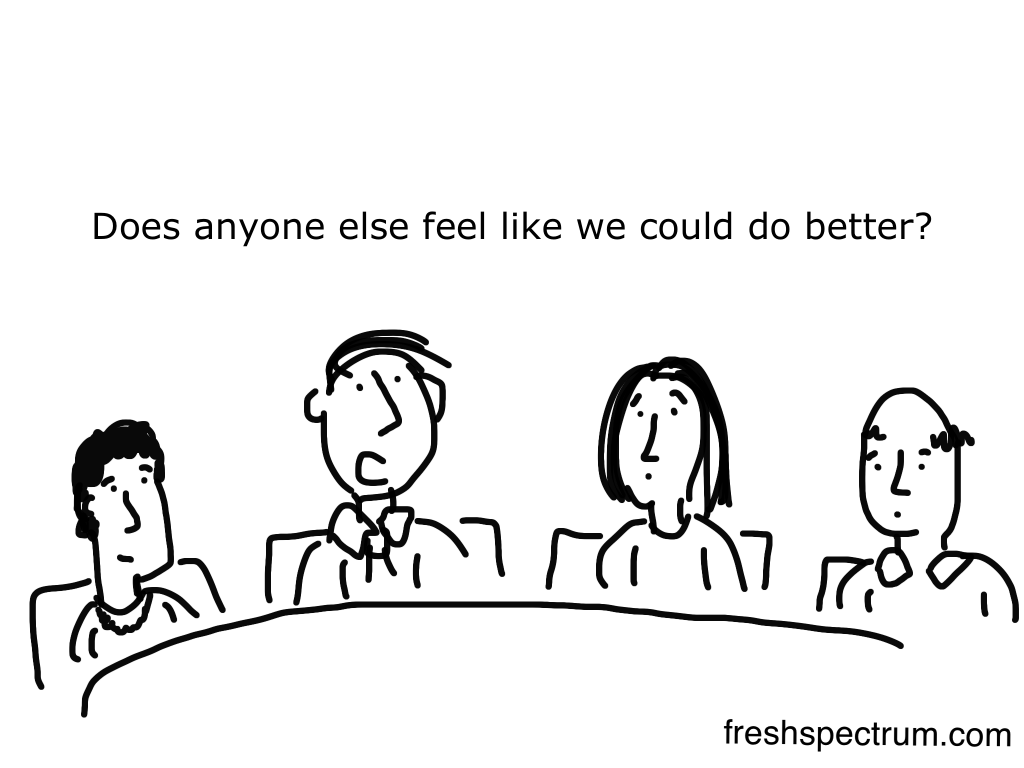
freshspectrum cartoon by Chris Lysy.  Person saying, "Does anyone else feel like we could do better?"

Key Evaluation Questions (KEQs) are the high-level questions that an evaluation is designed to answer – not specific questions that are asked in an interview or a questionnaire. Having an agreed set of Key Evaluation Questions (KEQs) makes it easier to decide what data to collect, how to analyze it, and how to report it.

KEQs usually need to be developed and agreed on at the beginning of evaluation planning – however sometimes KEQs are already prescribed by an evaluation system or a previously developed evaluation framework. 

Try not to have too many Key Evaluation Questions – a maximum of 5-7 main questions will be sufficient. It might also be useful to have some more specific questions under the KEQs.

Better Evaluation – Specify the Key Evaluation Questions

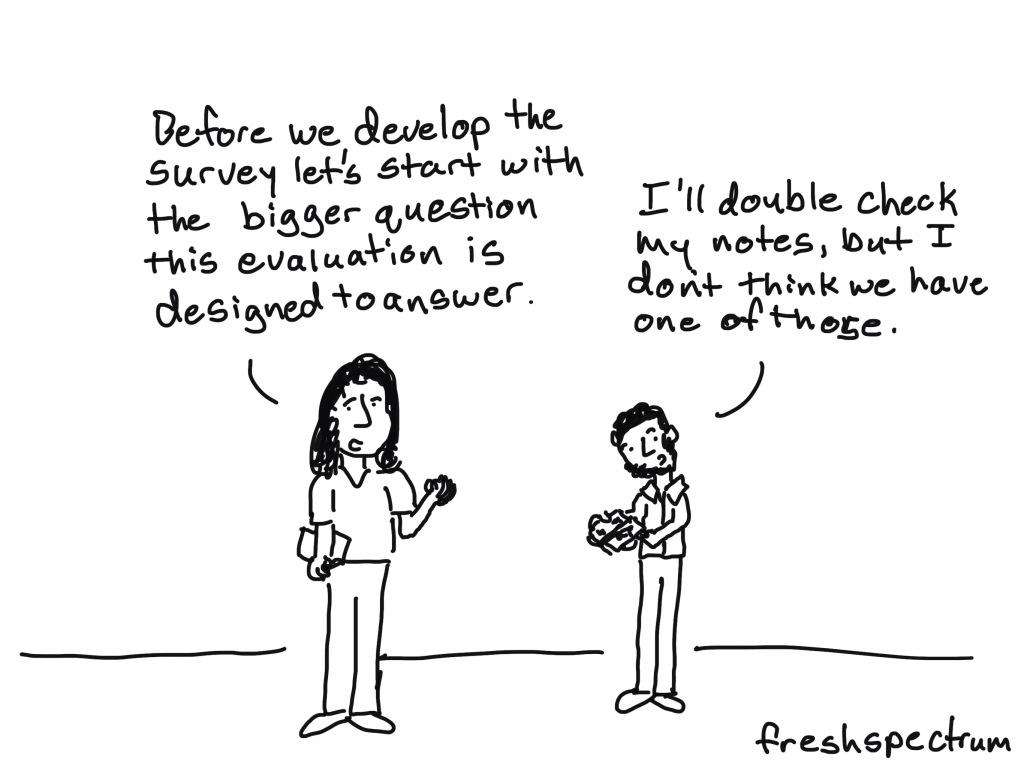
freshspectrum cartoon by Chris Lysy.  Person saying, "Before we develop the survey let's start with the bigger question this evaluation is designed to answer."

Other person, "I'll double check my notes, but I don't think we have one of those."

Before we decide what types of data we need (qualitative or quantitative) we need to know the bigger question of the project: What specific problem does the project or program address? 

Evaluation questions, similar to research questions in academic research projects, guide the methods and tools used to collect data to understand the problem under investigation. Evaluation questions may seem intuitive, and thus be quickly developed to get to the more detailed program planning. But, without well-developed, relevant, and accurate evaluation questions, developed with stakeholders connected to the problem, projects can move around a problem without addressing the most appropriate issues.

American University – Asking Program Evaluation Questions

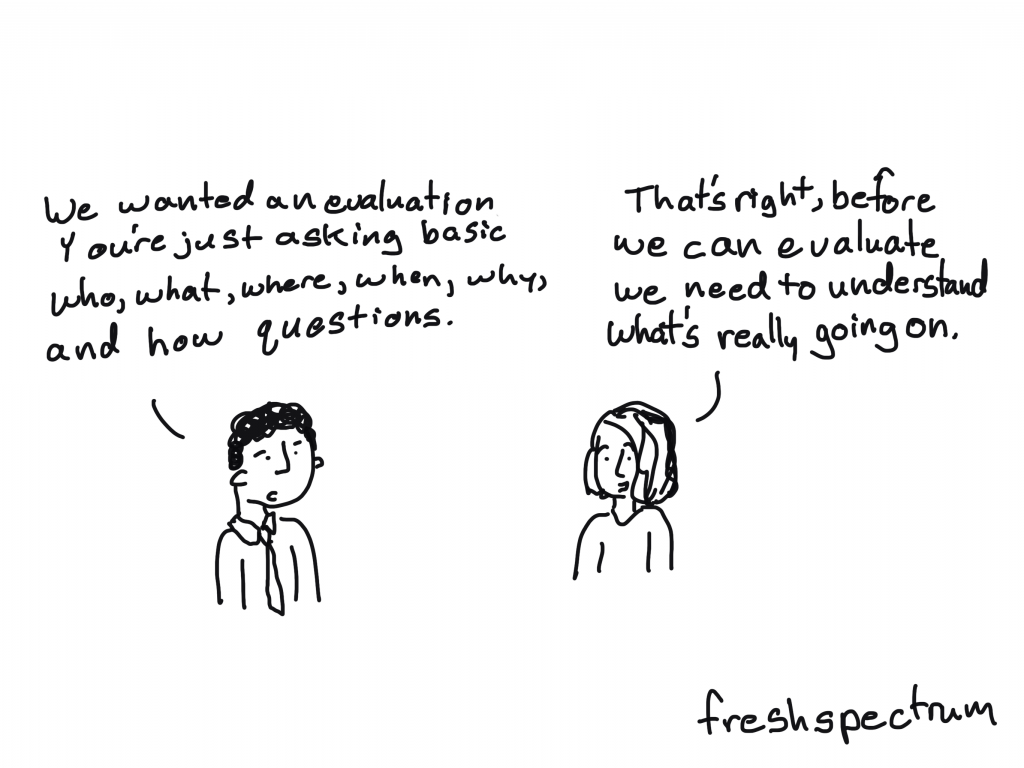
freshspectrum cartoon by Chris Lysy.  Person saying, "We wanted an evaluation, you're just asking basic who, what, where, when, why, and how questions."
Other person responds, "That's right, before we can evaluate we need to understand what's really going on."

I keep six honest serving-men
(They taught me all I knew);
Their names are What and Why and When
And How and Where and Who.
— Rudyard Kipling (1865–1936), The Elephant’s Child

For professionals as diverse as journalists, police detectives, lawyers, and evaluators, Kipling’s five Ws and one H is the formula for full understanding and a complete report. These are descriptive, factual, and open-ended questions. None can be answered “yes” or “no.” You have to find out what happened. When first entering a program situation (for example, on a site visit), it can be helpful to begin with some basic facts to get the lay of the land. Keep it simple: Who’s proposing to do what? Where? When? How? Why?

Evaluation Flashcards developed by Michael Quinn Patton for the Otto Bremer Trust

Written by cplysy · Categorized: freshspectrum

Jan 21 2021

Evaluation Cookies

My husband and a good friend got together and bought me Christina Tossi’s baking class for Christmas. Christina is the founder of Milk Bar in New York City. The class is INTENSE! Thirty days of lessons, baking, then developing your own recipes. The lessons are great and Christina is a lot of fun. But boy, coming up with your own recipes is a PROCESS! You first develop a flavor story, brainstorm possible ingredients and “mixings” and then start testing your cookies.

I have a secret.

I am just not that patient. Sure, I can follow a recipe and I am a pretty good cook and baker. But the “prototyping” process, although fun and interesting, is a little tedious. Trying different combinations of flavors, testing them out and taking note of what works and what doesn’t.

It occurred to me that you might feel the same way about evaluation. And just because I love the whole nerdy process, doesn’t mean you do.

The thing I find that turns nonprofit and foundation leaders into fans is focusing on evaluation use.

Yes, evaluation is all about asking actionable questions, designing a method to answer those questions and then assessing whether what you did made a difference.

The thing people often forget is the next step. What does your evaluation findings suggest you do?

Hopefully you are looking at your data quarterly, but if not, at least yearly as a minimum. The end of your fiscal year is a good time for an annual review. It’s a great time to review your community level data and your evaluation results. During your end-of-the year review ask these 10 questions:

  1. What went well?
  2. What can we do better?
  3. Did we reach our intended audience?
  4. Did we engage those most affected by the problem?
  5. Did we engage the right partners?
  6. Did the people most affected by the problem drive the work?
  7. Did we identify barriers and/or policies that need to be addressed?
  8. What do we need to keep doing?
  9. What is not really worth our effort or is not aligned with our strategy?
  10. What needs to change?

Follow this process, and just like creating a new recipe, you will develop something fabulous.

Isn’t that what we all want? And have a cookie.

Take care friends.

Ann

Written by cplysy · Categorized: communityevaluationsolutions

Jan 20 2021

How to Create Bar Charts in Adobe XD

This is the first in a series of posts on chart design in Adobe XD. In each post we will take on a different chart type. Today we start with one of the most ubiquitous and useful charts, the Bar Chart.

What you’ll find in this post:

  • An Oversimplified How To
  • How to create a good looking bar chart.
  • 6 other things related to creating bar charts with Adobe XD.
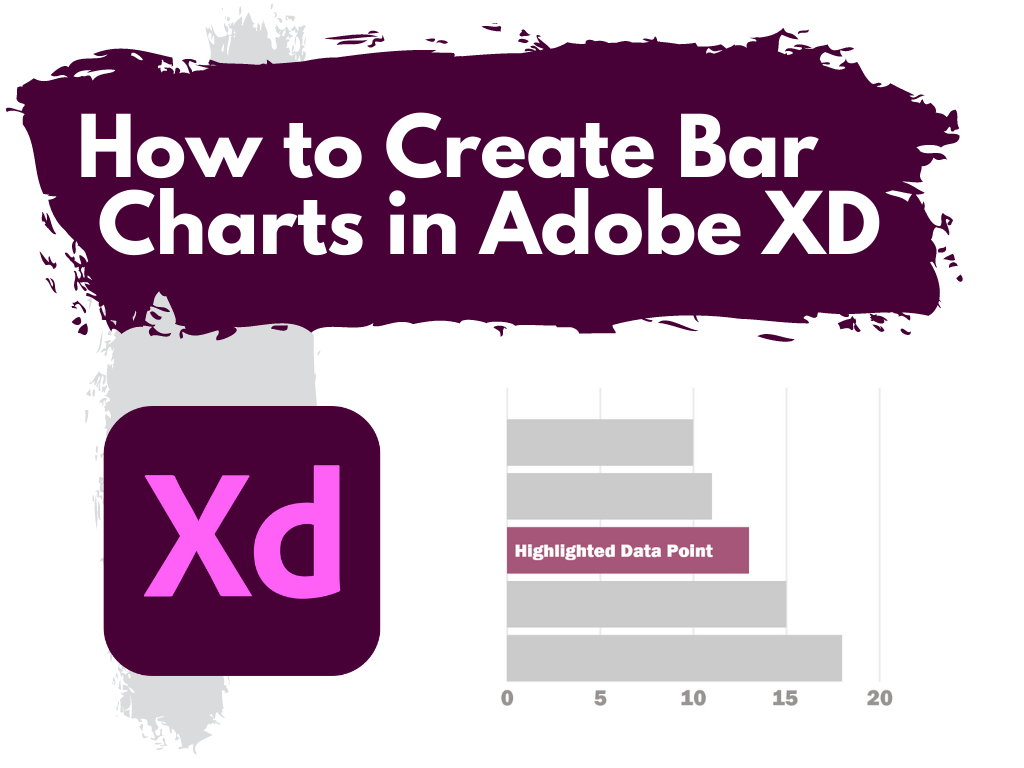
How to Create Bar Charts in Adobe XD featured image.

An Oversimplified How To

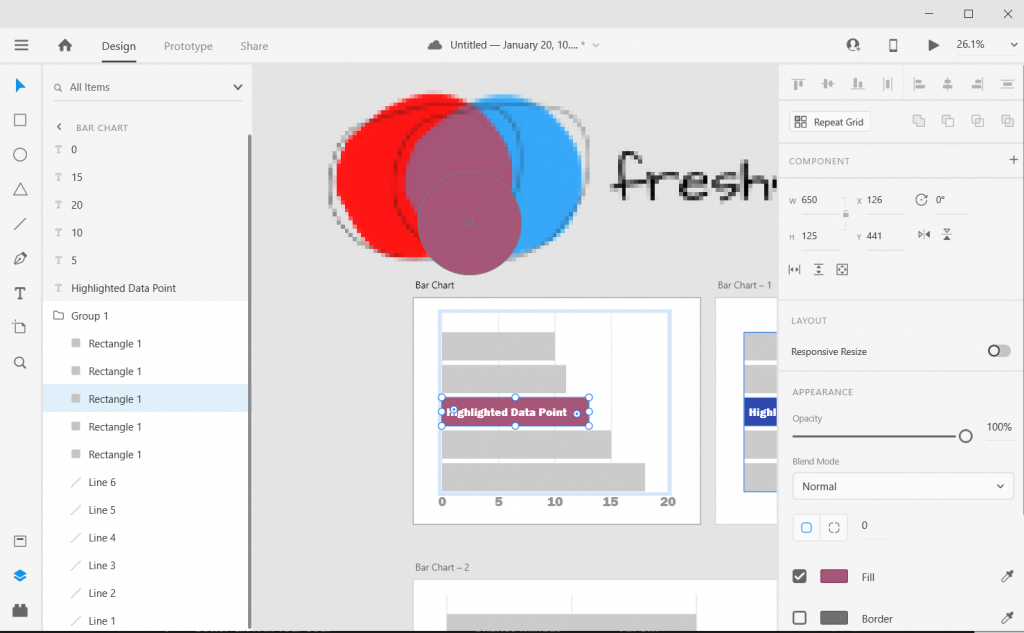
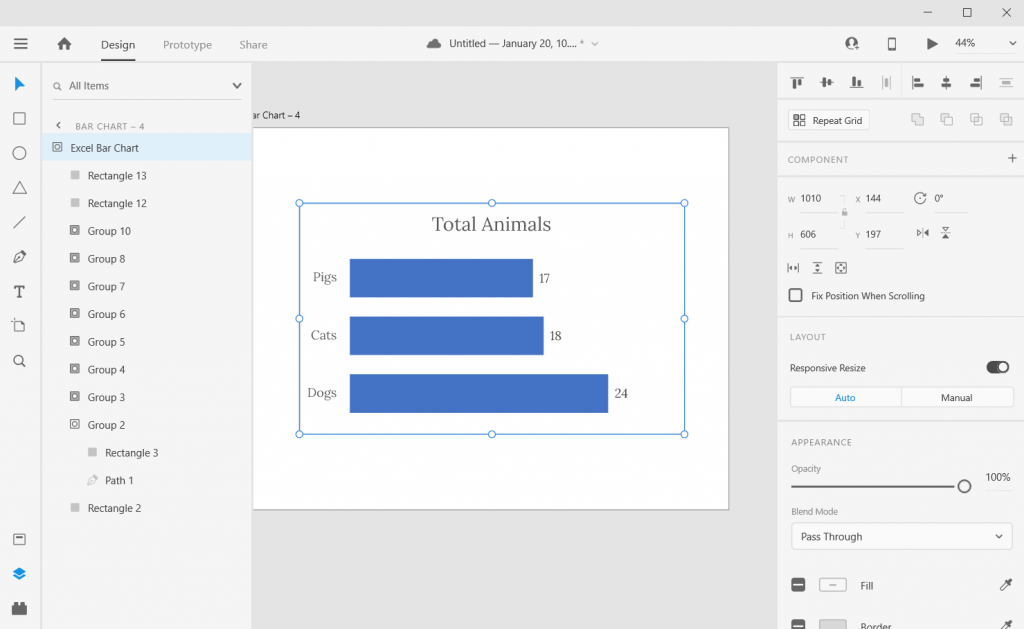
Creating a bar chart (or column chart) in Adobe XD is just a little shape creating.

Adobe XD Bar Chart Illustration 1

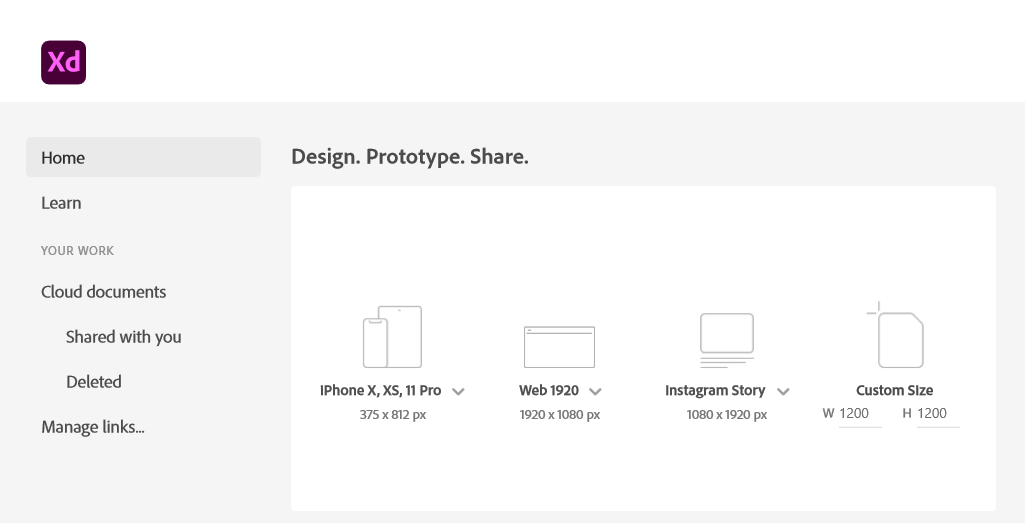
Step 1. Start by creating an artboard in Adobe XD. It doesn’t matter which you choose, you can create multiple artboards of different sizes within each Adobe XD file.

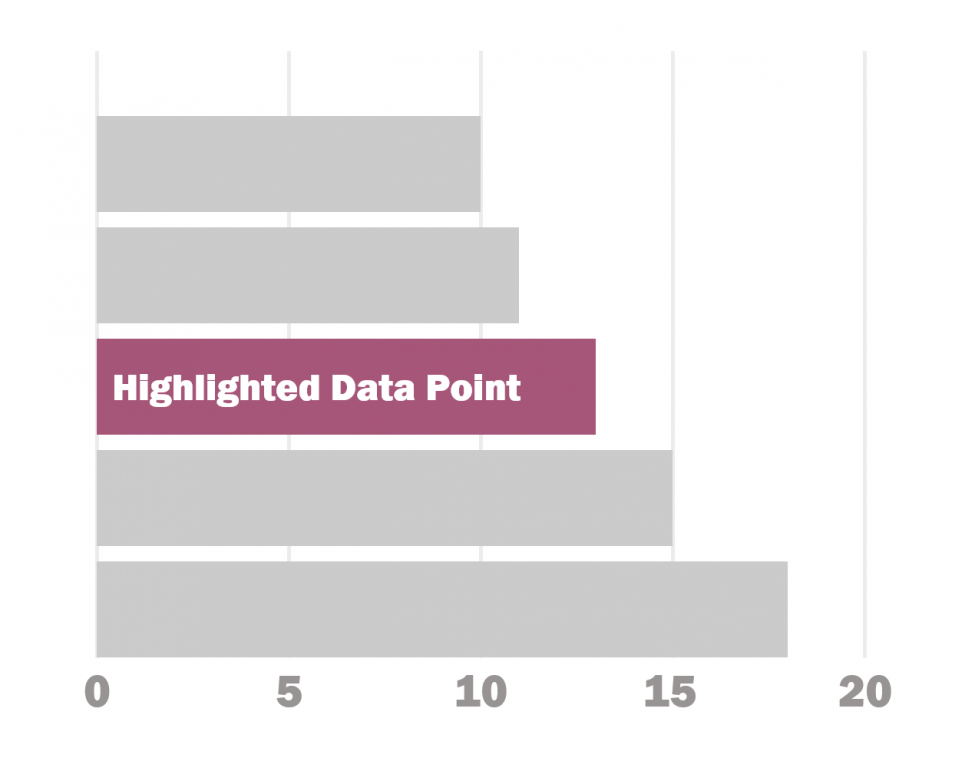
You should also have some data… I’ll just use some random numbers: 10,11,13,15,18.

Adobe XD Bar Chart Illustration 2

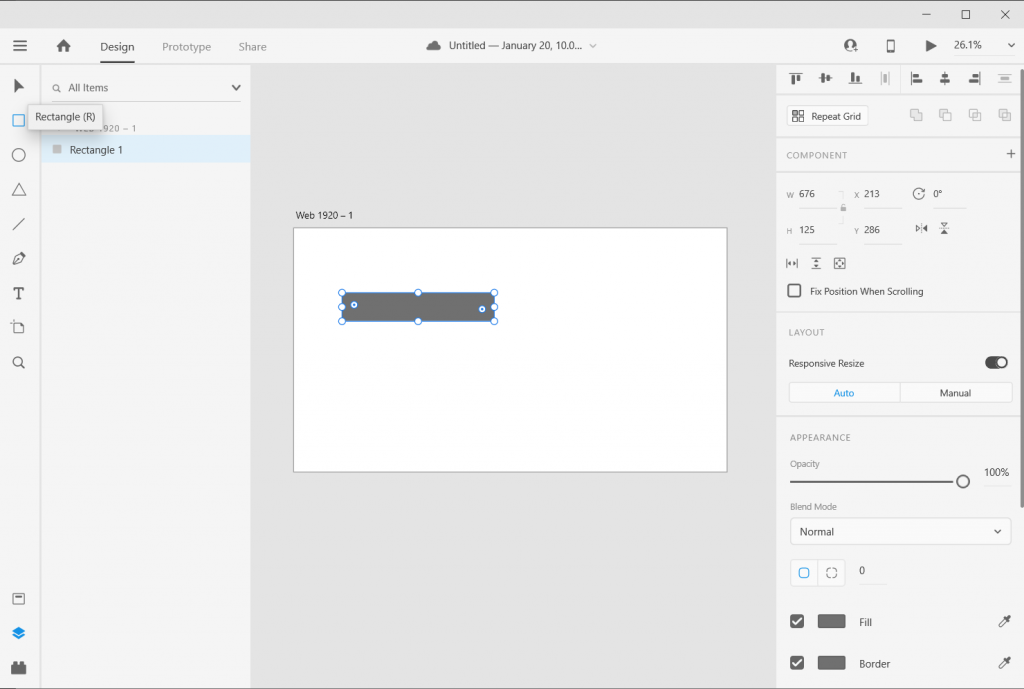
Step 2. Draw a rectangle by clicking on the little square icon and drawing it on the artboard (you can also change the fill color if you’d like).

Adobe XD Bar Chart Illustration 3

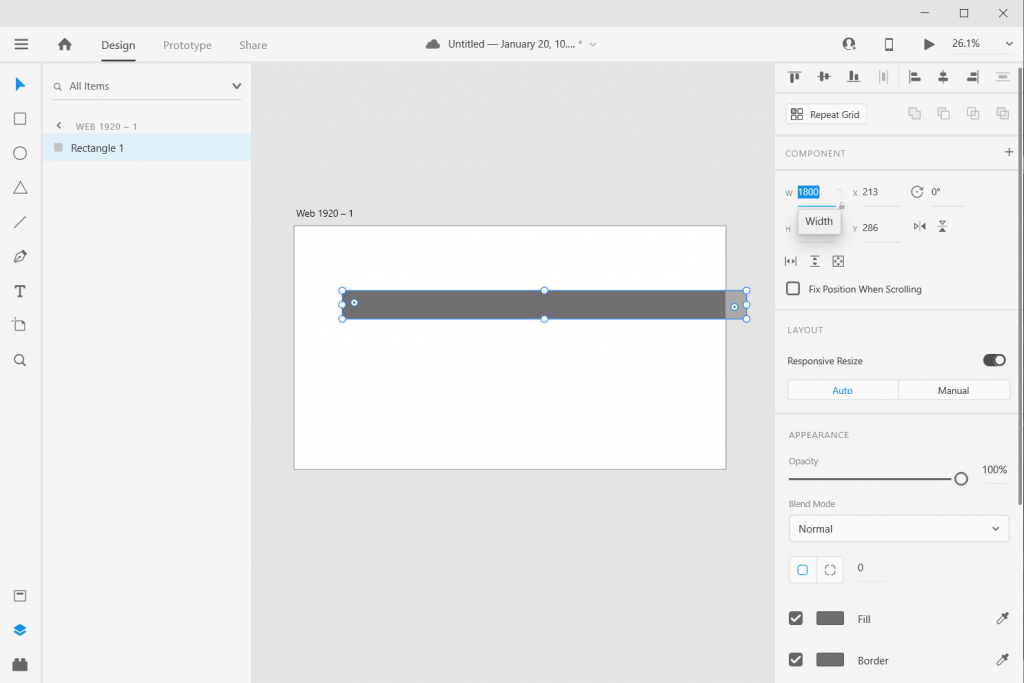
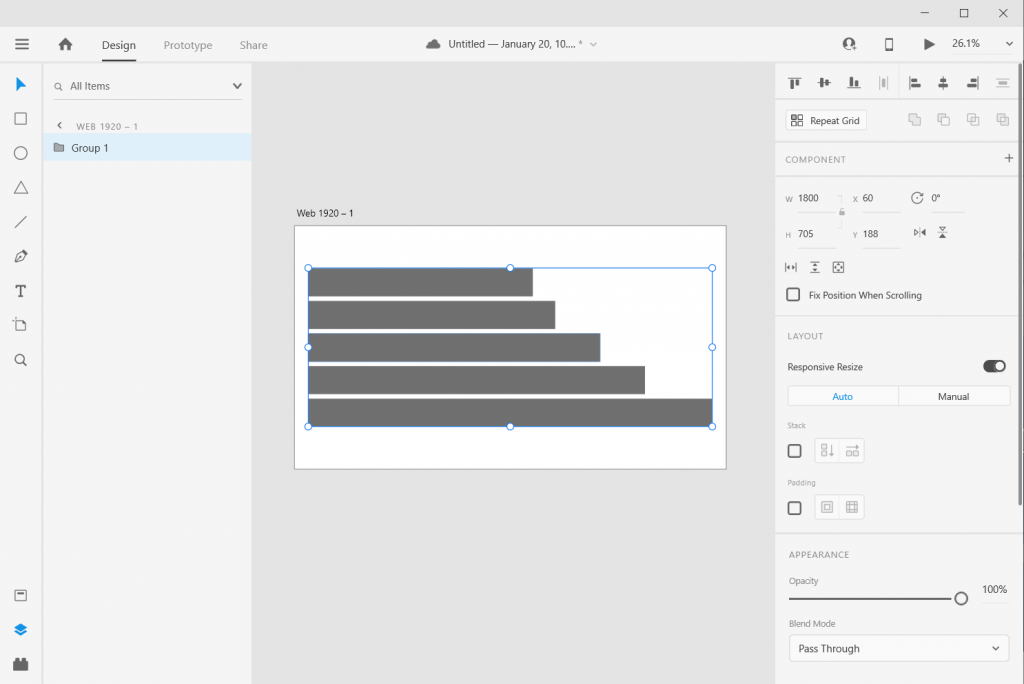
Step 3. Size it using pixels. I often just multiply all my data by 10 or 100. I also usually start with the largest number (so in my case 18 * 100 = 1800). It doesn’t matter if the bar fits on the artboard.

Adobe XD Bar Chart Illustration 4

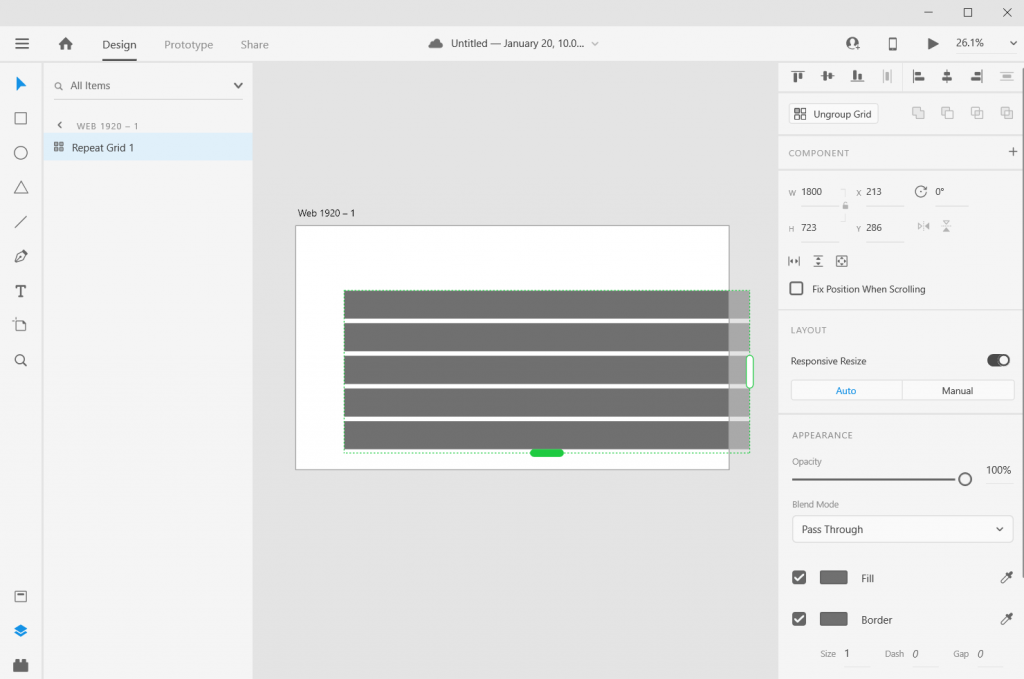
Step 4. Use “repeat grid” to copy the bar. Since I have 5 numbers I want five bars (or you can copy/paste, or you can insert new bars).

If you used repeat grid like I did, you should then ungroup the grid.

Adobe XD Bar Chart Illustration 5

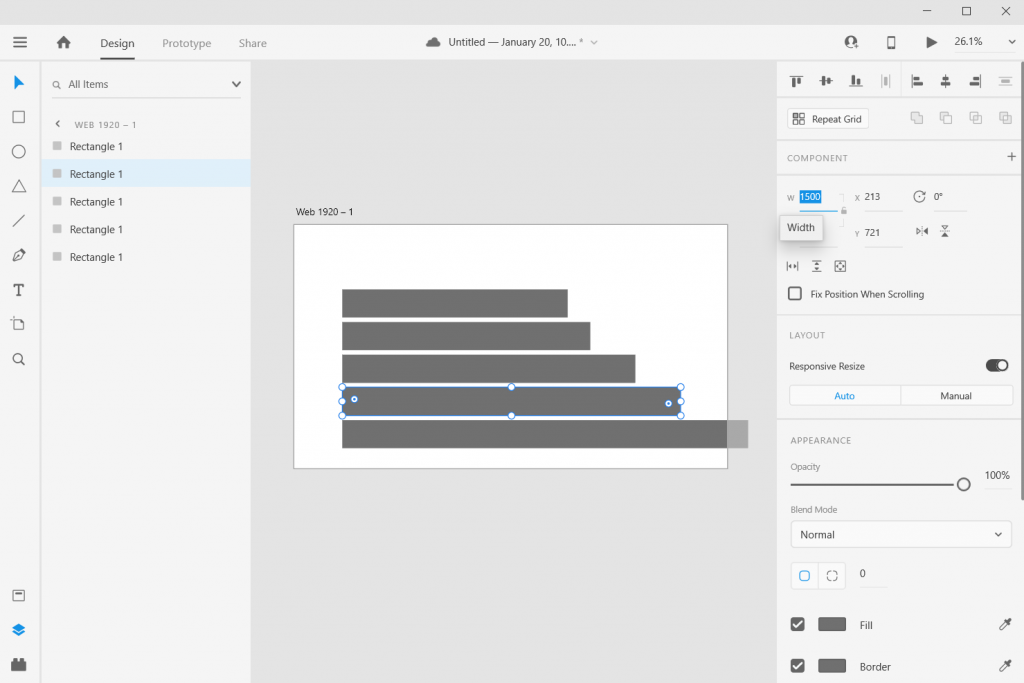
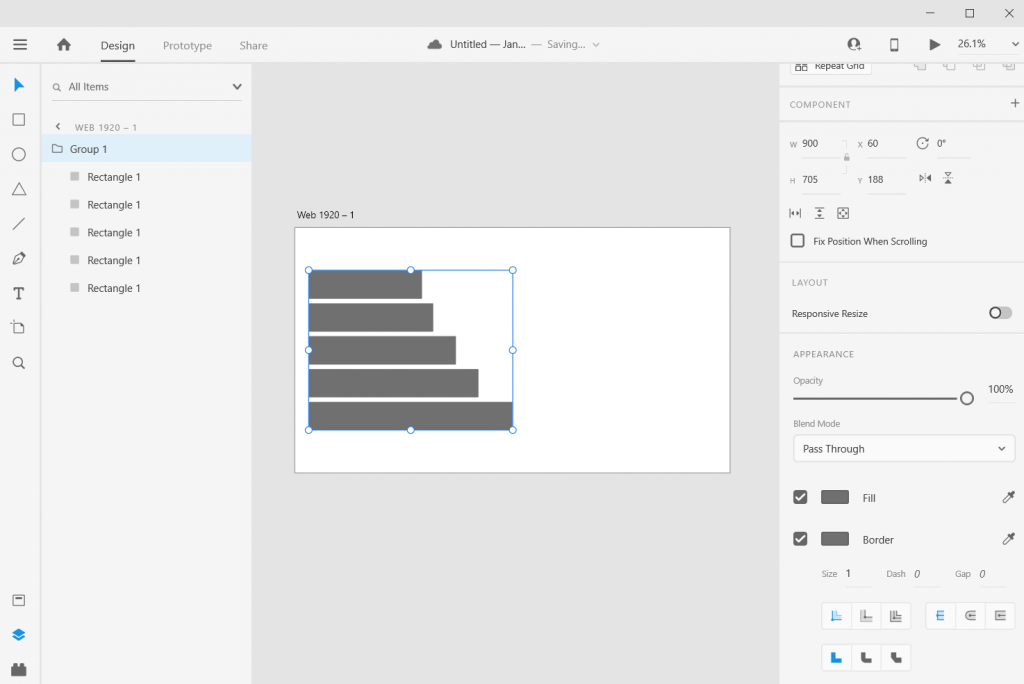
Step 5. Now resize the rest of the bars based on your data.

Adobe XD Bar Chart Illustration 6

Step 6. Now select all the rectangles (group them if you would like) and resize or center so it fits on your artboard. As long as you stretch or skew the bars together, the visual will still be accurate.

And there you go, you have a bar chart.

How to create a good looking bar chart.

Okay, so now you know the basics, let’s look at what else you can do. Adobe XD is a design program, not a spreadsheet. What you lack in automatic charting, you gain in complete control over formatting.

Adobe XD Bar Chart Illustration Stretch and Skew

Stretch and Skew.

Adobe XD is a vector design program, so you can stretch and skew to your heart’s content without sacrificing quality. And as long as you group all the bars together prior to changing the size, bar proportions will remain intact.

Adobe XD Bar Chart Illustration Adding Color

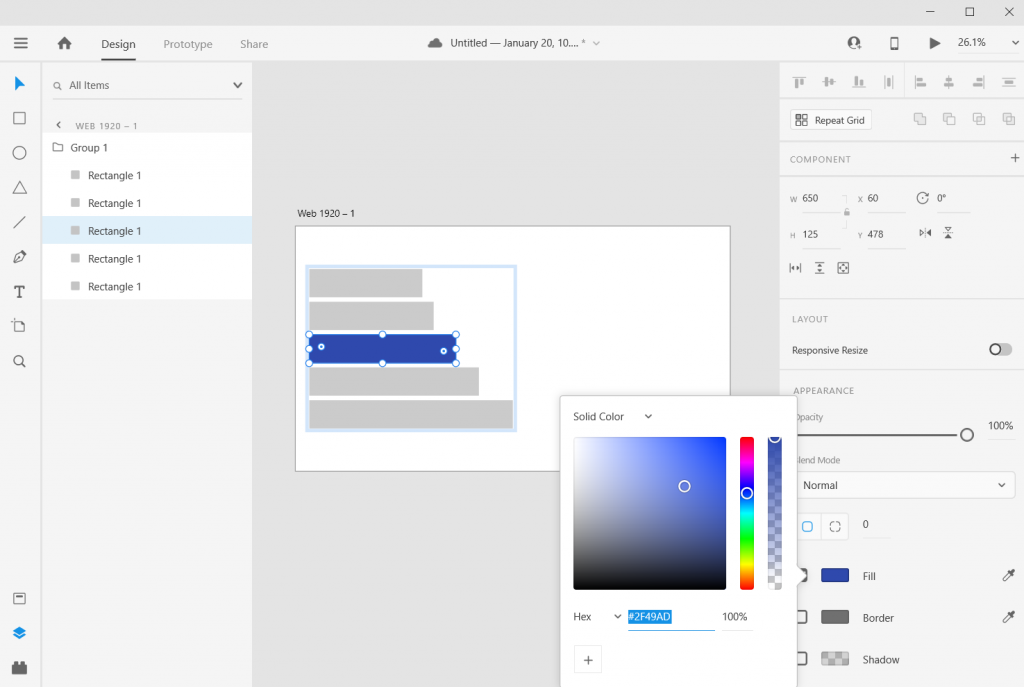
Adding Color

Add color by just selecting a rectangle and then clicking on the box next to “Fill/Border.”

Adobe XD Bar Chart Illustration Adding Labels

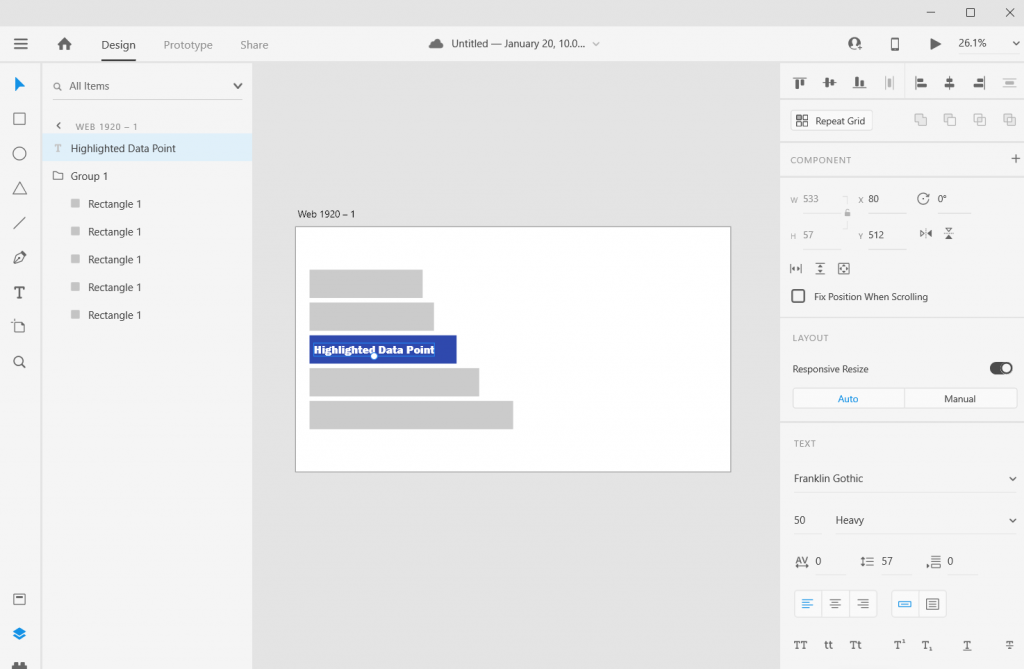
Adding Labels

Add labels by clicking the “T” icon and entering the text somewhere on the page. You can easily shift the text placement, change the size, change the font, or change the color. Do the same for any bar labels you want.

Adobe XD Bar Chart Illustration Adding an Axis

Adding an Axis

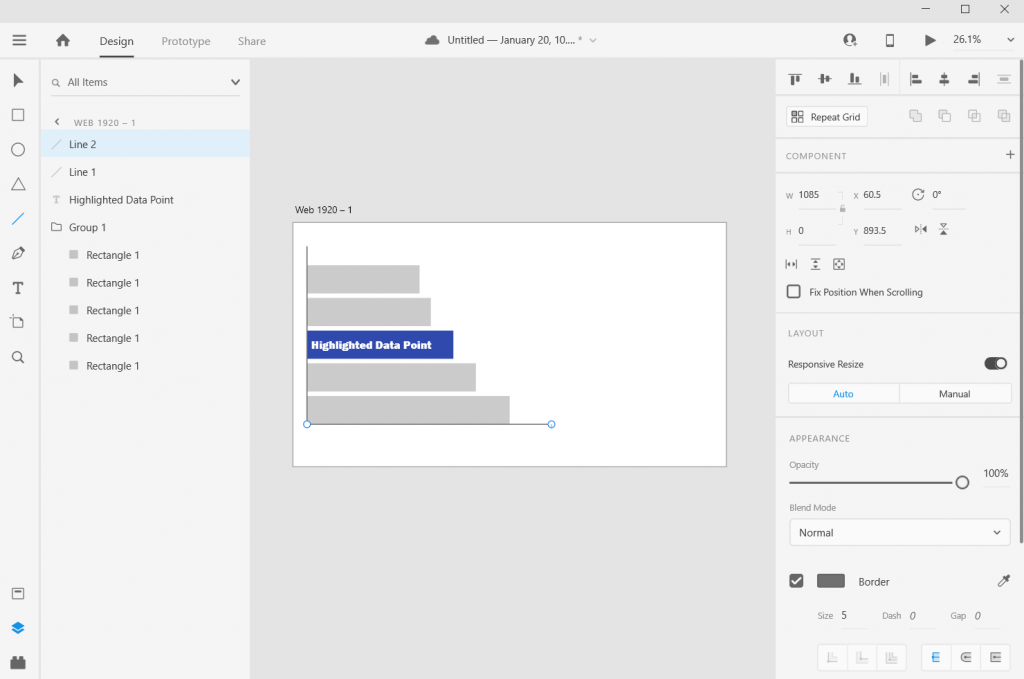
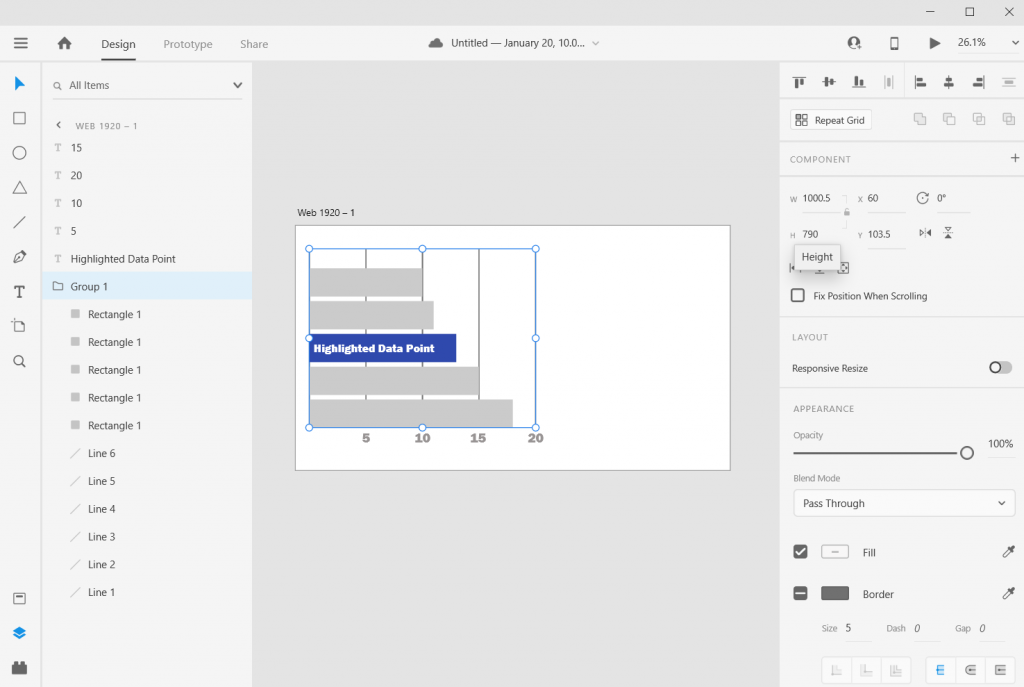
If you want one, add one with a couple of lines. XD makes it really easy to align objects to other objects.

Adobe XD Bar Chart Illustration Adding Grid Lines

Adding Grid Lines

Want Grid Lines, just draw them. Use the pixels/ x and y coordinates to measure and place. XD keeps every object on its own layer, so if you want the grid behind everything, just drag them to the bottom on the left hand side.

Adobe XD Bar Chart Illustration Adjusting the Art Board

Adjusting the Art Board

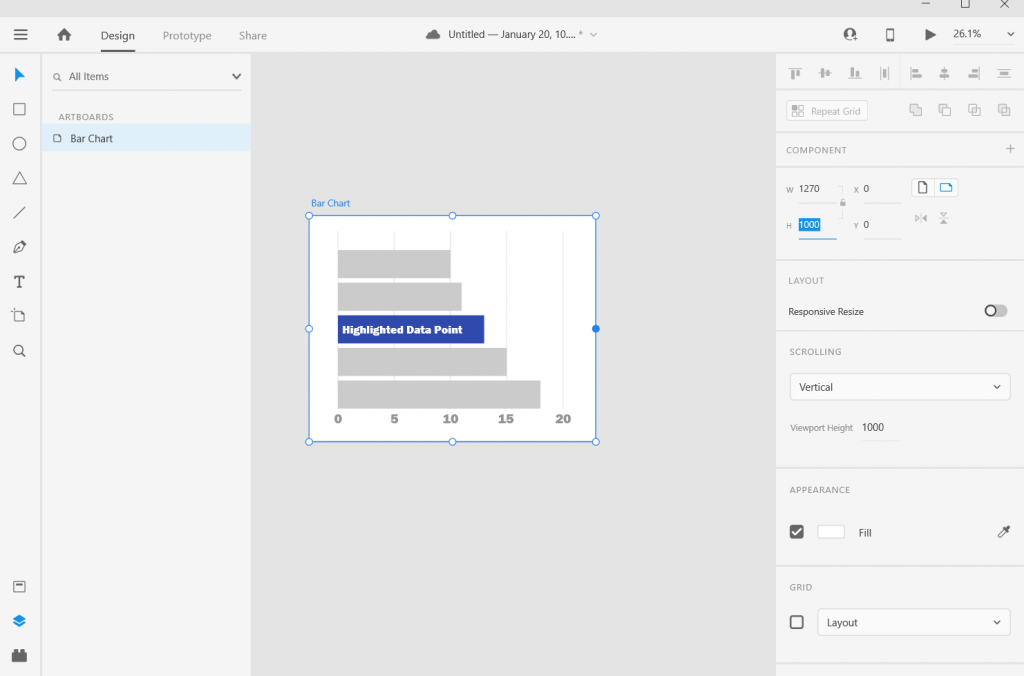
Adjusting the art board is as simple as adjusting the size of any shape within the artboard. Just click on the artboard title, you’ll be given the ability to drag the sides (or you can just change the pixels in the W & H boxes on the right side of the page).

Adobe XD Bar Chart Illustration Alternate Shapes and Sizes

Alternate Shapes and Sizes

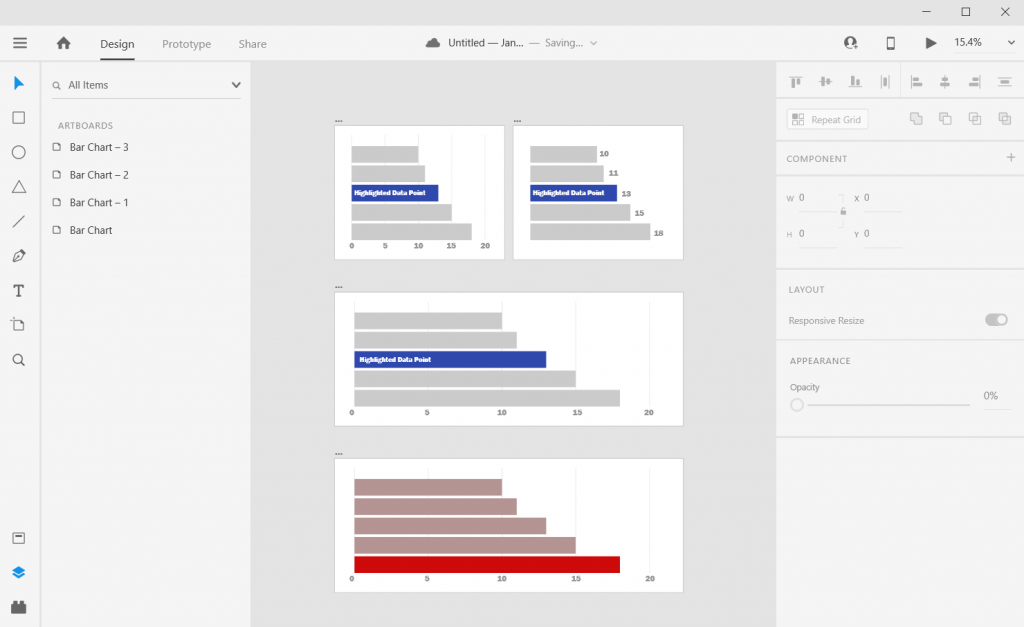
You can also copy/paste or duplicate artboards. This lets you create all sorts of different shapes and sizes for different dissemination tools.

Adobe XD Bar Chart Illustration Matching Colors

Matching Colors

Want to color match your bar chart with a logo or picture? Just paste the image into the XD file then use the eye dropper to pick the color.

Adobe XD Bar Chart Illustration Beyond the Basics

Beyond the Basics

This is just the basics. There are all sorts of things you can do with Bar Charts in XD.

I often use Adobe XD when I want to increase the control I have over the aesthetic presentation. Especially if I am creating infographics or visuals meant to be shared across multiple communication channels.

6 other things related to creating bar charts with Adobe XD

1. Want to know more about pixel math?

Chart Math in Adobe XD

Want to go deeper into the pixel math I use to create charts in Adobe XD? I wrote a post on it that you can check out here: Pixel Math, Charts, and Adobe XD

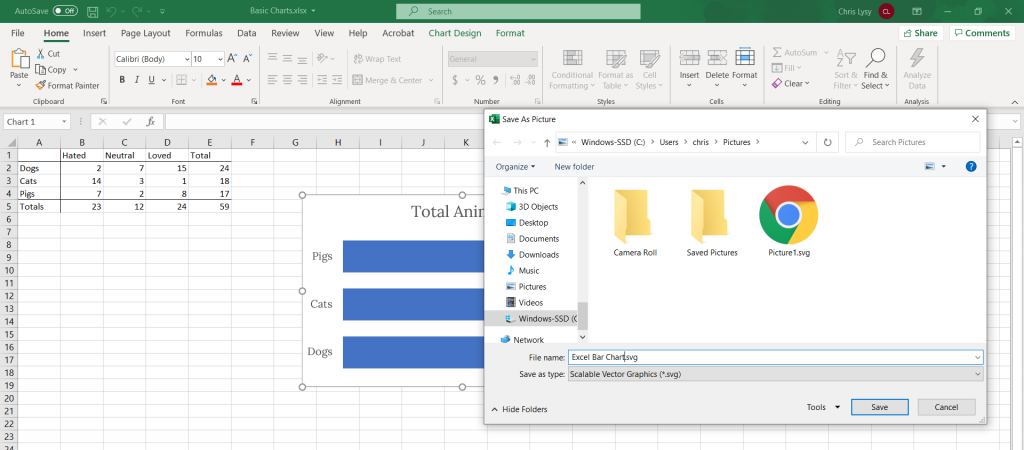
2. Want to create in Excel and format in Adobe XD?

That’s really easy to do. Just save your Excel chart as a Scalable Vector Graphics (SVG) file.

Saving Bar Charts in Excel as SVG

You can then drop the SVG file right into Adobe XD. The chart will actually show up in layers, making it really easy to tweak colors/styles. If there is a lot of data, it can be easier to create the charts in Excel (or in R or something else) and bring it over to XD for formatting.

Pasting SVG Chart into Adobe XD

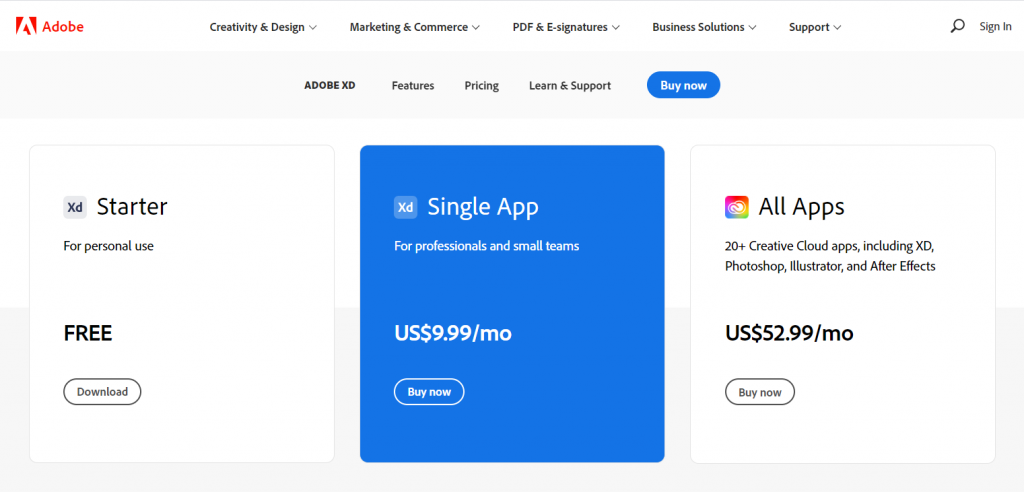
3. Adobe XD is FREE-mium.

Okay, so they’ll try to upsell you to the “Single App” or a Creative Cloud plan. But the Starter plan is completely full featured. It’s only missing some of the collaboration features and cloud storage, which you really don’t need most of the time.

Also, if you are already a user of Adobe Creative Cloud (Photoshop, Illustrator, InDesign, etc. (then you already have access to the full program).

Adobe XD Pricing Plans

4. Adobe XD works on both PC and Mac.

There are a couple of tools that are similar to Adobe XD (and better in some respects). One of those tools is called Sketch. Unfortunately with Sketch, you can only use it on a Mac, which might work for many UX designers but not so much for most of the data visualization designers I know.

Sketch Prototyping Tool

5. There are plugins that can act as chart creators.

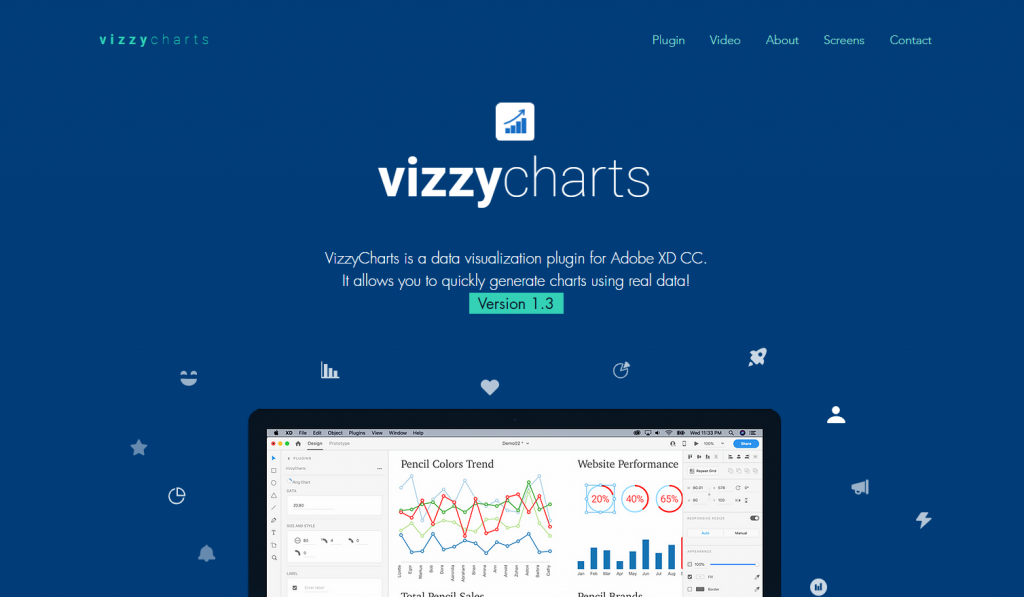
Another option for those with lots of data is to use one of a Adobe XD few plugins that auto create charts from CSV data. Honestly, I find it easier to just create the basic charts elsewhere and paste in, or just build within the profile. But these options do exist.

Vizzy Charts Adobe XD Plugin

6. Any good bar chart examples?

I shared a few bar chart examples and considerations in my How to create bar charts in Excel post. The cool thing about Adobe XD is that you can replicate just about any static graphic you find on the web. You can also prototype all sorts of interactive graphics as well.

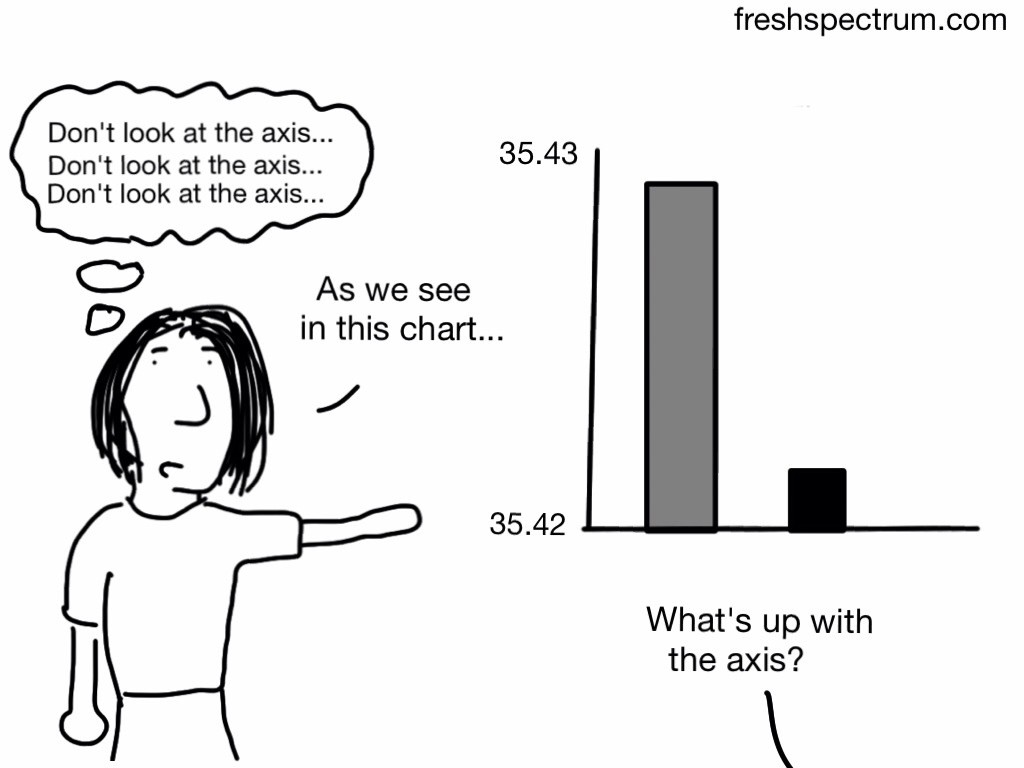
Cartoon where the presenter is showing a bar chart with a bad axis, thinking "don't look at the axis."  Someone in the audience says, "What's up with the axis?"
Don’t do this with your axis…

Written by cplysy · Categorized: freshspectrum

Jan 19 2021

Context Setting

In any innovation project, there is a need to set the starting point so you know where you’ve come from in understanding where you are and where you are going to.

We’ve often referred to this as setting a baseline. Another way to frame this is about setting the stage for what’s to come — your context. One of the tools to help you do this is to prepare a Living History document — a master document that tracks your activities, decisions, and observations along the journey. This is part of a larger effort to evaluate and tell the story of your innovation.

However, context-setting is more than that. Starting a business in the middle of an economic crisis or a pandemic is not the same as doing it in the middle of a boom. Measuring the early success of an ice cream shop that opens in Canada in January is different than one that opens up during the summer months. The same product and service, a very different context.

Starting Out

Where to begin?

The first thing we suggest you do is try to view your current situation and context through the eyes of a stranger. Imagine you are coming upon a place or situation for the first time. What are you noticing?

That beginner’s mind is something that we use in Design Thinking all the time to help us ask better questions. It helps us to be mindful of our environment and ourselves and allows us to ground whatever actions we take, strategies we create, and directions we follow in the present reality — not just possibility. As innovators, we often are primed to see what could be at the expense of what is.

We don’t want to lose that, just to put it aside at the beginning.

This involves asking questions like:

  • What is this [ ] for?
  • Why is this [ ] done the way it is?
  • What do these [people, things, tools] do?
  • What is important to the people around me in this situation?

Simple questions like this can lead to profound insights about something you thought you knew. Add in some observations — without judgement — by simply describing the things you see in front of you and you’re ready to start organizing and sensemaking.

STEEP-V

We like to use the STEEP-V framework to help you organize some of what you see. STEEP-V is a means to record and organize information based on a variety of different factors present in a context. These are:

  • Social
  • Technological
  • Economic
  • Environmental
  • Political
  • Values

By organizing and inquiring about your context using these categories we start to see what kind of situation we are in and what are the areas of focus of our clients and community. It helps us to understand why people might be more inclined to act, think, strive in particular ways and how what we are doing with our innovation can meet people where they are at to bring it together.

By combining some inquiry-based questions and STEEP-V you will draw a picture of the current context that you can use to populate your Living History document and use as a point of comparison down the road.

By understanding the context in which you are launching your innovation you are reminding yourself of the constraints, enablers, and situations you’ve designed your product or service for. Later — months or years later — you might find that things have changed. With this baseline, you can then do this context-setting again to see whether you are still designing for it — or for the past.

Written by cplysy · Categorized: cameronnorman

  • « Go to Previous Page
  • Go to page 1
  • Interim pages omitted …
  • Go to page 209
  • Go to page 210
  • Go to page 211
  • Go to page 212
  • Go to page 213
  • Interim pages omitted …
  • Go to page 310
  • Go to Next Page »

Footer

Follow our Work

The easiest way to stay connected to our work is to join our newsletter. You’ll get updates on projects, learn about new events, and hear stories from those evaluators whom the field continues to actively exclude and erase.

Get Updates

Want to take further action or join a pod? Click here to learn more.

Copyright © 2026 · The May 13 Group · Log in

en English
af Afrikaanssq Shqipam አማርኛar العربيةhy Հայերենaz Azərbaycan dilieu Euskarabe Беларуская моваbn বাংলাbs Bosanskibg Българскиca Catalàceb Cebuanony Chichewazh-CN 简体中文zh-TW 繁體中文co Corsuhr Hrvatskics Čeština‎da Dansknl Nederlandsen Englisheo Esperantoet Eestitl Filipinofi Suomifr Françaisfy Fryskgl Galegoka ქართულიde Deutschel Ελληνικάgu ગુજરાતીht Kreyol ayisyenha Harshen Hausahaw Ōlelo Hawaiʻiiw עִבְרִיתhi हिन्दीhmn Hmonghu Magyaris Íslenskaig Igboid Bahasa Indonesiaga Gaeilgeit Italianoja 日本語jw Basa Jawakn ಕನ್ನಡkk Қазақ тіліkm ភាសាខ្មែរko 한국어ku كوردی‎ky Кыргызчаlo ພາສາລາວla Latinlv Latviešu valodalt Lietuvių kalbalb Lëtzebuergeschmk Македонски јазикmg Malagasyms Bahasa Melayuml മലയാളംmt Maltesemi Te Reo Māorimr मराठीmn Монголmy ဗမာစာne नेपालीno Norsk bokmålps پښتوfa فارسیpl Polskipt Portuguêspa ਪੰਜਾਬੀro Românăru Русскийsm Samoangd Gàidhligsr Српски језикst Sesothosn Shonasd سنڌيsi සිංහලsk Slovenčinasl Slovenščinaso Afsoomaalies Españolsu Basa Sundasw Kiswahilisv Svenskatg Тоҷикӣta தமிழ்te తెలుగుth ไทยtr Türkçeuk Українськаur اردوuz O‘zbekchavi Tiếng Việtcy Cymraegxh isiXhosayi יידישyo Yorùbázu Zulu